EXT-HD60M: 1080p HDMI Extender over CAT6 Explained
The EXT-HD60M sends 1080p@60Hz HDMI and IR up to 60m (196ft) over one CAT6/6a/7 cable, with a local HDMI loop-out on the transmitter. CAT5e won't…


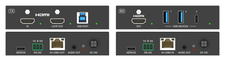 EXT-HDMIKVM4K-40M
4K60 & Ultrawide HDMI KVM Extender with USB 3.2 over CAT6a (40m/130ft)
Put the Workstation in the Rack and Everything Else on the Desk — 4K60 4:4:4, 32:9 Ultrawide…
Product page →
EXT-HDMIKVM4K-40M
4K60 & Ultrawide HDMI KVM Extender with USB 3.2 over CAT6a (40m/130ft)
Put the Workstation in the Rack and Everything Else on the Desk — 4K60 4:4:4, 32:9 Ultrawide…
Product page →
A fault on the EXT-HDMIKVM4K-40M is far quicker to find on a bench than in a ceiling. Before the CAT6a is pulled, put the transmitter and receiver on a table with a short straight-through CAT6a patch lead between them, the real source at one end and the real display and USB devices at the other, and confirm you get a picture and working peripherals. If it fails here, the run is not the cause: look at the settings, the source, the display, the peripherals, the leads, and the transmitter and receiver themselves.
| LED | Unit | Meaning |
|---|---|---|
| LINK | TX and RX | On: transmitter and receiver are linked. Off: they are not linked. |
| VIDEO | TX and RX | On: video with HDCP. Blinking: video without HDCP. Off: no video. |
| USB | TX and RX | On: USB 3.2 detected. Blinking: USB 2.0 detected. Off: no USB signal. |
| HDMI IN | TX | Green when an active source is connected. |
| LOOP OUT / HDMI OUT | TX / RX | Green when a display is connected. |
| Power | TX and RX | Red when the unit is powered. |
Check the LINK LED on both units first. If it is off, the units are not linked: confirm the CAT6a run is straight-through, not crossover, and U/FTP 23AWG or better. If LINK is on, check that the transmitter's VIDEO LED shows a source is present, then confirm the transmitter's HDMI loop out shows the source on a local monitor. If the loop out is blank, the problem is upstream of the extender — source, HDMI lead or EDID — and the link is not involved. If the loop out is good and the receiver is blank, patch the two units together directly on the bench. Working on a patch lead and failing on the run points at the cable, its termination or its length.
Suspect the cable first. Reusing CAT5e is the most common cause of link instability on this class of product; after that, confirm the run is within 40m (35m at 5K), is U/FTP 23AWG or better and is terminated straight-through at both ends. If the LINK LED goes off when the picture drops, the units are losing the link itself. Re-test on a bench patch lead before replacing hardware.
Check the USB LED first: on means USB 3.2 is detected, blinking means the link has fallen back to USB 2.0, and off means no USB signal. If it is blinking or off, confirm the lead from the workstation to the transmitter's USB HOST (USB-B) port is a USB 3.x cable no longer than 1.5m/4.9ft. Then check the device against what the receiver offers: two USB-A ports and one USB-C port, USB 3.2 Gen 1 at up to 2.5 Gbps (it does not support 5 Gbps operation), with bus power limited to 5V/1.5A per port. The USB-C port is a downstream data port only — not a video output, with no DisplayPort Alt Mode and no USB Power Delivery. If the device is still not seen, plug it directly into the workstation: if it works there but not at the receiver, recheck the USB LED, the host lead and the port limits above; if it fails there too, the extender is not the cause.
Check the source and the EDID before the link. The extender supports 5120×1440 (32:9) and 3440×1440 (21:9) at 60Hz 4:4:4; confirm the workstation can output that mode to the panel over HDMI with the extender out of the path. Auto EDID is the default. If the source still picks the wrong mode, set an explicit preset from the transmitter's SERVICE port (115200 baud, 8-N-1) with set tx input 1 edid <n>: preset 02 copies the EDID from the receiver's display, and preset 03 copies it from the transmitter's loop-out display.
The 3.5mm AUDIO OUT on either unit is de-embedded from the HDMI stream, at line level (2.2dBu / 1Vrms maximum) for an amplifier or powered speakers. It carries 2-channel LPCM audio (32–192kHz). If the display has sound but the room system does not, set the source's audio output to 2-channel PCM and test again.
Have these to hand and the call will be short: the part number and serial number, the cable type and measured run length, the state of the LINK, VIDEO and USB LEDs on both units, what is plugged into the receiver's USB ports, and whether it works patched directly on a bench. Technical support is on (888) 975-1368, Monday to Friday, 6:00am–5:00pm Pacific, or support@kanexpro.com.
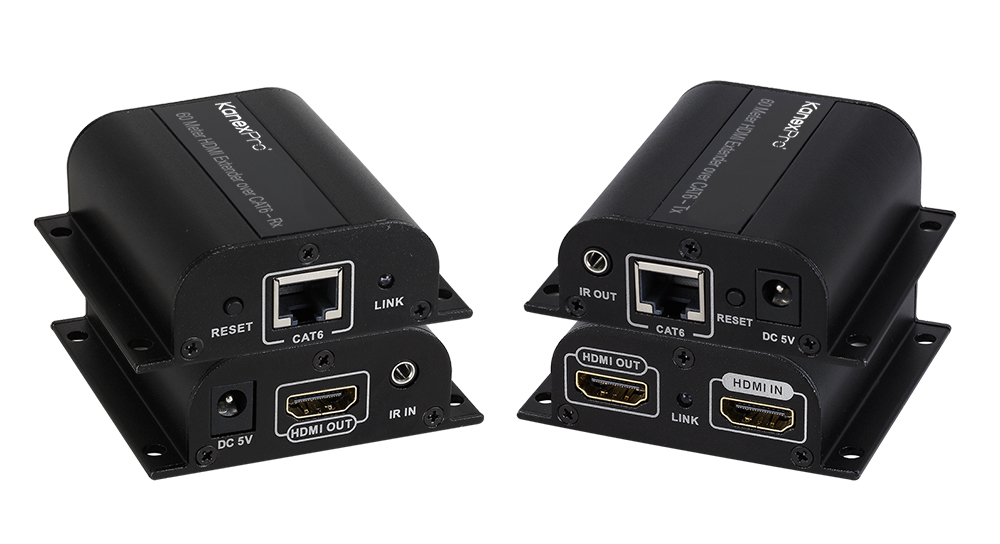
The EXT-HD60M sends 1080p@60Hz HDMI and IR up to 60m (196ft) over one CAT6/6a/7 cable, with a local HDMI loop-out on the transmitter. CAT5e won't…
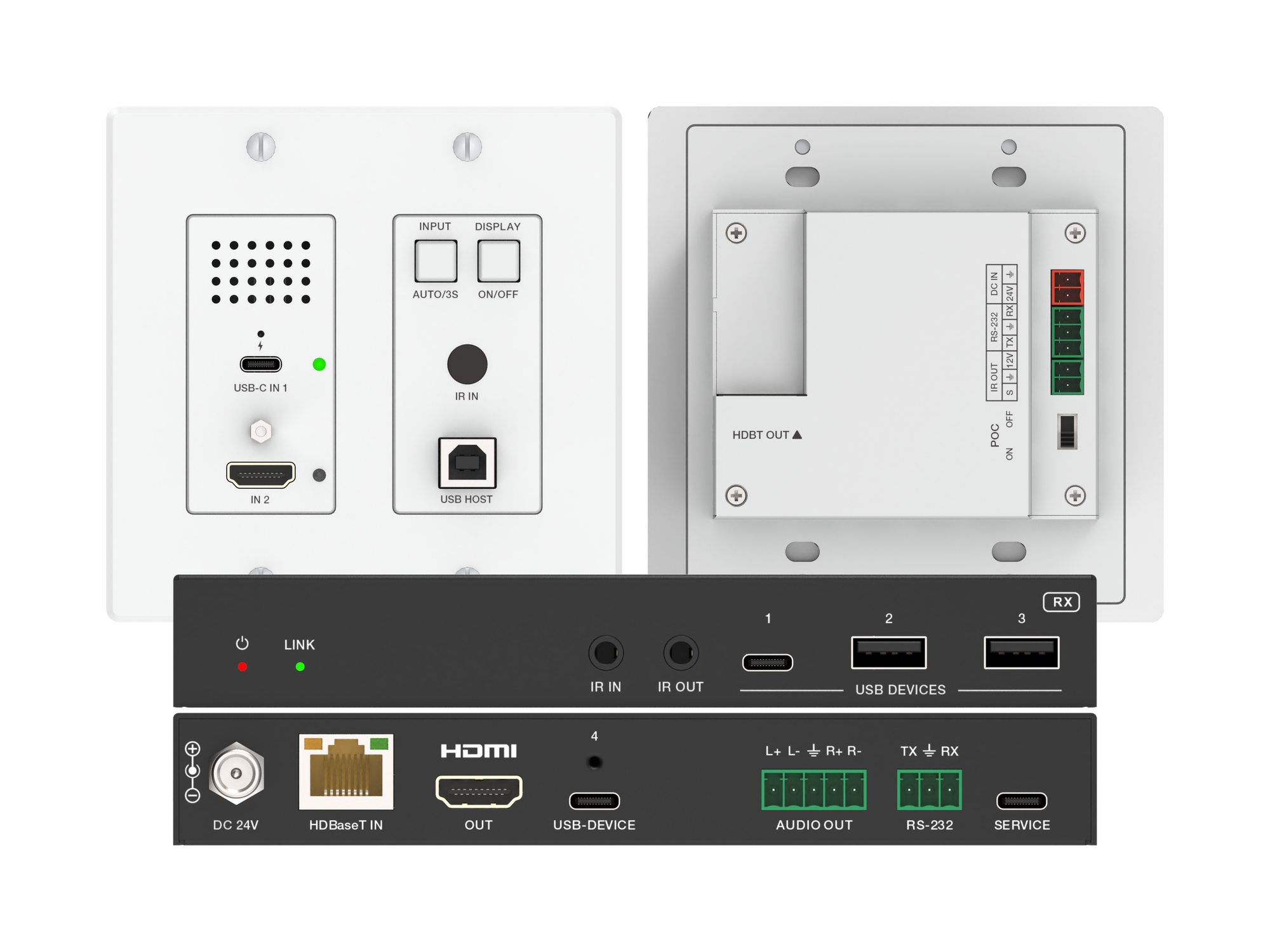
A 2-gang wall plate that sends laptop USB-C or HDMI video, USB 2.0 and 60W charging to a display up to 100m away over one CAT6/6A cable.
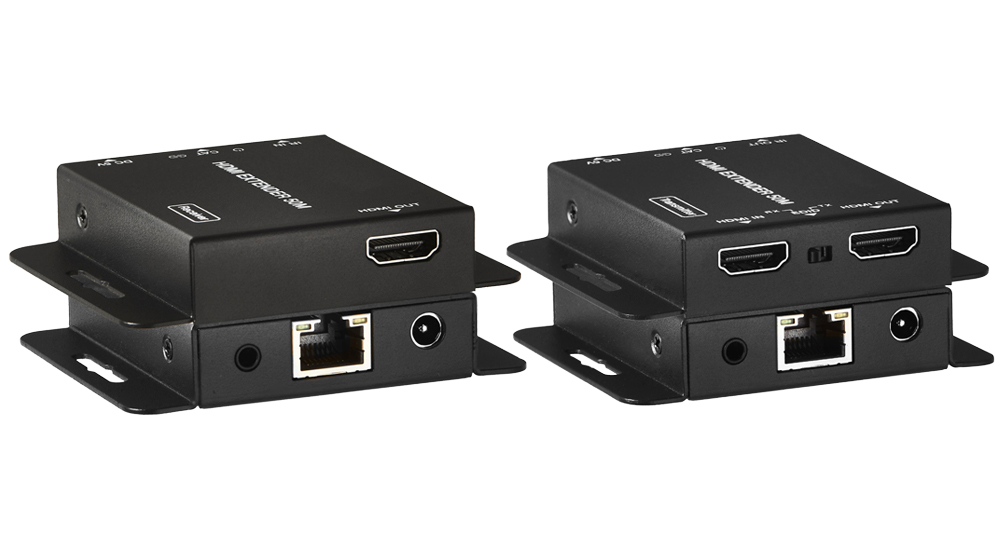
The EXT-HD50C sends HDMI over one Cat5e/6 run — 70M at 1080p or 40M at 4K@30Hz on Cat6 — with HDMI 1.4/HDCP 1.4 and loop-out.
KanexPro sells direct to dealers, resellers, installers and integrators, and through distribution. Whichever way you buy, the same engineers answer the phone.
The trade store: your own account, live stock, reordering, and a first look at new products.
Go to the trade store →Distribution and authorised resellers across the US and beyond.
See where to buy →Design help on extenders, matrix and AV over IP before you spec it.
Ask an engineer →