EXT-HD60M: 1080p HDMI Extender over CAT6 Explained
The EXT-HD60M sends 1080p@60Hz HDMI and IR up to 60m (196ft) over one CAT6/6a/7 cable, with a local HDMI loop-out on the transmitter. CAT5e won't…


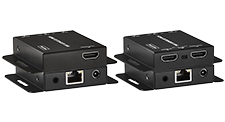 EXT-HD50C
HDMI Extender over Cat5e/6 - 70M (1080p) / 40M (4K@30Hz)
4K@30Hz | HDMI Loop-Out | EDID Copy | Dolby TrueHD | DTS-HD | 3-Year Warranty
Product page →
EXT-HD50C
HDMI Extender over Cat5e/6 - 70M (1080p) / 40M (4K@30Hz)
4K@30Hz | HDMI Loop-Out | EDID Copy | Dolby TrueHD | DTS-HD | 3-Year Warranty
Product page →
The EXT-HD50C is a compact transmitter-and-receiver kit that carries an HDMI signal over a single Cat5e or Cat6 cable, letting you place a source and its display far apart without a long HDMI run. The transmitter takes HDMI in, sends it out over RJ45 to the receiver, and also offers an HDMI loop-out at the TX for a local monitor or for cascading to a second unit. It is built for digital signage, conference rooms, education, healthcare, residential multi-room, and cascaded multi-display installations.
It is HDMI 1.4 and HDCP 1.4 compliant with 10.2Gbps of bandwidth, and passes Dolby TrueHD, DTS-HD Master Audio, and PCM 7.1 audio through to the remote display. Each unit runs on DC 5V/1A from an included adapter, so no external power supply is needed.
Yes. The EXT-HD50C is HDMI 1.4 and HDCP 1.4 compliant, so it is designed to pass HDCP 1.4-protected content between a compliant source and a compliant display. Because the link is HDCP 1.4, both ends of the chain — the source and the final display — need to support that handshake for protected material to appear. If a source is putting out the wrong resolution or the picture does not lock, the TX EDID mode switch is the first thing to check, as covered below.
Distance depends on the cable and the resolution you are sending. Over Cat6, the EXT-HD50C reaches 70M (230 ft.) at 1080p@60Hz, or 40M (131 ft.) at 4K@30Hz. Over Cat5e, it reaches 60M (197 ft.) at 1080p@60Hz, or 35M (115 ft.) at 4K@30Hz. The maximum resolution over the link is 4K@30Hz (4:2:0) or 1080p@60Hz. Use STP (shielded twisted pair) with proper grounding, keep the Cat run away from power lines, and do not exceed the distance for the resolution you are running.
| Cable | Resolution | Max distance |
|---|---|---|
| Cat6 | 1080p@60Hz | 70M (230 ft.) |
| Cat6 | 4K@30Hz | 40M (131 ft.) |
| Cat5e | 1080p@60Hz | 60M (197 ft.) |
| Cat5e | 4K@30Hz | 35M (115 ft.) |
The TX HDMI loop-out lets you drive a local confidence monitor at the source, or feed a second EXT-HD50C TX to cascade the signal to additional rooms. The selectable EDID copy function sets which display the source reads: Local mode reads EDID from the loop-out display, and Remote mode reads EDID from the RX display. Match the mode to the display you want the source to format for, then power-cycle both units to apply the change — a mismatch here is a common cause of a source outputting the wrong resolution.
The kit includes one TX unit, one RX unit, two DC 5V/1A power adapters, an IR TX/RX blaster kit for bi-directional IR control, and a user guide. The chassis is ultra-slim at 79.5 x 69 x 16.5mm, with the TX at 132g and the RX at 130g. It is backed by KanexPro's 3-year parts-and-labor warranty.
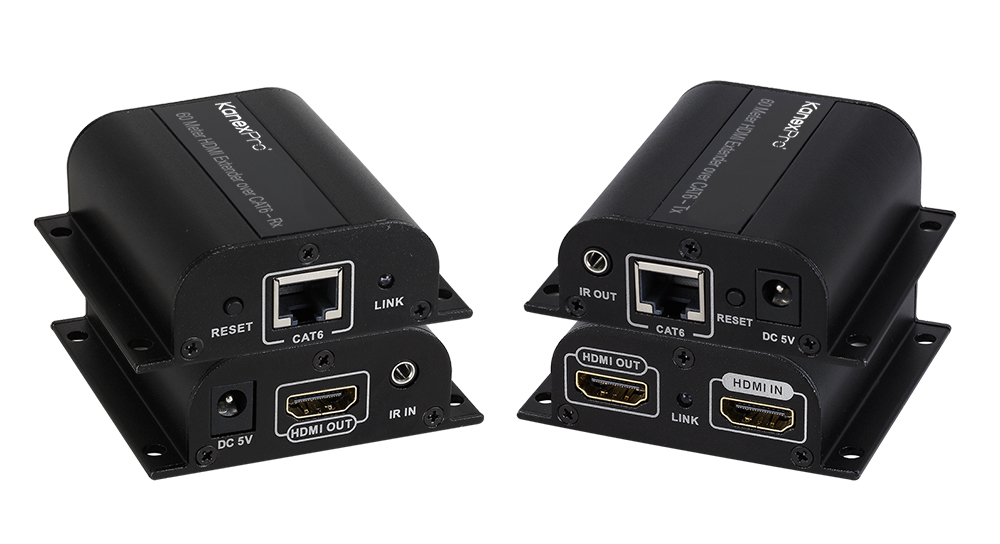
The EXT-HD60M sends 1080p@60Hz HDMI and IR up to 60m (196ft) over one CAT6/6a/7 cable, with a local HDMI loop-out on the transmitter. CAT5e won't…
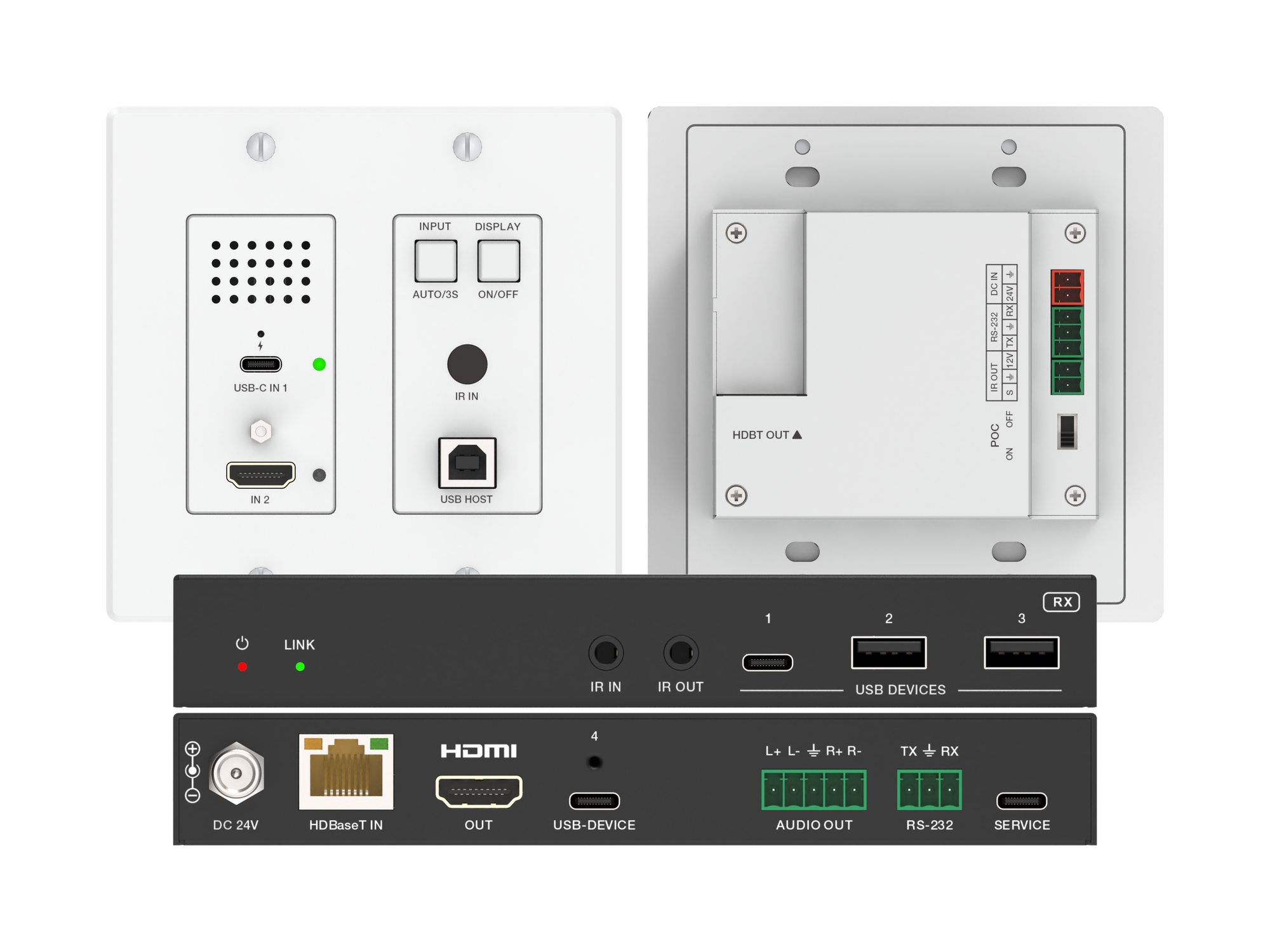
A 2-gang wall plate that sends laptop USB-C or HDMI video, USB 2.0 and 60W charging to a display up to 100m away over one CAT6/6A cable.
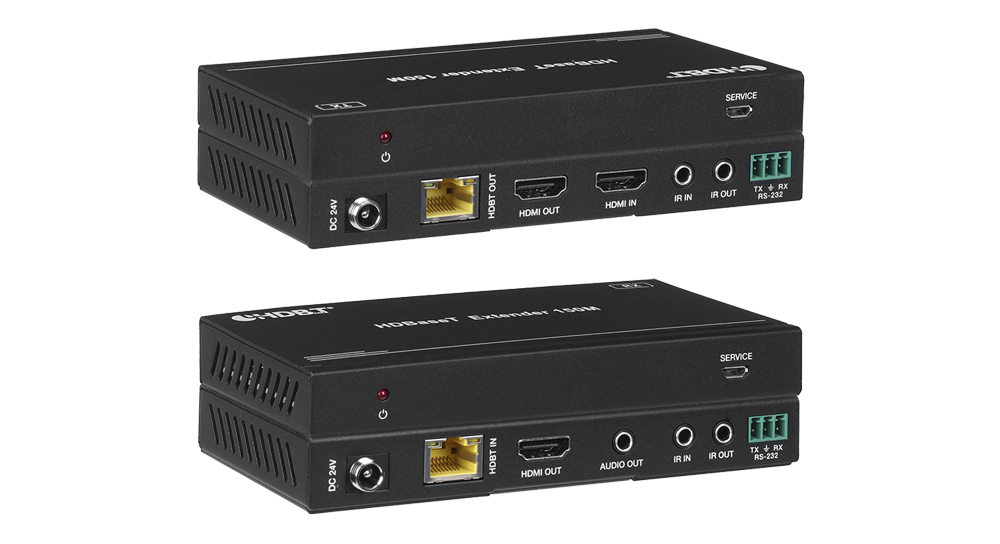
The EXT-4KHD150M2 extends HDMI over one Cat5e/6 cable: 4K to 120 m (394 ft), 1080p to 150 m (492 ft), with PoC, RS-232, IR and 3.5 mm audio out.
KanexPro sells direct to dealers, resellers, installers and integrators, and through distribution. Whichever way you buy, the same engineers answer the phone.
The trade store: your own account, live stock, reordering, and a first look at new products.
Go to the trade store →Distribution and authorised resellers across the US and beyond.
See where to buy →Design help on extenders, matrix and AV over IP before you spec it.
Ask an engineer →