Why Pros Choose Fiber Optics Cables
Creating a network that requires high speeds and heavy bandwidth connections that require long distances requires the very best cables. While copper…



Gaming technology advances quickly as there is always a new model coming just around the corner. Television technology evolves as well, so it makes sense to upgrade both your television and gaming system. However, this can get expensive. You may wonder, do you need a 4K for a PS5? Below you will find helpful information on the compatibility of the newest gaming systems and television technology.
A PS5 does not require a 4K television. In fact, you could plug your PS5 into a 1080p television and still play all of the same games and stream the same content without issue. However, there are some advantages that come with using a PS5 with a 4K television as it can take your gaming to the next level.
There are a number of benefits when it comes to using a 4K television with your PS5.
Due to the advances in technology, resolution rates have been at the forefront of the improvements. This is likely the clearest advantage of a 4K television when using it with your PS5. PS5 games are going to be created in accordance with the most advanced technology. So, it makes sense that PS5 games are made for 4K resolution.
A number of 4K televisions have a refresh rate of 125HZ. Refresh rates and frame rates are linked and depend on the type of display you have. The frame rate is measured through the refresh rate. This means that a television with a high refresh rate will have a high frame rate. With the high refresh rate of 4K televisions, your games will be incredibly smooth.
Dolby or HDR vision modes are the best visual improvement if you use a 4K television with your PS5 console. The HDR and Dolby vision modes have a wider range of colors and contrast. The content displayed is clear and concise for optimal gaming.
If you decide that it’s time to upgrade to a 4K television, consider the following as you begin to shop.
Once you get your new 4K television, be sure and calibrate it. Televisions that come right out of the box don’t look as good visually as they could. This is due to not being properly calibrated. You can do this yourself, or opt to get help from a professional. Calibrating your new 4K television will improve the brightness, sharpness, and contrast to ensure optimal gaming.
If you are upgrading your home gaming system, you may need more than just the PS5 and 4K television. Accessories can improve the entire experience of your audio video systems. If you need additional items to upgrade your gaming experience, contact the team at KanexPro.
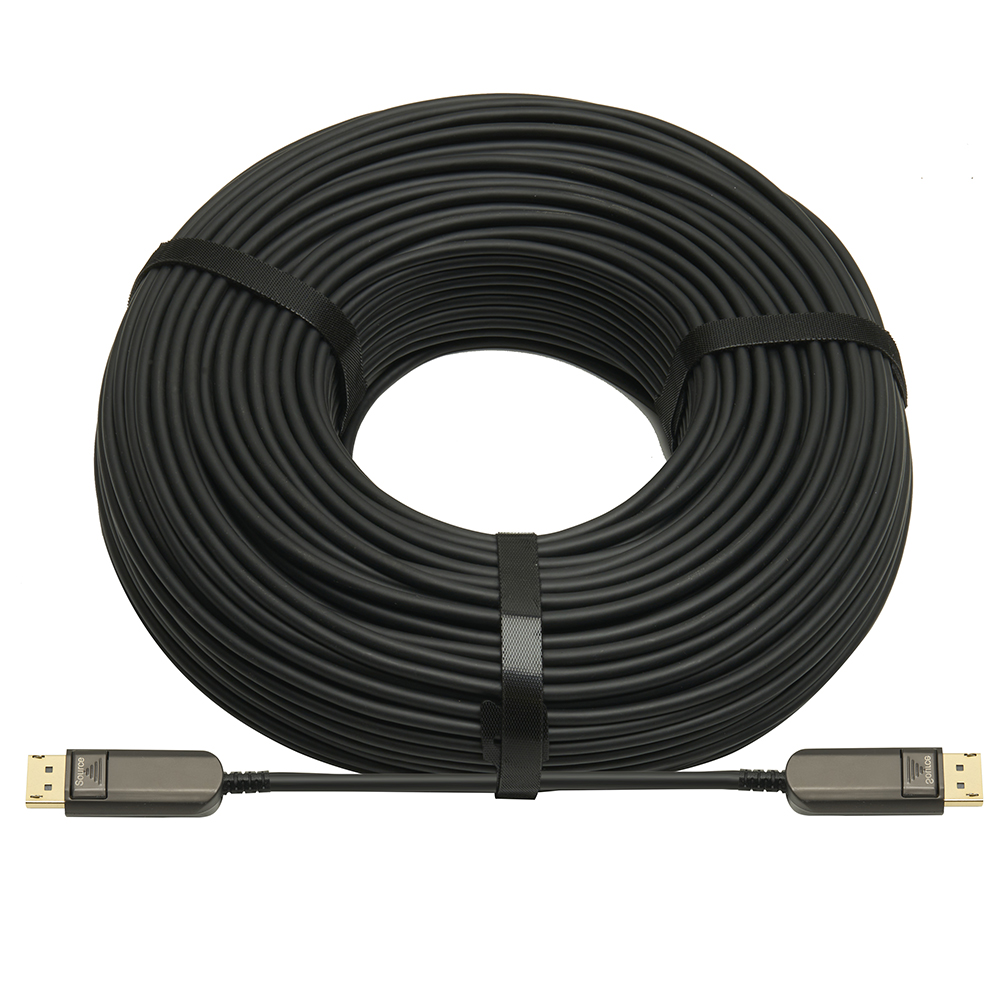
Creating a network that requires high speeds and heavy bandwidth connections that require long distances requires the very best cables. While copper…

Kanex Pro has been a leading manufacturer of audio and video systems for years, providing folks with both products and education about their AV…
In a recent article, we talked about the benefits of using brand-new HDMI matrix switchers for sustaining multiple connections and combining…
KanexPro sells direct to dealers, resellers, installers and integrators, and through distribution. Whichever way you buy, the same engineers answer the phone.
The trade store: your own account, live stock, reordering, and a first look at new products.
Go to the trade store →Distribution and authorised resellers across the US and beyond.
See where to buy →Design help on extenders, matrix and AV over IP before you spec it.
Ask an engineer →