Does SDI Carry Audio?
Serial Digital Interface (also referred to as “SDI”) is a digital video transmission standard. It is widely used in professional production settings…



Recording audio can come with some challenges. Static noise on a microphone is common and can be a frustrating issue. Whether you are a musician, video creator, or podcast host, static can ruin the quality of your recordings. This not only impacts your quality of work, but it can also make you seem unpolished and unprofessional. There are several ways to reduce static on a microphone and improve the quality of your audio. Below you will find the top ways to reduce static on a mic.
Before you give up on the quality of your audio, consider the following ways to reduce static on a microphone.
It is possible that the static is coming from the microphone and audio settings. Try the following tips to reduce the static on your microphone.
Addressing ambient noise can be a helpful solution if you have issues with mic static. Consider the following tips if the issue persists.
Attempting to remove static noise after something has been recorded is possible. Consider the following audio editing tips that can help resolve the issue.
If you continue to have issues with static, contact the team at Kanex Pro. They have experience in upgrading audio and visual systems no matter what your purpose or industry. Consider Kanex Pro av systems for your home or office!

Serial Digital Interface (also referred to as “SDI”) is a digital video transmission standard. It is widely used in professional production settings…
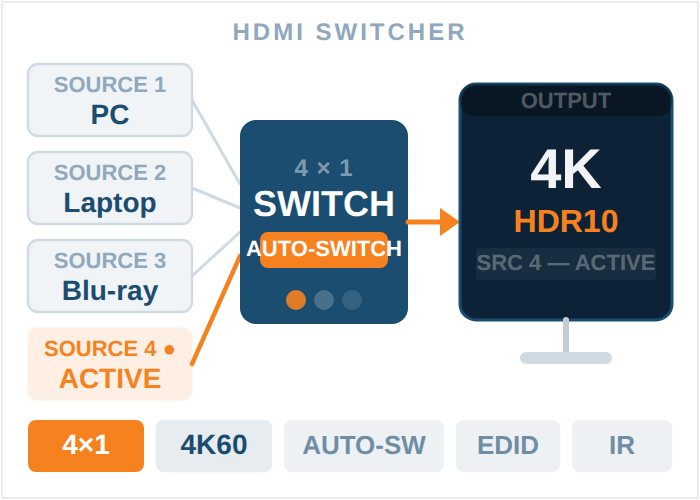
If you are someone who uses multiple HDMI-enabled devices, such as gaming consoles like an Xbox or PS, streaming devices, or other devices, an HDMI…
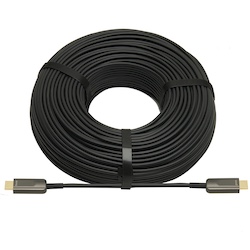
Looking to upgrade your extensive AV system this year or build a new sound and video setup from scratch? You might be wondering exactly what kind of…
KanexPro sells direct to dealers, resellers, installers and integrators, and through distribution. Whichever way you buy, the same engineers answer the phone.
The trade store: your own account, live stock, reordering, and a first look at new products.
Go to the trade store →Distribution and authorised resellers across the US and beyond.
See where to buy →Design help on extenders, matrix and AV over IP before you spec it.
Ask an engineer →