AV Converters & Switchers Guide: Which One Do You Need?
How to Choose the Right HDMI Converter, De-Embedder or Presentation Switcher If your audio and video need to travel different paths, you need an HDMI…



It is totally normal nowadays to visit a big box electronics store and see at least 25 different screen sizes for TVs alone. With so many devices available at once, it is a small miracle that we are able to stream content so seamlessly across them. The magical machine that is responsible for scaling videos to the correct resolution instantaneously is just that: the video scaler.
Today, your Kanex Pro experts will answer one important question: What is a video scaler? Read below to find out more about different types of video resolutions and how you can use a video scaler to stream across different devices with varying resolutions at the same time.
In order to figure out the best resolution for your TV, and subsequently the best type of video scaler for your devices, you need to understand what exactly resolution is and how it works.
The resolution actually refers to the number of pixels that combine together to make the image on your TV. One pixel is a tiny dot, and it is the smallest digital unit of measurement in the digital world. Older TVs contained about one million pixels, which translates to a 720p resolution.
Newer TV models come with larger and higher resolution capabilities, meaning they can fit more pixels on the screen than older TVs can. Some even come with 2 million pixels, translating to 1080p, and even more of them have 8 million pixels which are marked by 4K Ultra HD TVs.
The higher the resolution, the more pixels take up the screen, and the better your image quality is.
There is more that goes into a high-quality TV image than the number of pixels, however. The HDR (high dynamic range), contrast, and color adjustment of the TV all play a huge part as well.
Figuring out what screen size and resolution are best for your home or office space depends entirely on your needs, how many people will be using the devices simultaneously, and what visual qualities matter to you.
Many modern-day screens can accept input from a variety of resolutions, and some TVs even have built-in scaling devices so they can accommodate some of the most common resolution formats. Certain digital devices work both horizontally and vertically, and it is necessary that the resolution meets both of those measurements without scrambling.
Video scalers decode the signals given off by different resolutions and reorganize them to fit differently-sized screens. A video scaler may upscale something from a smaller resolution to a larger one, or it may downscale from a large-format screen to a small, portable device.
Your device may already contain a built-in video scaler, helping you seamlessly readjust your video properties to match any kind of setting. For more advanced video scaling capabilities, you may want to shop for an independent device. Modern video scalers can connect with almost any kind of AV system, making it easy to switch between resolutions without skipping a beat.
Kanex Pro is your one-stop shop for video scalers, switchers, receivers, extenders, and adapters. Whether you are looking to shrink down your video resolution or you want to blow up your image without losing any quality, we can help you find the perfect device. Get your hands on the most premium AV scaler products at an affordable price when you work directly with one of our Kanex Pro experts. Get in touch with us today to learn more about how we can help you with your unique audio and video needs.
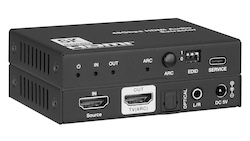
How to Choose the Right HDMI Converter, De-Embedder or Presentation Switcher If your audio and video need to travel different paths, you need an HDMI…
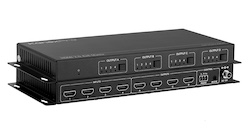
If you're planning an AV installation and trying to decide between a modular or fixed HDMI matrix switcher, you're asking exactly the right question…
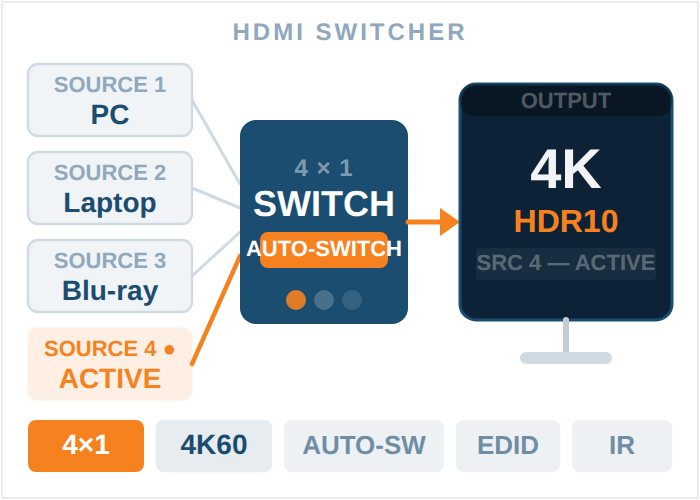
When it comes to the latest AV setups whether in corporate offices, broadcast studios, or even big entertainment, one thing matters most: reliable…
KanexPro sells direct to dealers, resellers, installers and integrators, and through distribution. Whichever way you buy, the same engineers answer the phone.
The trade store: your own account, live stock, reordering, and a first look at new products.
Go to the trade store →Distribution and authorised resellers across the US and beyond.
See where to buy →Design help on extenders, matrix and AV over IP before you spec it.
Ask an engineer →