KanexPro AV Technology Enhances Community Communications at Schools Boardroom
A Flexible Place for Meetings, Classes, and Professional Growth In today's fast-paced world, both schools and communities need to communicate…


In professional video production, signal integrity, durability, and flexibility are crucial. HDMI and SDI are the most common video signal formats professionals use today. While HDMI is widely used in consumer electronics, SDI (Serial Digital Interface) is preferred in professional environments due to its robust signal over long distances and locking connectors. HDMI to SDI converters become indispensable for seamless integration between HDMI-equipped devices and SDI-based workflows.
Whether working in a broadcast studio, streaming live events, or producing remote video content, having a reliable HDMI to SDI converter is essential. This blog explores the top 5 HDMI to SDI converters ideal for professional video production, ensuring you stay connected without compromising quality.

Why It Stands Out: Blackmagic Design has long been a trusted name in professional video gear. The Micro Converter HDMI to SDI 3G is compact, durable, and offers high-performance signal conversion.
Key Features:
1. Supports HDMI resolutions up to 1080p60
2. Dual SDI outputs for sending signals to multiple destinations
3. USB power and firmware updates
4. Compact metal design for durability
Ideal For: Studios and remote video production setups that require reliability in a compact form. Perfect for live streaming and field production environments.
Why It Stands Out: AJA is renowned for its high-end video production tools. The HA5-Plus offers a professional-grade HDMI to SDI conversion with advanced capabilities.
Key Features:
1. Converts HDMI to 3G-SDI with embedded audio
2. Supports up to 1080p60 video
3. Five-year warranty and USA-made reliability
4. EDID emulation for proper HDMI handshaking
Ideal For: Broadcast professionals who need accurate and stable conversions, especially when working with critical live or studio feeds.
Why It Stands Out: This device is a highly versatile addition to any professional toolkit because it can convert from HDMI to SDI and SDI to HDMI.
1. Important attributes:
2. Conversion in both directions: HDMI to SDI and SDI to HDMI
3. Frame rate conversion and scaling
4. Button interface and LCD screen for simple setup
5. Embedding and de-embedding audio
Perfect For: Remote HDMI to SDI converter applications, particularly in settings where signal flexibility and cross-conversion are necessary.
Why It Stands Out: The Orei XD-400 is an affordable, efficient solution for straightforward HDMI to SDI conversions without breaking the bank.
Key Features:
1. HDMI to dual SDI outputs
2. Supports resolutions up to 1080p60
3. Plug-and-play functionality
4. Compact and lightweight design
Ideal For: Video professionals and content creators who need a reliable but budget-friendly HDMI to SDI solution for events or mobile production.
Why It Stands Out: Though slightly more advanced, the Atlona AT-HDVS-SC-RX offers unique scaling and format conversion features for hybrid workflows.
Key Features:
1. Converts HDMI and HDBaseT signals to SDI or HDMI
2. The built-in scaler for compatibility with multiple resolutions
3. PoE (Power over Ethernet) support
4. Ideal for integration with Atlona matrix switchers and extenders
Ideal For: Complex AV installations, educational institutions, and corporate AV setups requiring flexible signal routing and conversion.
Signal Integrity Over Distance: HDMI signals typically degrade over longer cable runs. SDI supports much longer distances (up to 300 meters with coaxial cables) without signal degradation, making HDMI to SDI converters essential for maintaining quality in remote video production.
Robust Connectivity: SDI cables use locking connectors that prevent accidental disconnection, a crucial factor in live broadcasts and high-pressure video shoots.
Professional Workflow Compatibility: Most professional video switchers, recorders, and monitors have SDI ports. Converters bridge the gap between consumer HDMI gear and professional SDI environments.
Just as HDMI to SDI converters are vital, SDI to HDMI converters play an important role, especially in remote or multi-camera setups. They allow return signals or previews to be returned to HDMI displays or control monitors, maintaining a full-circle communication and monitoring loop.
Look for combo devices like the Decimator MD-HX, which offer both SDI and HDMI to SDI functions for ultimate flexibility.
A professional video production setup can be made or broken by the choice of HDMI to SDI converter whether setting up a broadcast studio, producing live events, or producing remote video content, investing in high-quality converters guarantees signal reliability and seamless integration.
A converter for every need and price range is available, ranging from well-known brands like Blackmagic and AJA to more affordable options from Orei. Remember to consider SDI to HDMI converters to complete your workflow.
As the demand for remote HDMI to SDI converters grows with more virtual and hybrid productions, having the right gear is more critical than ever. Choose wisely, and you'll ensure your content looks as professional as the tools you use to create it.Contact us today to find the perfect solution for your production needs.
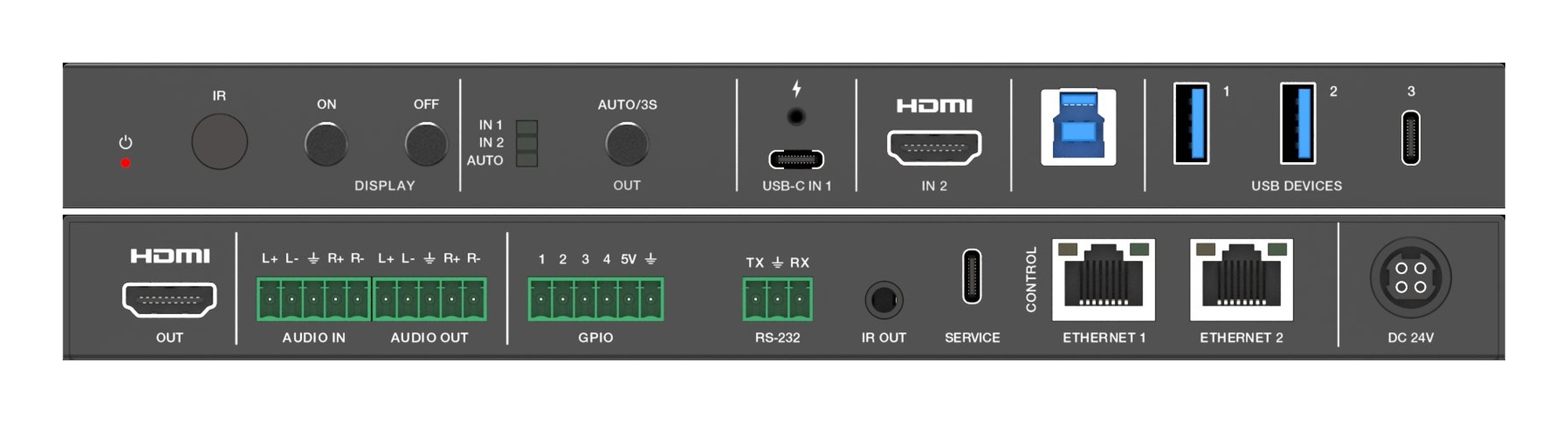
A Flexible Place for Meetings, Classes, and Professional Growth In today's fast-paced world, both schools and communities need to communicate…
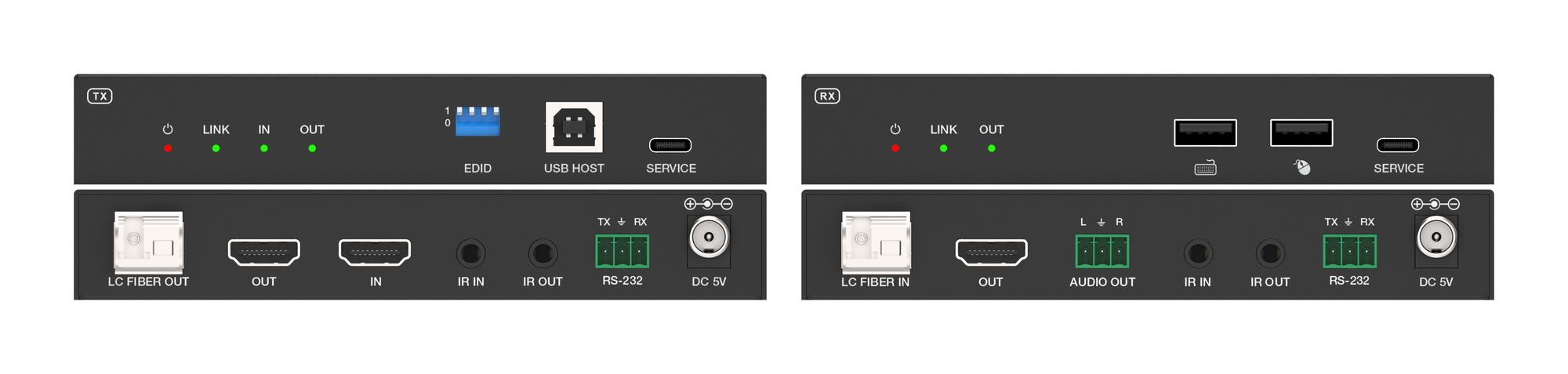
How a single-fiber extender carries a 4K60 4:4:4 image plus keyboard, mouse, IR and serial across campus, broadcast and control-room runs.
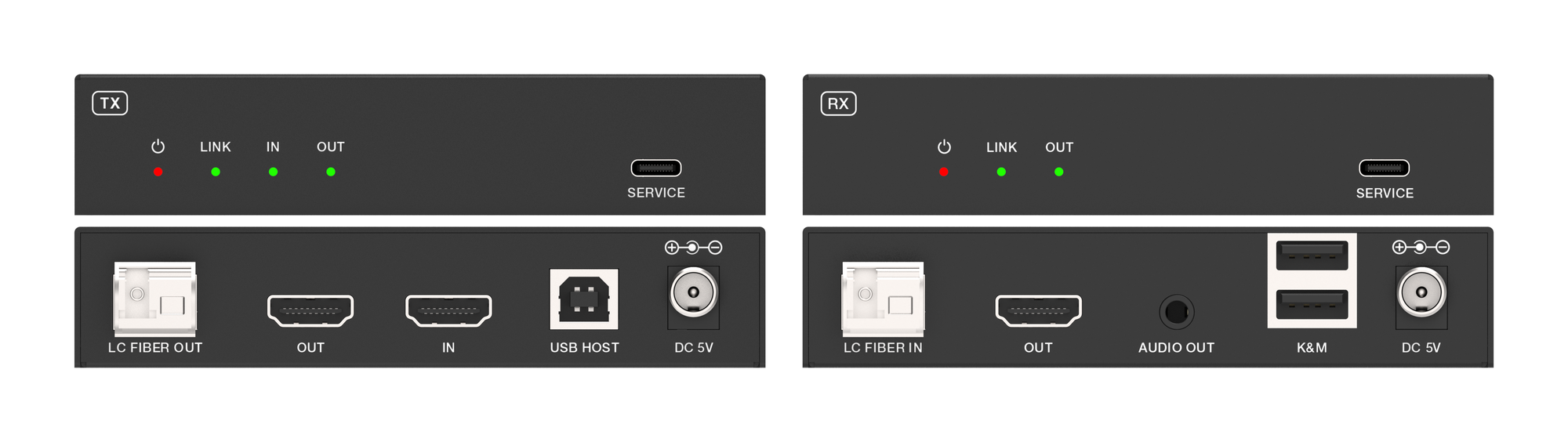
How to send uncompressed 4K60 4:4:4 and USB keyboard-and-mouse control over one single-mode fiber pair, up to 10km, with no switch to engineer.
KanexPro sells direct to dealers, resellers, installers and integrators, and through distribution. Whichever way you buy, the same engineers answer the phone.
The trade store: your own account, live stock, reordering, and a first look at new products.
Go to the trade store →Distribution and authorised resellers across the US and beyond.
See where to buy →Design help on extenders, matrix and AV over IP before you spec it.
Ask an engineer →