One USB-C Cable at the Table for Video, USB Devices and 60W Charging
How one 2-gang wall-plate carries laptop video, USB camera and mic, and 60W charging to a distant display over a single CAT6/6A run.


Between two buildings on a campus, from a machine room to a distant operator desk, or from a diagnostic modality to a reading room, the distance between the source and the display is measured in hundreds of metres or in kilometres. Twisted-pair extension does not reach that far, and pulling copper between separate structures or across a heavy-plant environment brings its own trouble: ground-loop currents, transient damage on lightning-prone runs, and EMI on risers and tunnels alongside high-voltage or heavy machinery.
The other half of the problem is control. A 4K image on its own is rarely the whole job. The operator at the far end needs a keyboard and mouse on the source, the room needs de-embedded audio for local monitoring, and the source or projector needs IR and serial commands sent back down the same path. Many long-distance fiber extenders carry video only, forcing a second cable — and often a second infrastructure — for keyboard, mouse and serial.
So integrators end up choosing between reach and control, or stacking cables to get both. In settings where galvanic isolation is not optional, that compromise is hard to accept.
The EXT-HD4KFIBCTL-10KM carries a full 4K60 4:4:4 HDMI signal — plus keyboard, mouse, IR and serial control — up to 10km over single-mode fiber, with OM4 multi-mode fiber supporting shorter, plant-matched runs instead. It is built on HDMI 2.0b at 18Gbps with HDCP 2.2, and passes HDR10, HDR10+, Dolby Vision and HLG. Color depth spans 8, 10 and 12-bit across RGB 4:4:4, YCbCr 4:4:4, YCbCr 4:2:2 and YCbCr 4:2:0.
Because the path is fiber, there is no copper crossing between rooms or structures, so no ground loop and no EMI pickup on the run. Bi-directional IR and RS-232 pass through the same fiber as the video, and USB 1.1 keyboard/mouse transmission rides along with it — the control that competing 10km fiber extenders drop. The receiver breaks out de-embedded analog audio on a 3-pin Phoenix connector, and the transmitter offers an HDMI loop-out for a local confidence monitor. Advanced EDID management and a front-panel DIP switch let you commission the link in the field. Each unit is a compact black metal enclosure drawing 5W max from a locking 5V/2A supply.
When a headend in one building feeds a 4K signage or presentation display in another, the run can be up to 10km at 4K60 4:4:4 over single-mode fiber — far past what twisted pair reaches, and a distance where copper between structures invites ground loops and transient damage. The fiber path keeps the two buildings galvanically isolated, and advanced EDID management sets the display's capabilities cleanly at commissioning.
In a playout or MCR facility, the 4K sources stay in the climate-controlled machine room while operators sit at a quieter, distant position. The receiver puts a 4K60 4:4:4 image and USB keyboard/mouse at the operator desk over fiber, with de-embedded audio broken out on the Phoenix AUDIO OUT for the desk's monitoring. The transmitter's HDMI loop-out feeds a confidence monitor back in the machine room, so the source is watched at both ends.
A CT, MRI or PACS workstation generates 4K imagery at the machine while the radiologist reviews from a separate reading room. Fiber provides the galvanic isolation these environments require, with no copper crossing between rooms. The link extends USB 1.1 keyboard and mouse to the reading station and keeps the imaging chain at 4:4:4, so the review image is not subsampled on the way.
Utility, transport and public-safety control rooms concentrate many 4K sources onto an operations floor over long, EMI-hostile riser and tunnel runs. Fiber sidesteps the interference that plagues copper near high-voltage gear and heavy machinery, while bi-directional IR and RS-232 pass-through let operators command remote source and display equipment from the floor — all on the one fiber that carries the picture.
An auditorium, house of worship, arena or convention hall drives a distant projector or LED processor from a rack across the structure. The fiber run clears the reach limit that stops twisted pair, the transmitter's loop-out feeds a local preview at the rack, and RS-232 handles projector power and shutter control on the same fiber as the 4K60 4:4:4 feed.
A 4K machine-vision or HMI source sits on the factory floor while the operator works from an isolated control booth. Fiber immunity to EMI and the long-distance USB KVM path let the operator run the interface remotely, and the receiver's audio de-embed makes local alarm or monitor audio available at the booth on the Phoenix connector.
A workstation acting as HDMI source and USB KVM host connects to the transmitter, which links to the receiver over a single-mode fiber pair. From there:
Confirm the run length against the fiber type: the link reaches up to 10km at 4K60 4:4:4 over single-mode fiber, with OM4 multi-mode fiber supporting shorter, plant-matched runs instead. The path uses LC single-mode fiber through a 10G SFP+ module, from LC FIBER OUT on the transmitter to LC FIBER IN on the receiver. On the power side, each unit takes its own locking 5V/2A supply into its DC 5V input, and each supply accepts AC 100–240V at 50/60Hz; each unit draws 5W max. A surge-protection device is recommended, since the electronics can be damaged by spikes, surges, shock or lightning. Confirm the EDID DIP switch mode before the run — for example 1101 for 4K60 4:4:4 HDR 2.0CH — as setting 0000 uses a user-defined EDID that defaults to 1080P60 SDR 2.0CH.
Bi-directional IR and RS-232 pass through over the same fiber as the video, so you can command the source from the display end or the display from the source end. USB 1.1 keyboard/mouse transmission runs on that fiber as well.
The link runs on LC single-mode fiber through a 10G SFP+ module, from the LC FIBER OUT on the transmitter to the LC FIBER IN on the receiver.
Each unit takes its own locking 5V/2A supply into its DC 5V input, and each supply accepts AC 100–240V at 50/60Hz. The transmitter and receiver each draw 5W max.
Yes. The transmitter provides an HDMI loop-out on its HDMI OUT port, so you can connect a local monitor as a confidence display while the receiver drives the far-end display.
Set the EDID DIP switch on the transmitter to the mode you need — for example 1101 for 4K60 4:4:4 HDR 2.0CH. Setting 0000 uses a user-defined EDID that defaults to 1080P60 SDR 2.0CH, imported through the transmitter's SERVICE port.
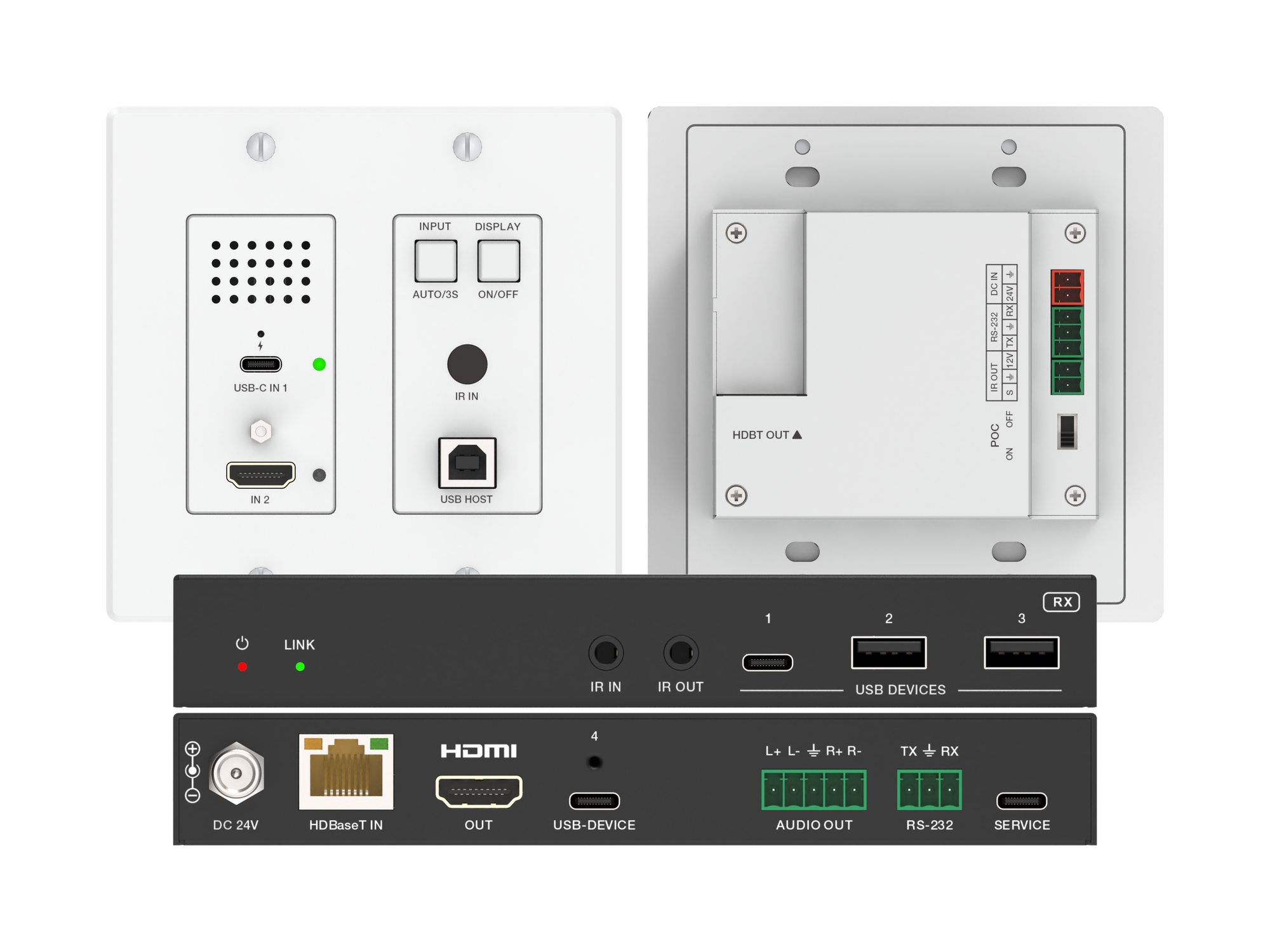
How one 2-gang wall-plate carries laptop video, USB camera and mic, and 60W charging to a distant display over a single CAT6/6A run.
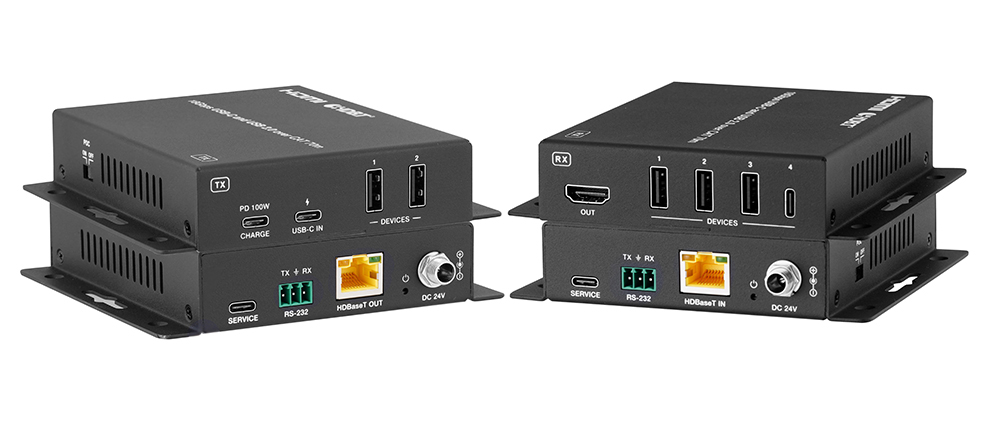
A BYOD room gets designed around the display, the room camera, and the network — and then the actual connection between the laptop and all of it is…
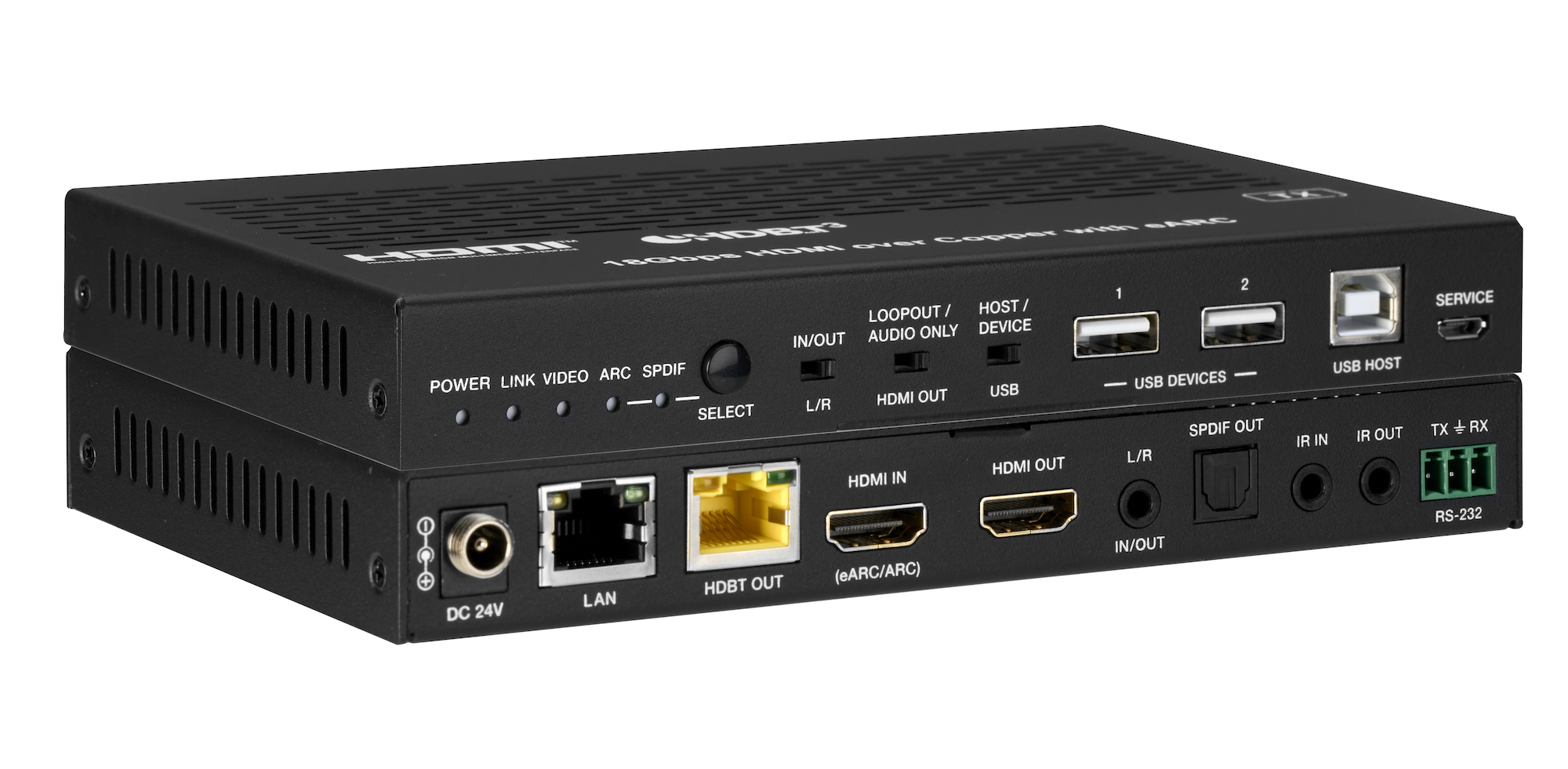
How the EXT-HDBT3ARC-TX carries 4K60 video out to the display and brings eARC audio back down the same CAT6A cable, with USB 2.0, Gigabit Ethernet…
KanexPro sells direct to dealers, resellers, installers and integrators, and through distribution. Whichever way you buy, the same engineers answer the phone.
The trade store: your own account, live stock, reordering, and a first look at new products.
Go to the trade store →Distribution and authorised resellers across the US and beyond.
See where to buy →Design help on extenders, matrix and AV over IP before you spec it.
Ask an engineer →