AUD-DEBEDEARC-4K: Getting TV eARC Audio to Any AVR
It takes a TV's eARC/ARC audio, including Dolby Atmos and DTS:X, to an AVR's ordinary HDMI input while 4K60 video and HDR pass through to the TV.


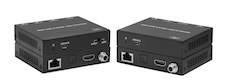 AUD-EXT-EARC100M
HDMI eARC/ARC and S/PDIF Audio over CAT Extender 100m with Bi-directional PoC
Extend TV Audio to a Remote Soundbar or AVR Over a Single CAT Cable
Product page →
The AUD-EXT-EARC100M sends a TV's audio up to 100m/328ft over one CAT cable to a soundbar, AV receiver, amplifier or multi-room audio system that is not next to the display. Bi-directional Power over Cable (PoC) means you need power at only one end. In eARC mode, CEC passes through the link so the TV and the audio device can control each other. This article covers the power, cabling and control details an integrator needs before pulling cable for the run.
Applies to: AUD-EXT-EARC100M
No. PoC works in both directions, so the one 12V/1A locking adapter in the box can plug into either the transmitter or the receiver, and both units run from it over the CAT cable. You can put the adapter wherever an outlet is easier to reach, whether that is behind the display or in the equipment rack. On runs longer than 262ft (80m), powering both units may make the system more stable. Each unit has its own DC 12V input for this.
Use Cat6, Cat6a or Cat7 cable, either UTP or STP. Wire it straight-through with T568B at both ends, and keep the run no longer than 328ft (100m). Do not use a crossover cable. For permanent runs, use solid-core cable rated for structured wiring instead of patch cable. Where there is a lot of electromagnetic interference, use shielded (STP) cable and route the run away from high-voltage power lines. The manual also strongly recommends surge protection, because spikes, surges and lightning strikes can damage the units.
Yes, in eARC mode. CEC passes between the transmitter's eARC IN and the receiver's eARC OUT, and this is also what lets the TV and the audio device complete the eARC handshake. CEC must be turned on in both the TV and the soundbar or AV receiver. Some TV brands call it something else, such as Anynet+, BRAVIA Sync or SimpLink. CEC does not pass in S/PDIF mode, so a system wired only through the optical path has no CEC across the link.
No. The extender has no RS-232, IP, Telnet or web control. The SERVICE port on each unit is used only for firmware updates. You choose the audio path with the S/PDIF/eARC switch on the front of the transmitter. It carries one path at a time: S/PDIF IN to S/PDIF OUT, or eARC IN to eARC OUT.
At the transmitter, connect the TV's ARC/eARC HDMI port to eARC IN, or the TV's optical output to S/PDIF IN. At the receiver, connect eARC OUT to a soundbar or AV receiver with HDMI ARC/eARC, or connect S/PDIF OUT to an amplifier or powered speaker with a Toslink cable. Dolby Atmos, Dolby TrueHD and DTS-HD MA need the eARC path, with an eARC TV at one end and an eARC-capable soundbar or AV receiver at the other. Over ARC or S/PDIF, the extender carries PCM 2.0ch, Dolby 5.1ch and DTS 5.1ch.
Each unit is a black metal enclosure measuring 90mm (W) × 72mm (D) × 20mm (H) and weighing 184g. They are rated to operate from 0–40°C / 32–104°F at 20–90% RH (non-condensing). The extender meets IEC 61000-4-2 ESD protection at ±8kV air-gap and ±4kV contact.
| Specification | Value |
|---|---|
| Transmission Distance | 100m / 328ft |
| Power Supply | AC 100–240V 50/60Hz → DC 12V/1A (CE/FCC/UL) |
| Power Consumption | 5.65W (Max) |
| ESD Protection | IEC 61000-4-2: ±8kV (air-gap) & ±4kV (contact) |
| Operating Temperature | 0–40°C / 32–104°F |
| Dimensions | 90mm (W) × 72mm (D) × 20mm (H) — TX & RX each |
| Weight | 184g (TX/RX each) |
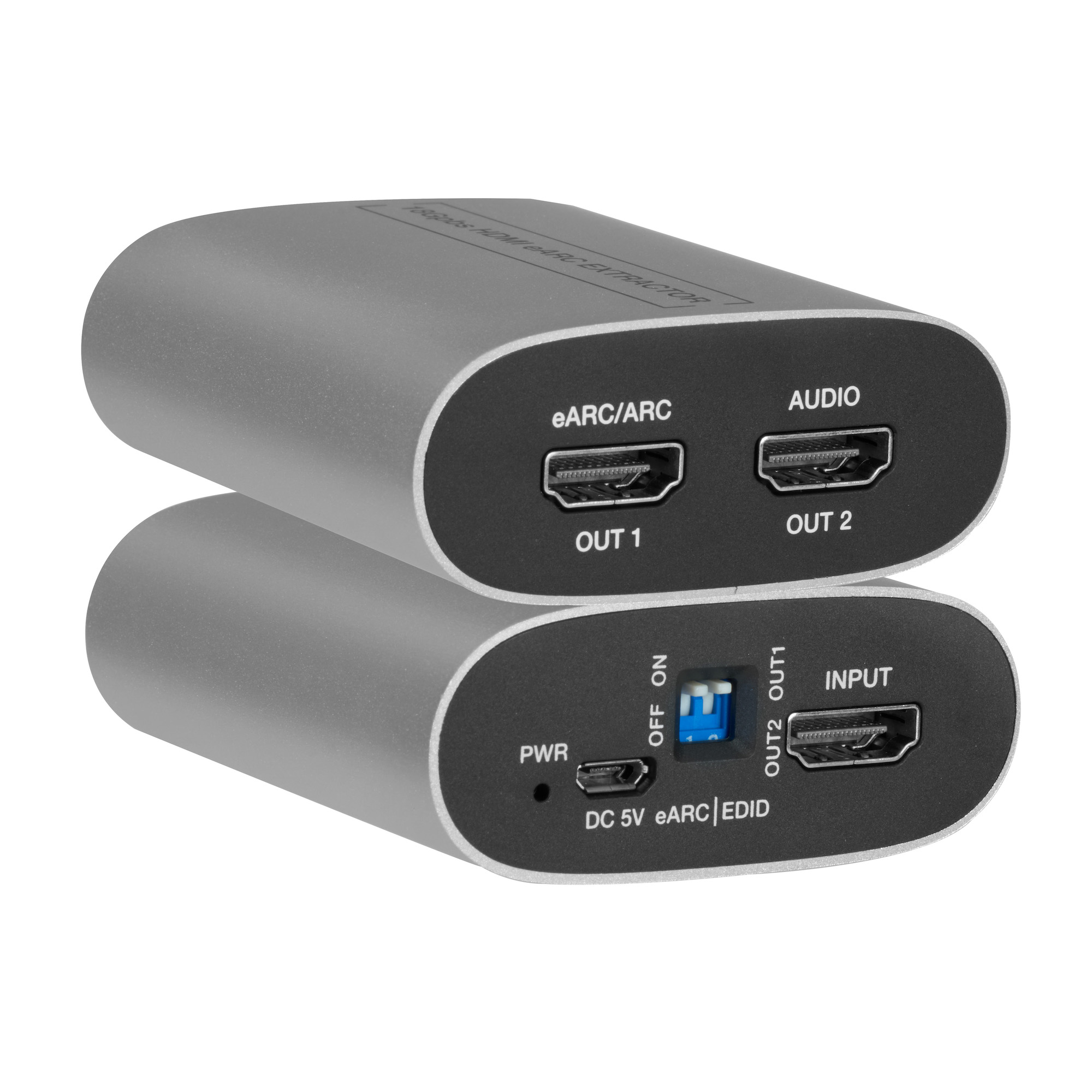
It takes a TV's eARC/ARC audio, including Dolby Atmos and DTS:X, to an AVR's ordinary HDMI input while 4K60 video and HDR pass through to the TV.
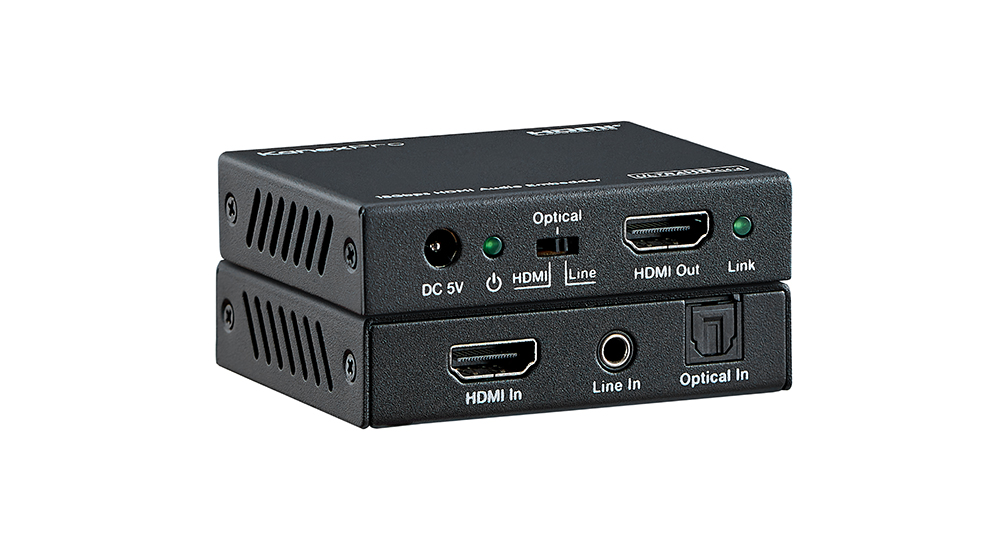
The HAECOAX4 embeds optical or analog stereo audio into an incoming HDMI 2.0b signal at 18Gbps, in place of the source's audio, set by a rear-panel…
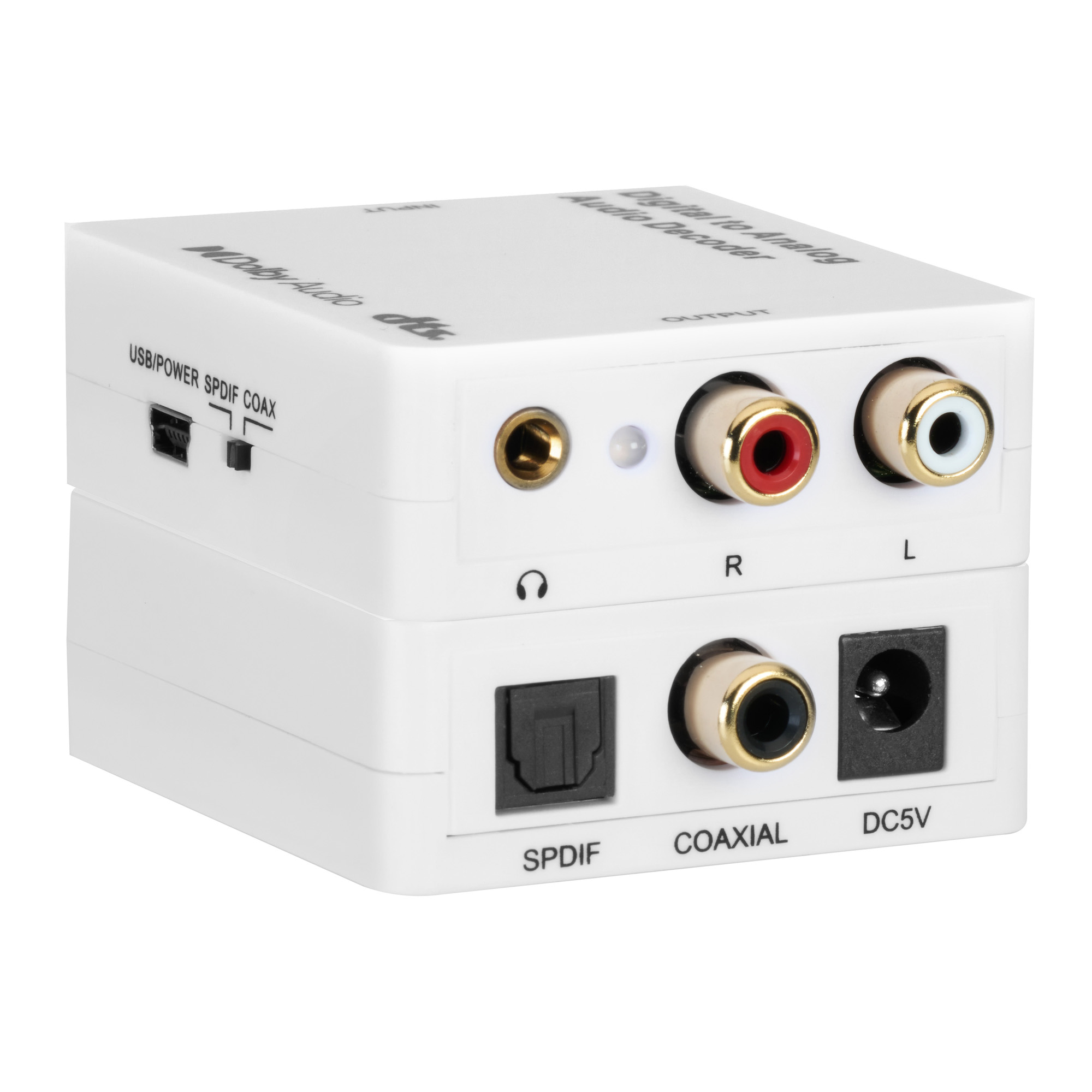
It decodes Dolby Digital, DTS, DTS-ES 6.1 and PCM up to 192kHz from optical or coaxial input to stereo RCA and 3.5mm headphone outputs at once.
KanexPro sells direct to dealers, resellers, installers and integrators, and through distribution. Whichever way you buy, the same engineers answer the phone.
The trade store: your own account, live stock, reordering, and a first look at new products.
Go to the trade store →Distribution and authorised resellers across the US and beyond.
See where to buy →Design help on extenders, matrix and AV over IP before you spec it.
Ask an engineer →