HAECOAX4 4K HDMI Audio Embedder: What It Does and How
The HAECOAX4 embeds optical or analog stereo audio into an incoming HDMI 2.0b signal at 18Gbps, in place of the source's audio, set by a rear-panel…


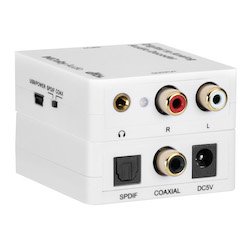 AUD-DCODE-ANA
Digital to Analog Audio Decoder with Dolby Digital & DTS
Decode S/PDIF Optical & Coaxial 5.1 Surround to Stereo RCA + Headphone — 192kHz PCM…
Product page →
The AUD-DCODE-ANA is a small, licensed Dolby Digital and DTS decoder. It takes optical (Toslink) or coaxial digital audio, decodes it with a built-in 24-bit audio DSP, and sends two-channel stereo to RCA L/R and a 3.5mm headphone jack at the same time. It lets integrators feed a display, set-top box or player with a digital audio output into analog amplifiers, powered speakers or soundbars in conference rooms, home theaters and multimedia systems, with no full-size AV receiver needed.
Applies to: AUD-DCODE-ANA Digital to Analog Audio Decoder with Dolby Digital & DTS.
It decodes Dolby Digital (AC-3), DTS, DTS-ES 6.1 and PCM. Dolby Digital 5.1 and DTS-ES 6.1 surround are decoded and downmixed to two-channel stereo. PCM is accepted at 32K, 44.1K, 48K, 88.2K, 96K, 176.4K and 192KHz. You do not set the format yourself: the decoder detects Dolby Digital, DTS or PCM on its own and decodes it.
No. It handles standard Dolby Digital (AC-3), DTS and DTS-ES 6.1 only. It does not support Dolby Digital Plus (DD+), Dolby Atmos or DTS-HD. Most streaming services default to DD+. If a streaming app plays with no sound, open the audio settings on the TV or streaming device and set the output to PCM or Stereo.
Any TV, Blu-ray player, game console or set-top box with an optical (Toslink) or digital coaxial audio output can feed the decoder. It has one of each input, and you pick between them with a manual slide switch on the back panel. Only one input is active at a time. The decoder does not take HDMI. An HDMI source needs an HDMI audio extractor in front of it. On the output side, the RCA L/R jacks drive a stereo amplifier, powered speakers, or the RCA or aux input of a soundbar. The 3.5mm jack drives headphones or desktop speakers. Both outputs are always active.
The back panel has the Optical (Toslink) input, the Coaxial input and the input selector switch. The front panel has the RCA stereo out (L/R), the 3.5mm headphone out and the DC 5V power input. The LED status indicator is on top.
No. It has no network or RS-232 control and needs no drivers or software. You choose the input with the slide switch, and the decoder detects the audio format automatically. That makes it a fixed, set-and-forget part of a room's audio path, not a device you add to a control system.
Use the 5V/1A DC adapter that comes in the box. Do not power it from a TV's USB port, because that can cause distortion or static. The box holds the decoder and the 5V/1A DC power adapter. The manual also strongly recommends surge protection.
| Specification | Value |
|---|---|
| Audio Decoding | Dolby Digital (AC-3) • DTS • DTS-ES 6.1 • PCM |
| PCM Sample Rates | 32K • 44.1K • 48K • 88.2K • 96K • 176.4K • 192KHz |
| DAC Resolution | 24-bit |
| S/N Ratio | 103 dB |
| Channel Separation | 95 dB |
| Frequency Response | 20 Hz – 20 KHz ±0.5 dB |
| Input Ports | 1× Optical (Toslink) • 1× Digital Coaxial (RCA) |
| Output Ports | 1× Stereo RCA (L/R) • 1× 3.5mm Headphone |
| Dimensions | 72 mm (D) × 55 mm (W) × 20 mm (H) |
| Weight | 40 g |
| Power | DC 5V / 1A (adapter included) |
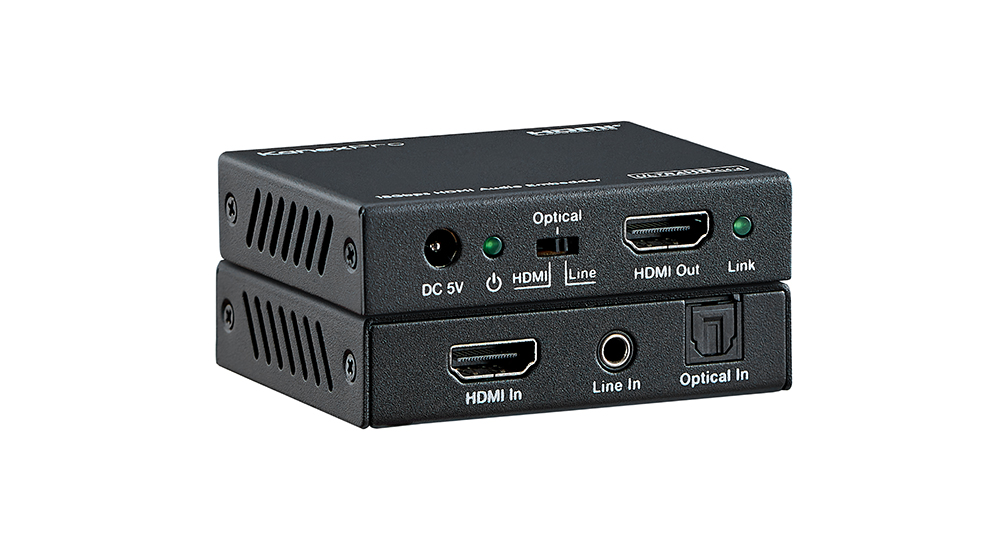
The HAECOAX4 embeds optical or analog stereo audio into an incoming HDMI 2.0b signal at 18Gbps, in place of the source's audio, set by a rear-panel…
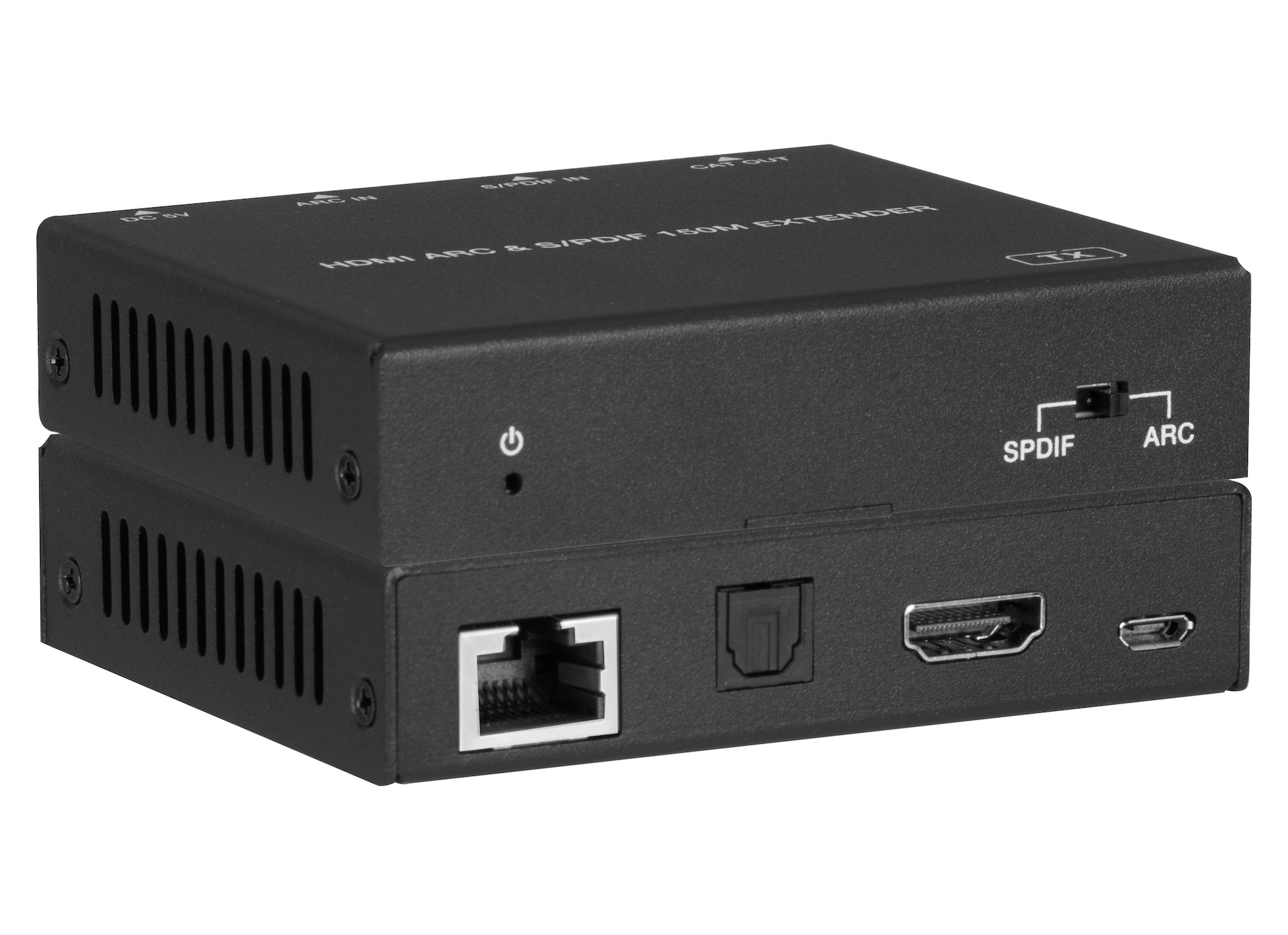
AUD-EXT-ARC150M sends HDMI ARC or optical S/PDIF audio over one CAT5e/6/7 cable: 150m / 495ft at 96kHz, or 90m / 295ft for ARC at 192kHz.
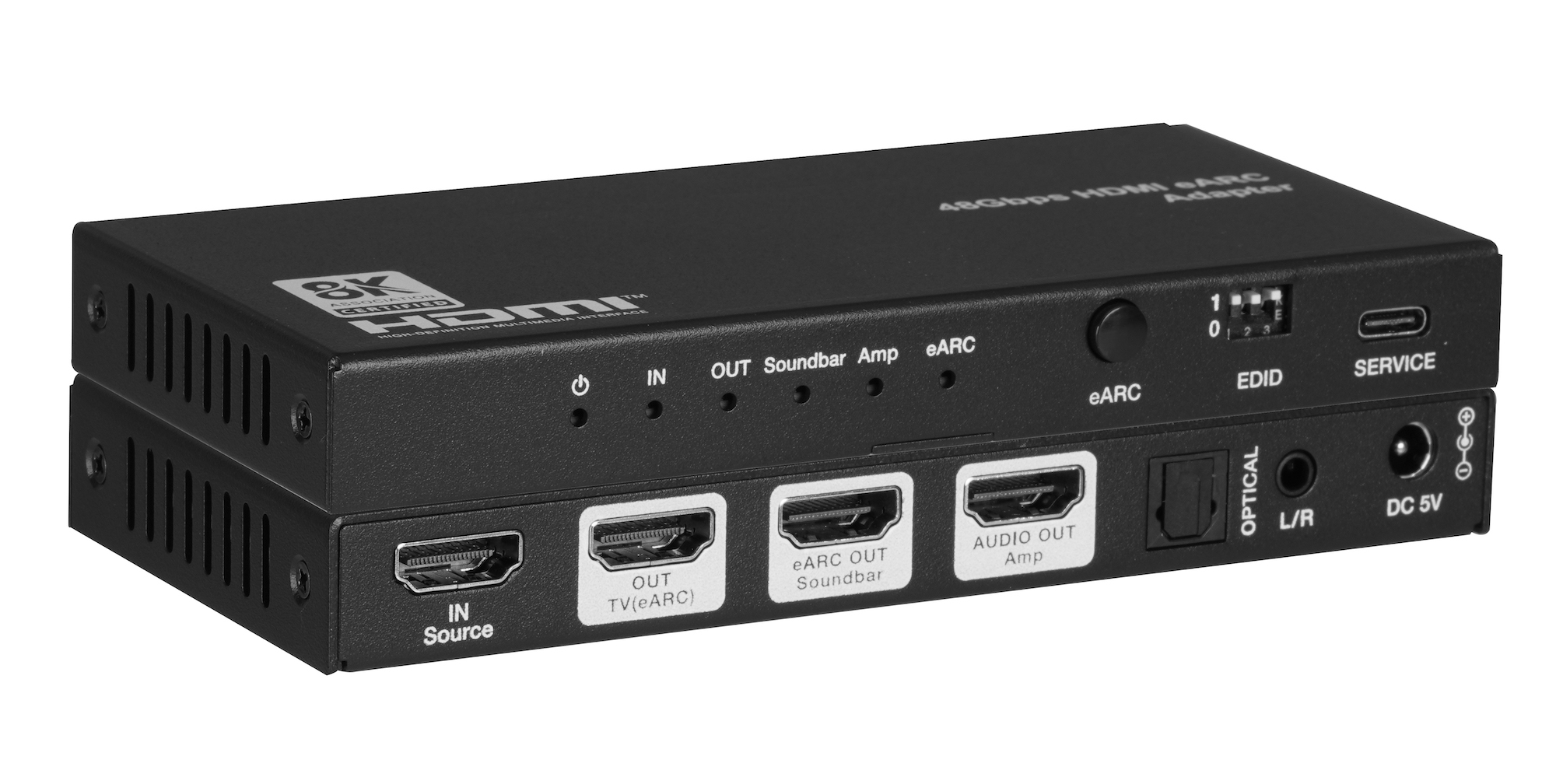
The AUD-EARC-8K passes HDMI 2.1 video to the TV and sends audio to soundbar, amp, optical and L/R at once, with no decoding or downmixing.
KanexPro sells direct to dealers, resellers, installers and integrators, and through distribution. Whichever way you buy, the same engineers answer the phone.
The trade store: your own account, live stock, reordering, and a first look at new products.
Go to the trade store →Distribution and authorised resellers across the US and beyond.
See where to buy →Design help on extenders, matrix and AV over IP before you spec it.
Ask an engineer →