Atmos on HDMI, Stereo on RCA: Using All Three Outputs
All three outputs run at once: HDMI OUT passes Dolby Atmos and DTS:X, while RCA L/R carries Dolby/DTS decoded to stereo in 2CH mode.

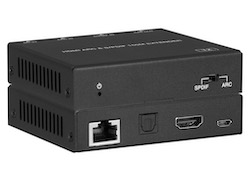 AUD-EXT-ARC150M
HDMI ARC & Optical Audio Extender over CAT5e/6/7 – 150m/492ft TX/RX Kit
Dual-Input TX/RX Kit — HDMI ARC or Optical S/PDIF to Amplifier over CAT5e/6/7
Product page →
This TX/RX kit lets an integrator install an ARC-enabled display far from the amplifier or AV rack and return its audio over one CAT5e/6/7 cable. ARC and S/PDIF each reach 150m / 495ft at 96kHz, while ARC alone carries 192kHz, up to 90m / 295ft. It is for integrators planning commercial or residential AV systems where the run crosses a ceiling, passes through conduit or drops down a floor.
Applies to: AUD-EXT-ARC150M HDMI ARC and optical audio extender kit (transmitter and receiver).
Let the display and the sample rate decide. Use ARC when the TV has an ARC port and the audio device at the far end is an HDMI device with ARC, such as a soundbar or AV receiver. ARC is also the only channel for 192kHz audio and the only one that passes CEC. Use S/PDIF when the TV has no ARC, or when the source is another optical digital audio device. Its receiver output feeds an amplifier, a speaker system or a multi-room audio system.
Plan the cable length from the highest sample rate the system must carry:
S/PDIF has no 192kHz option, so a design that needs 192kHz must use the ARC path and stay within 90m / 295ft.
Check the channel first. The toggle switch on the transmitter must be set to ARC, with the source connected to ARC IN, because 192kHz is not available on S/PDIF. Then measure the CAT run: at 192kHz it must be no longer than 90m / 295ft, so a run that works at 96kHz can still be too long for 192kHz.
Yes. In the ARC position, the receiver's ARC OUT carries the audio from the transmitter's ARC IN. In the S/PDIF position, the receiver's S/PDIF OUT carries the audio from the transmitter's S/PDIF IN. Set the switch to match the ports you wired before powering up the units.
Only on ARC. CEC passes between the transmitter's ARC IN and the receiver's ARC OUT, so the TV remote can control volume with no control processor. For this to work, CEC must be turned on in the TV's settings, and the amplifier or soundbar must support both ARC and CEC. An S/PDIF design does not carry CEC, so plan volume control separately.
Use CAT5e, CAT6 or CAT7 terminated straight-through to T568B at both ends, and do not use a crossover cable. Keep the run away from high-voltage power cables, and use shielded CAT cable in electrically noisy locations where you can. Surge protection is strongly recommended for the installation.
| Specification | Value |
|---|---|
| ARC Audio — 96kHz | 150m / 495ft |
| ARC Audio — 192kHz | 90m / 295ft |
| S/PDIF Audio — 96kHz | 150m / 495ft |
| Maximum Sample Rate | 192kHz |
| Supported Audio Formats | PCM 2.0ch, Dolby Digital 5.1ch, DTS 5.1ch |
| Cable Type | CAT5e / CAT6 / CAT7 (straight-through, T568B) |
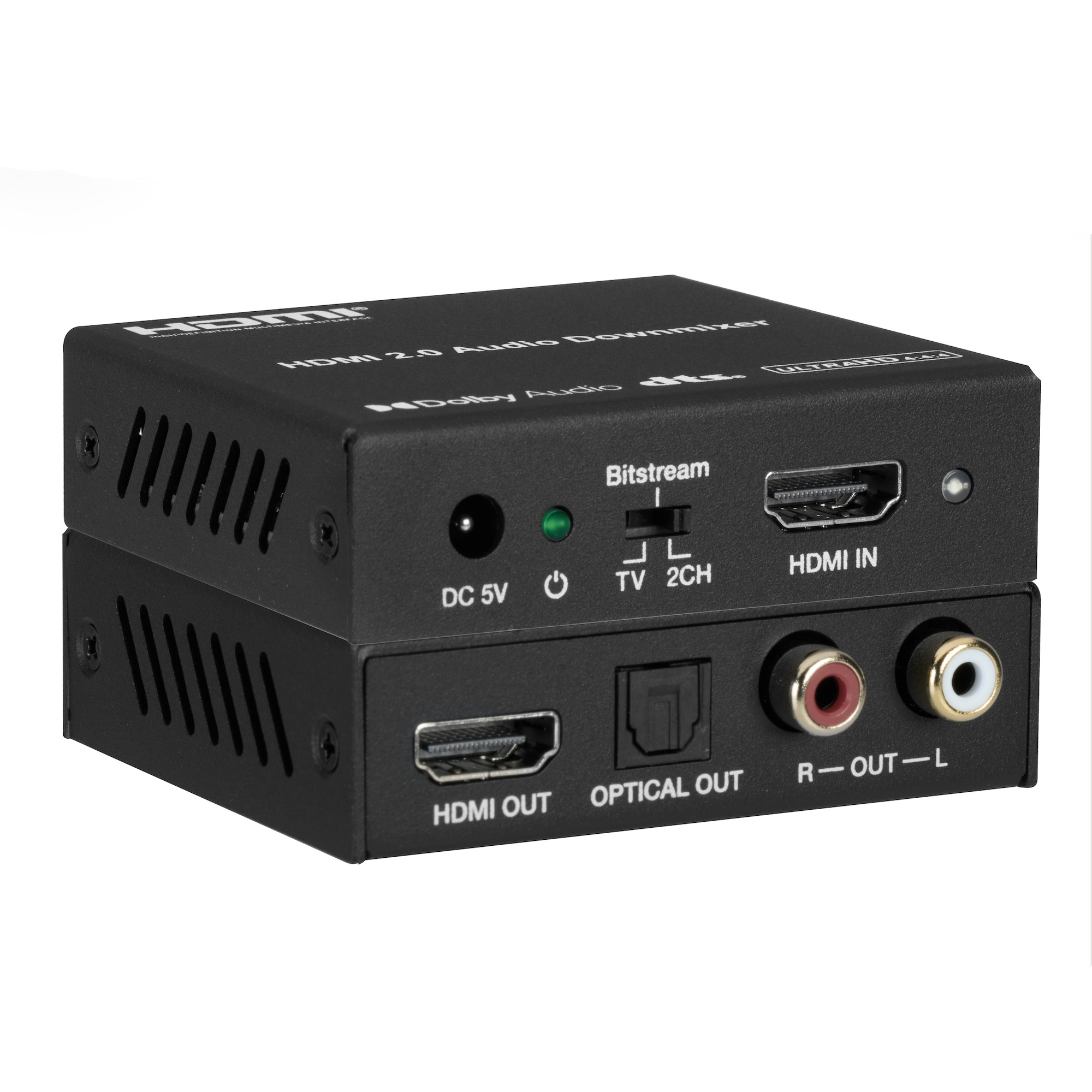
All three outputs run at once: HDMI OUT passes Dolby Atmos and DTS:X, while RCA L/R carries Dolby/DTS decoded to stereo in 2CH mode.
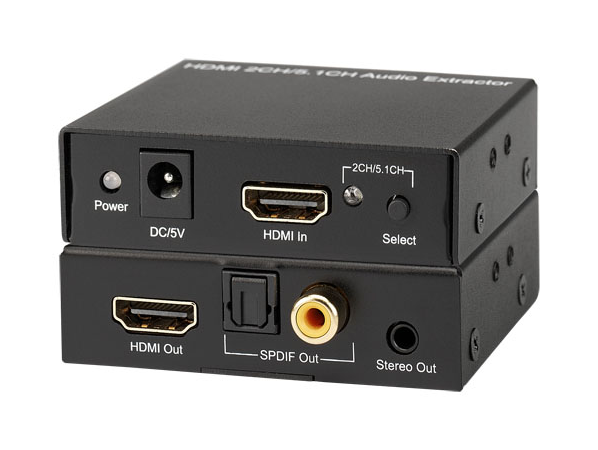
HAECOAX passes HDMI to the display while extracting audio to optical, coaxial S/PDIF and 3.5mm stereo; 5.1 is Dolby Digital or DTS over S/PDIF only.
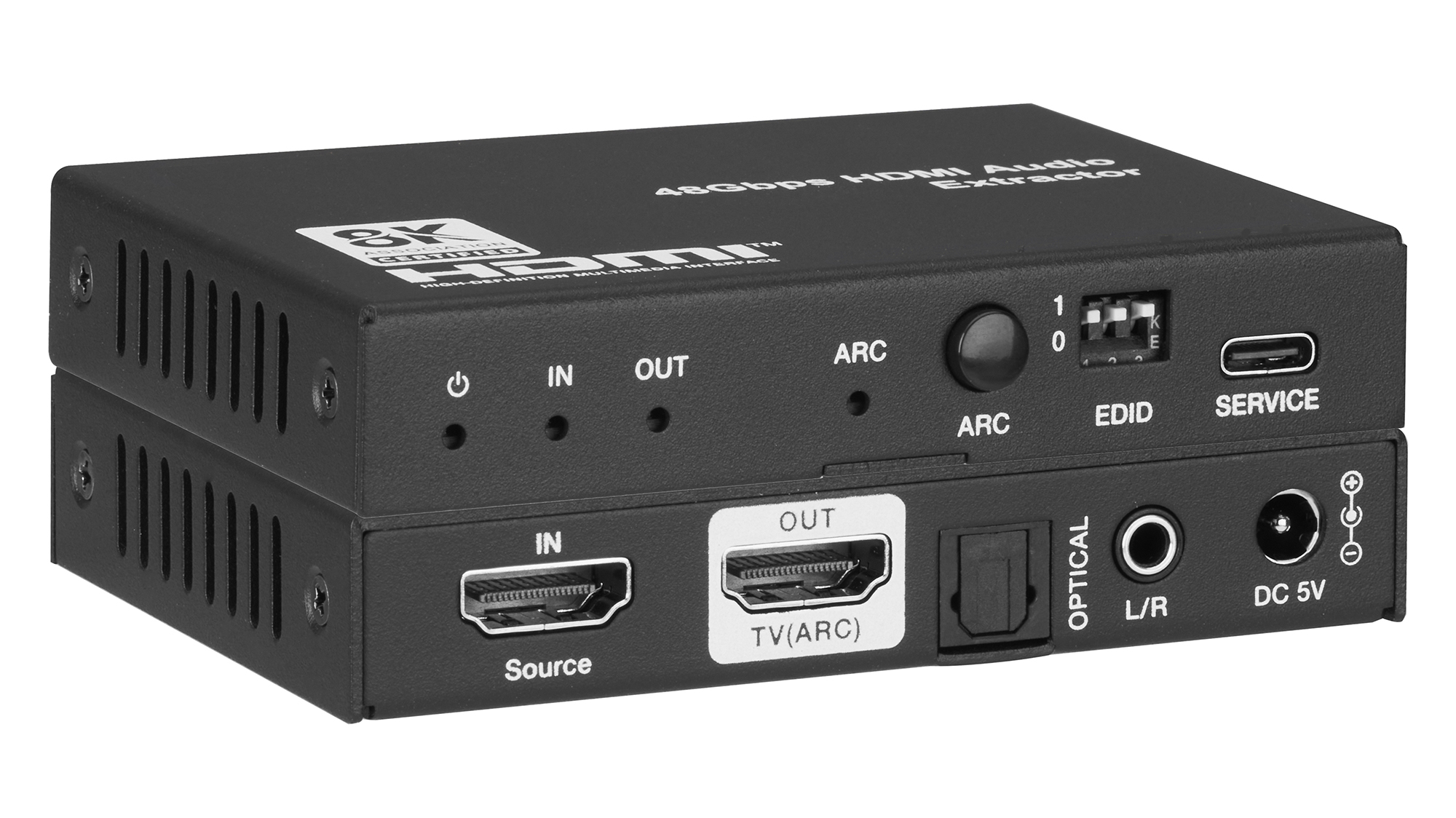
Optical carries PCM 2.0CH or Dolby/DTS 5.1CH; L/R carries PCM 2.0CH stereo. Atmos, TrueHD, DTS-HD MA and DTS:X pass to the display over HDMI only.
KanexPro sells direct to dealers, resellers, installers and integrators, and through distribution. Whichever way you buy, the same engineers answer the phone.
The trade store: your own account, live stock, reordering, and a first look at new products.
Go to the trade store →Distribution and authorised resellers across the US and beyond.
See where to buy →Design help on extenders, matrix and AV over IP before you spec it.
Ask an engineer →