One USB-C Cable at the Table for Video, USB Devices and 60W Charging
How one 2-gang wall-plate carries laptop video, USB camera and mic, and 60W charging to a distant display over a single CAT6/6A run.


On a campus, in a large venue or across a control-room complex, the display is often nowhere near the source. A lecture hall feeds a hall in the next building; a control room feeds a concourse; a sanctuary feeds an overflow space through a wall or two. Copper extenders run out of reach on these paths, and the signal has to cross areas full of lighting, power and broadcast equipment on the way.
Fixing that with a switched network adds encoders, decoders and a switch that all have to be configured and maintained, and it puts more devices in the signal path than a single one-source, one-display link needs.
What these jobs need is a straight run from one source to one display that holds full 4K60 with its color, HDR and audio intact over a distance copper cannot cover, without dragging in KVM, control or a network.
The EXT-HD4KFIB-10KM is a two-box transmitter-and-receiver kit that sends an HDMI signal up to 10km (6.2mi) over a single-mode LC fiber cable, at resolutions up to 4096x2160 at 50/60Hz with 4:4:4 color, far beyond the reach of copper extenders. Each unit is a compact metal box with a 10G SFP+ fiber port and a USB-C service port, and the kit includes two 5V/1A power supplies.
It is HDMI 2.0b with 18Gbps of video bandwidth and HDCP 2.2. The transmitter passes HDR10, HDR10+, Dolby Vision and HLG unchanged, and carries audio as LPCM 7.1, Dolby TrueHD, Dolby Atmos, DTS-HD Master Audio and DTS:X, with the receiver outputting the same signal to one display. Color depth can be 8-bit, 10-bit or 12-bit. The design is a dedicated point-to-point link — two units and a fiber run, with no network switch in the signal path. Over multi-mode OM4 LC fiber, through SFP modules, the same kit reaches up to 300m (984ft). Fiber cable is not included.
Link a lecture hall, auditorium or control room in one building to displays in another over a single-mode fiber run of up to 10km (6.2mi) at 4096x2160 50/60Hz with 4:4:4 color. HDR and lossless audio ride the same link, so the far building sees the same picture and sound as the source, past the reach of a copper extender.
Run a source from a control room or plant room out to concourse, suite or field displays across the venue. It carries the 18Gbps 4K60 signal end to end over a single LC fiber run between transmitter and receiver.
Send a sanctuary feed to an overflow hall, chapel or broadcast room in a separate building at full 4K60 with HDR and multichannel audio. One transmitter at the source, one receiver at the display and a single fiber run is the whole signal path, with no matrix or control system needed to make it work.
Move a program or monitoring feed between a control room and a remote studio, edit suite or transmission point at 4:4:4 chroma. HDR10, HDR10+, Dolby Vision and HLG pass through unchanged, and the audio formats above are carried intact, so the remote monitor shows exactly what the source sends.
Carry imaging and surgical-camera video from a room to remote review or teaching displays. A single LC run from the transmitter to the receiver keeps a long cable path through the building simple, at up to 4096x2160 50/60Hz 4:4:4 over single-mode fiber to 10km (6.2mi).
Feed displays across an airport, rail station or large signage network from a central player. A single-mode run reaches up to 10km (6.2mi) at 4K60 4:4:4, covering distances copper cannot.
Connect the HDMI 2.0b source — a source PC in the reference diagram — to the transmitter IN port. Run an LC fiber cable from the transmitter SFP+OUT to the receiver SFP+IN: single-mode carries the link up to 10km (6.2mi) at 4K60 4:4:4. Connect the receiver OUT to the display, which shows a 4K60 4:4:4 HDR image. Each HDMI connector is an HDMI Type A 19-pin female, and the SFP+ ports use LC female connectors. Each unit takes its own DC 5V power at the DC 5V input.
No. It is a transparent point-to-point extender: one HDMI source connects to the transmitter, the transmitter reaches the receiver over a single LC fiber run, and the receiver drives one display. HDCP 2.2 protected content passes straight through, with no network switch in the signal path.
Use single-mode LC fiber for runs up to 10km (6.2mi) at 4K60 4:4:4. The LC fiber goes from the transmitter SFP+OUT to the receiver SFP+IN.
Yes. It passes HDR10, HDR10+, Dolby Vision and HLG unchanged, and carries audio as LPCM 7.1, Dolby TrueHD, Dolby Atmos, DTS-HD Master Audio and DTS:X. Color depth can be 8-bit, 10-bit or 12-bit, and color space RGB, YCbCr 4:4:4 / 4:2:2 or YUV 4:2:0.
Confirm the green POWER LED is lit on both units, then the green LINK LED on both, which shows a normal optical fiber signal, and finally that the HDMI cables are seated at the source IN and the display OUT. If the LINK LED is unlit, the fault points to the fiber run: verify the LC fiber goes SFP+OUT to SFP+IN and that the distance is within 10km on single-mode or 300m on OM4 multi-mode.
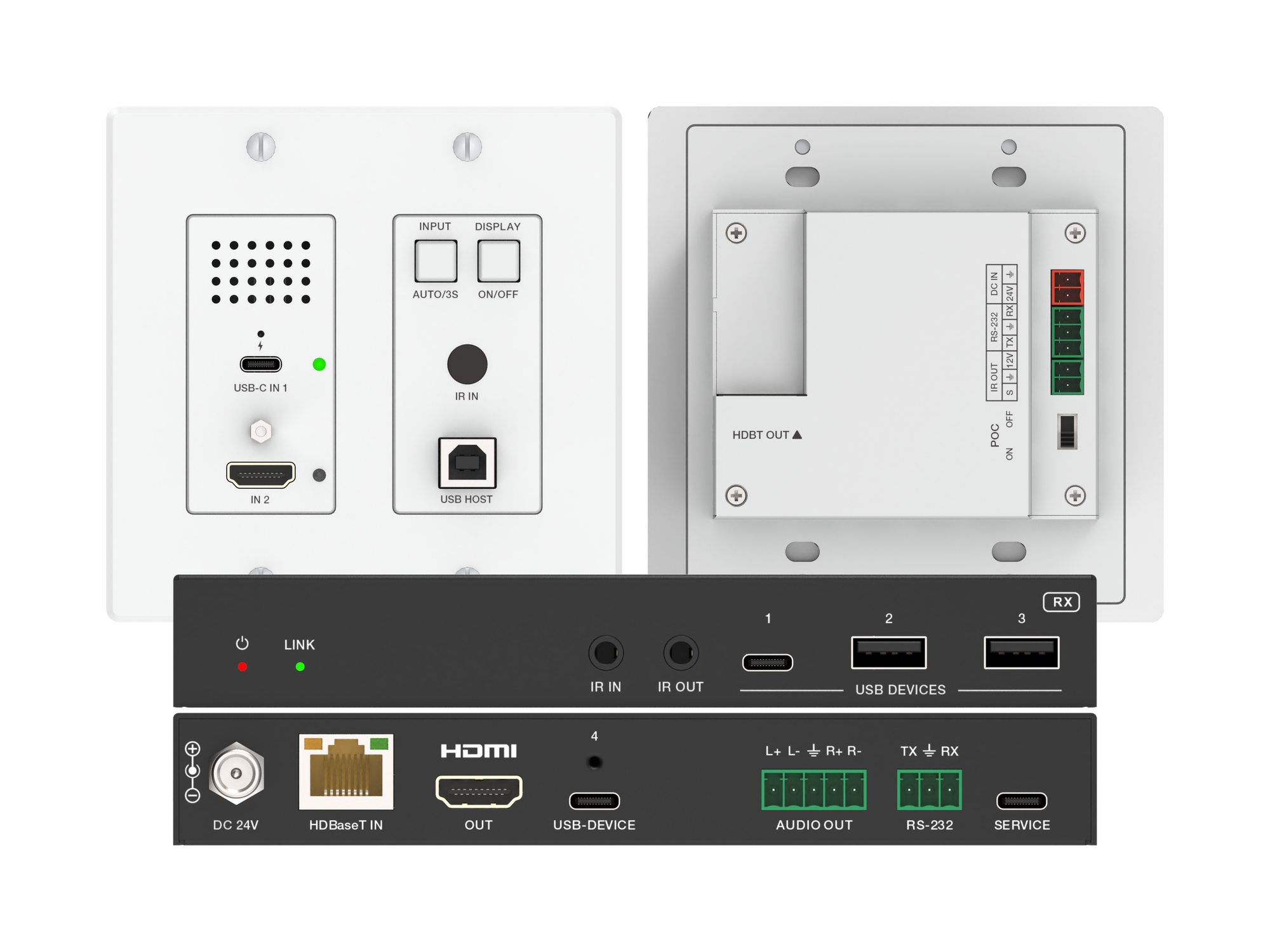
How one 2-gang wall-plate carries laptop video, USB camera and mic, and 60W charging to a distant display over a single CAT6/6A run.
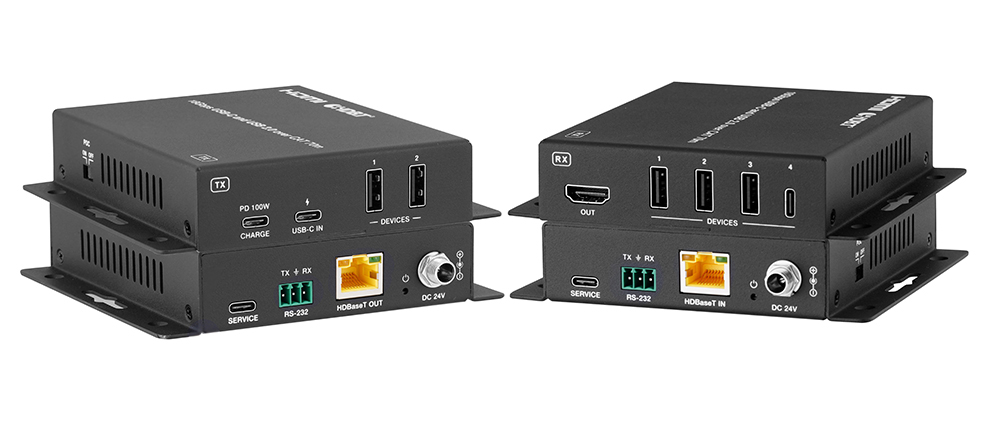
A BYOD room gets designed around the display, the room camera, and the network — and then the actual connection between the laptop and all of it is…
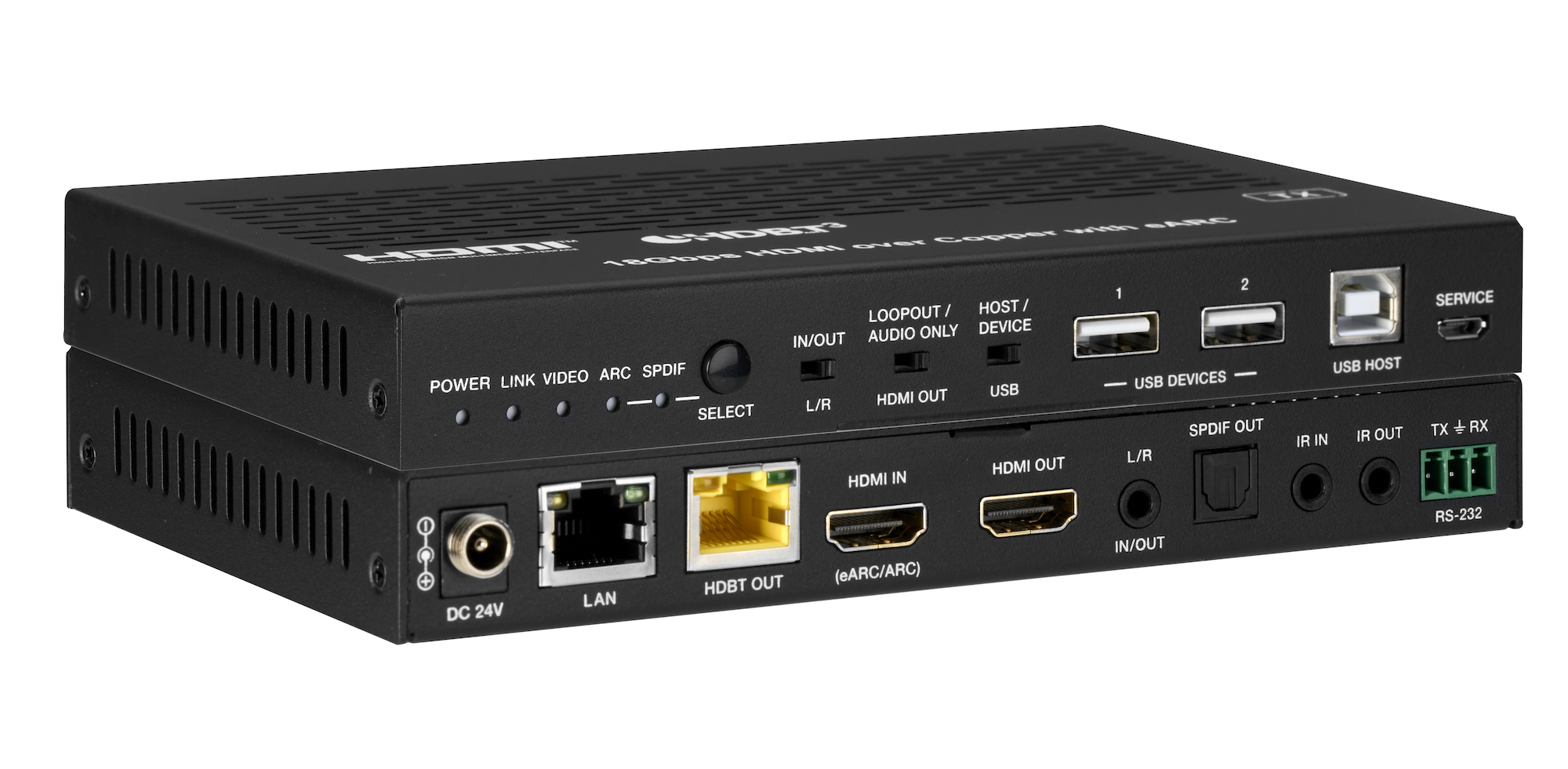
How the EXT-HDBT3ARC-TX carries 4K60 video out to the display and brings eARC audio back down the same CAT6A cable, with USB 2.0, Gigabit Ethernet…
KanexPro sells direct to dealers, resellers, installers and integrators, and through distribution. Whichever way you buy, the same engineers answer the phone.
The trade store: your own account, live stock, reordering, and a first look at new products.
Go to the trade store →Distribution and authorised resellers across the US and beyond.
See where to buy →Design help on extenders, matrix and AV over IP before you spec it.
Ask an engineer →