Small Meeting Rooms Don't Need a Separate Audio or Control Processor
In a small meeting room, a presentation switcher with a built-in audio matrix and display control can replace the separate DSP and control processor.


The usual meeting-room build puts an HDMI cable on the table, maybe with an adapter ring on the end, and treats the job as done. Then the laptop arrives. It has no HDMI port, or it has one but needs power as well. The camera and speakerphone plugged into the room need a separate USB cable to reach it. So the table fills up with adapters, a charger and a hub, and the room only works if every one of those pieces is still there.
Our view is that on a presentation switch, the input where a laptop connects should be USB-C, and that one input should do all of the work. That means one cable carrying picture and sound, charging, USB for the room's peripherals, and the wired network. HDMI stays in the build for the sources that need it. It just stops being the main thing a visiting laptop plugs into.
This isn't about which connector is more modern. It comes down to how many separate jobs one plug has to do when someone sits down and wants to present.
A laptop in a meeting room needs four things: its screen shown on the display, power so it doesn't die mid-meeting, the room camera and microphones over USB, and often a wired network connection. An HDMI cable only covers the first one. Every other need turns into another cable, another adapter or another thing someone has to remember to plug in, and each one is a separate point of failure.
A USB-C input that supports DisplayPort Alt Mode, USB data, network passthrough and Power Delivery covers all four through the one connector users already expect to find. The user plugs in once. The integrator supports one cable per seat instead of a set of accessories. And when the switch changes the displayed source, it can move the USB peripherals to that laptop at the same time, so the camera and microphones follow whoever is presenting.
The SW-4X2PS-70M is a 4×2 seamless presentation switch with two USB-C inputs and two HDMI inputs, routed to two HDMI outputs plus an HDBaseT 3.0 output that mirrors HDMI OUT 2. According to its specifications, each USB-C input carries:
The USB side is set up for a presentation room. There are two USB 3.2 host ports and three USB 3.2 device ports for room peripherals, plus two USB 1.1 KVM ports for a keyboard and mouse. By default, USB KVM switching follows the active video source. It can also be set to manual or auto, and keyboard hotkeys (Scroll Lock + Scroll Lock, or Ctrl + Ctrl, followed by output and input) change the selection from the keyboard.
At the display end, the HDBaseT output carries uncompressed 4K60 4:4:4 up to 40m over CAT6A F/FTP. It also extends USB 2.0 to the included receiver, which is powered over the HDBaseT cable through the transmitter's 48V PoE port. With multiview layouts (PIP, PBP, Triple, Quad and custom) and seamless switching, two laptops on USB-C and two HDMI sources can share one screen without the display blanking between them.
USB-C at the table isn't the answer to everything. Keep HDMI in the build in these cases:
On this switch, USB-C does the most per cable. Each USB-C input carries DisplayPort Alt Mode video up to 4K@60Hz 4:4:4, USB 3.2 Gen 1 data, 1G LAN passthrough and 60W charging. HDMI carries only picture and sound. The projector itself connects to an HDMI output or to the HDBaseT receiver, so the user never deals with its input.
It routes four sources (two USB-C, two HDMI) to two HDMI outputs, and each output can show a single source or a multiview layout. The HDBaseT output mirrors HDMI OUT 2 rather than acting as a third independent output.
No. USB 3.2 KVM switching is built in and follows the active video source by default. It can be set to manual or auto by command, and keyboard hotkeys can change the host.
No. The transmitter's HDBT OUT port provides 48V PoE, and the receiver's HDBaseT IN port takes power from it over the same CAT6A F/FTP cable.
Up to 40m at 4K60 4:4:4 over CAT6A F/FTP. For longer runs, the HDBaseT output reaches up to 70m at 1080p.
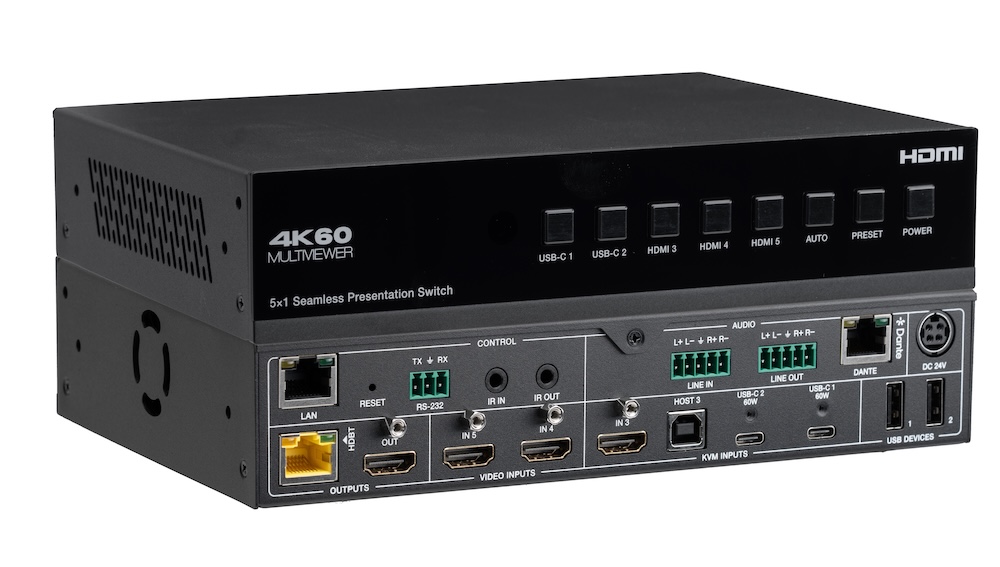
In a small meeting room, a presentation switcher with a built-in audio matrix and display control can replace the separate DSP and control processor.
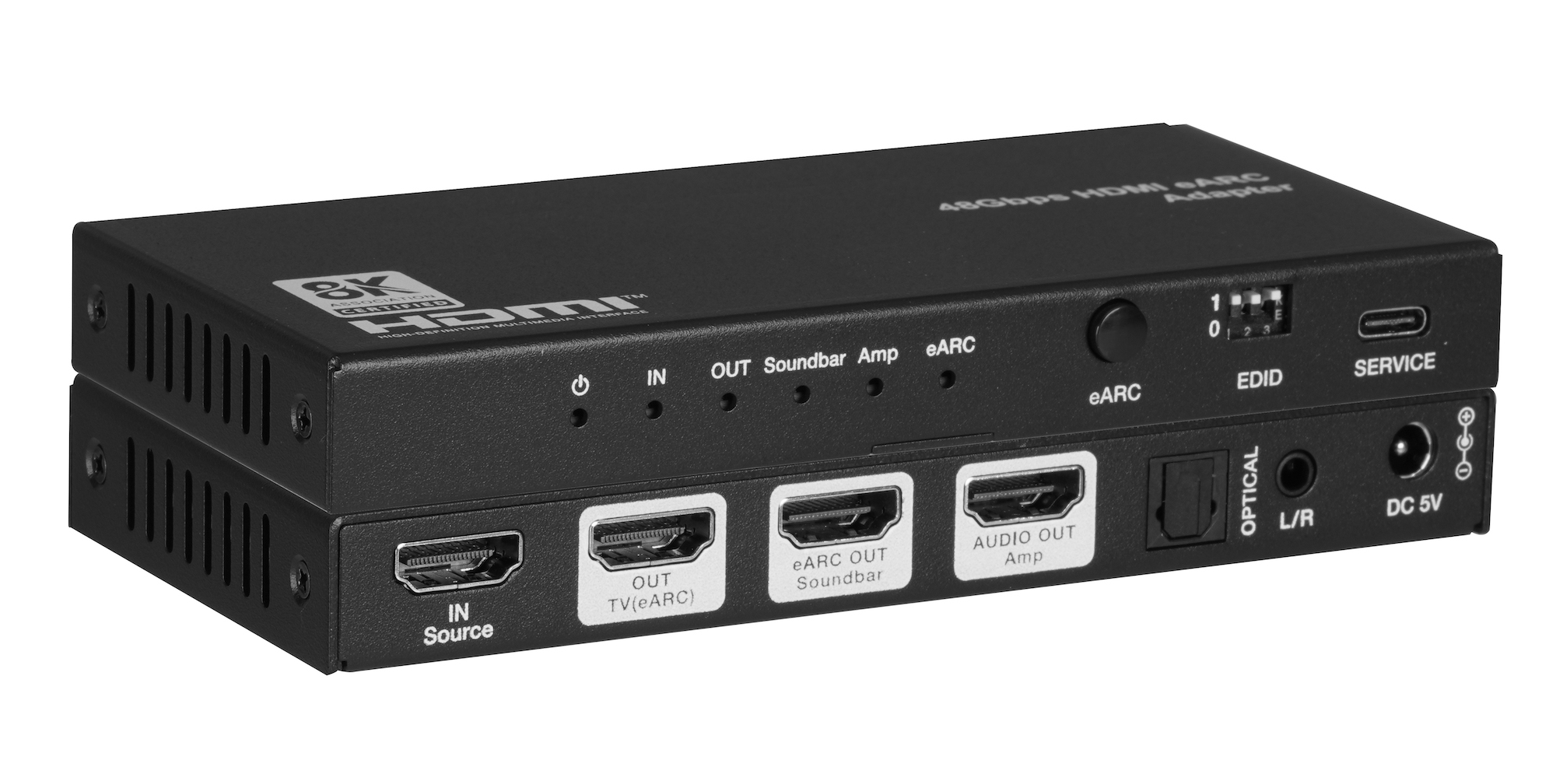
When one TV eARC port has to feed a soundbar and an amplifier, spec one adapter with both HDMI audio outputs instead of chaining two extractors.
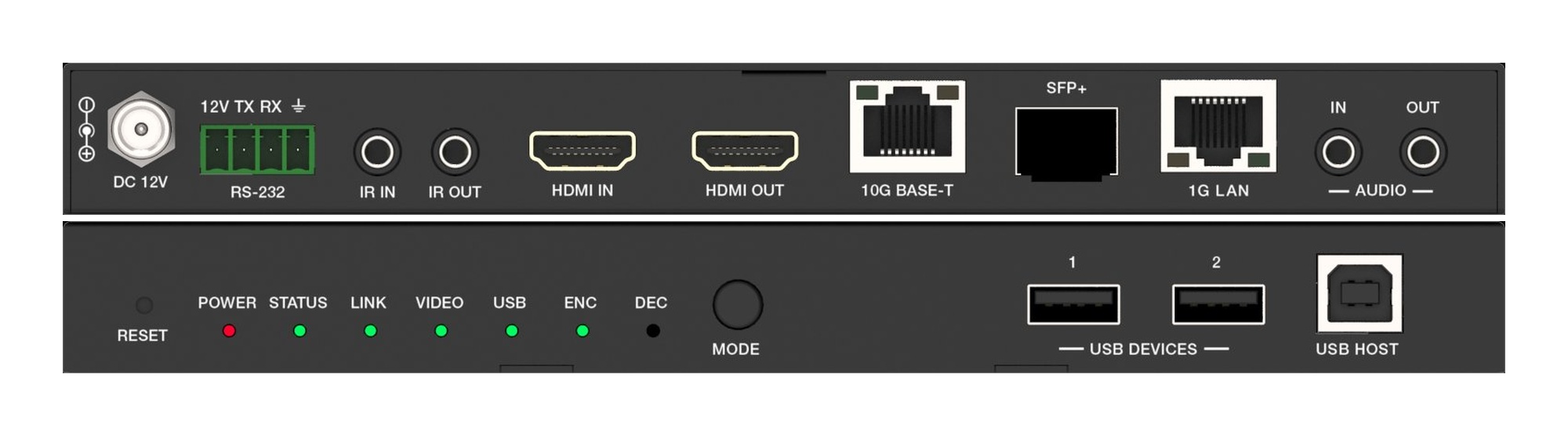
A fixed HDMI matrix switcher locks a job to its port count. Uncompressed 10G AV over IP routes the same way with zero-frame latency and room to grow.
KanexPro sells direct to dealers, resellers, installers and integrators, and through distribution. Whichever way you buy, the same engineers answer the phone.
The trade store: your own account, live stock, reordering, and a first look at new products.
Go to the trade store →Distribution and authorised resellers across the US and beyond.
See where to buy →Design help on extenders, matrix and AV over IP before you spec it.
Ask an engineer →