One USB-C Cable at the Table for Video, USB Devices and 60W Charging
How one 2-gang wall-plate carries laptop video, USB camera and mic, and 60W charging to a distant display over a single CAT6/6A run.


In today's digital world, workplaces, conference rooms, classrooms, home theaters, and commercial displays all need to be able to send and receive high-quality audio and video. But what do you do if your HDMI cable isn't long enough? An HDMI Extender is the best answer in this case.
You can send HDMI audio and video signals over excellent distances without sacrificing quality using an HDMI Extender. Most standard HDMI cables can reach distances of 15 to 20 meters (50 to 65 ft). After that, signal deterioration may cause the screen to flicker, the sound to go out, or the display to fail.
 >
>
Using several ways to send signals, including Cat5e/Cat6 Ethernet connections, fiber optic cables, or wireless technology, an HDMI Extender can fix this problem by extending signals up to 50m, 100m, or even more.
There are usually two primary parts to an HDMI Extender:
1. Transmitter (TX) connects to the source of the video, like a laptop, PC, media player, or game console.
2. Receiver (RX) connects to the display, which could be a TV, projector, or monitor.
Here's how it works:
• The transmitter changes the HDMI signal into a format that can be sent over long distances.
• The transmission goes through a network cable (usually Cat6) or another type of cable.
• The receiver changes the signal back into HDMI format so it can be shown on a screen.
• This method guarantees that signals are sent clearly and steadily, even across long distances.
In general, "hdmi to extender" means connecting an HDMI source device to an extension system. For instance, you connect an HDMI connection from your laptop to the extender transmitter, which then transfers the signal across a longer wire to the receiver that is attached to your display.
People often utilize this setup in:
• Rooms for meetings
• Systems for digital signs
• Schools and colleges
• Big houses and villas
• Setting up events
An HDMI extender 4K is made to send ultra-high-definition (UHD) data with a resolution of 3840×2160 pixels. These extenders work with:
• 4K at 30Hz or 60Hz
• HDR, which stands for "High Dynamic Range,"
• Audio formats of high quality
• Long-distance transmission with no delay
If you have a new 4K TV, projector, or gaming system, an HDMI Extender 4K will give you clear video and immersive sound without any problems.
Here are the main reasons why businesses and homeowners use an HDMI Extender:
1. Sending signals over long distances: Great for setups when the display is far away from the source device.
2. Setup that is clean and professional: You can use organized network cabling instead of lengthy, bulky HDMI cables to make the installation look better.
3. A solution that doesn't cost much: Ethernet cables are usually cheaper and easier to work with than really long HDMI cables.
4. More stable signals: High-quality extenders cut down on signal loss, interference, and lag.
5. Great for Business Use: HDMI extenders are used in airports, corporate offices, control rooms, and retail outlets to send audio and video signals without any problems.
Feature | HDMI Cable | HDMI Extender |
Distance | Limited | Extended (50 m–100 m+) |
Signal Quality | May degrade | Stable over long range |
Installation | Simple | Professional-grade |
Best For | Short setups | Large spaces |
If you need to send high-definition video and audio over long distances without sacrificing quality, an HDMI Extender is a must-have. Using the correct HDMI extender solution or upgrading to HDMI extender 4K will make sure that your conference room, digital signage, or home cinema works well and reliably.
If you want a professional AV setup that can send signals over excellent distances without losing quality, you should buy a high-quality HDMI Extender.
1. What is an HDMI Extender?
An HDMI Extender sends audio and video signals over long distances without quality loss.
2. How far can it extend?
Most HDMI Extenders work up to 50–100 meters, depending on the model.
3. What is HDMI Extender 4K?
It supports 4K resolution for ultra-clear video over long distances.
4. Is it better than a long HDMI cable?
Yes, for long setups, it provides more stable signal performance.
5. How does HDMI to extender work?
The HDMI source connects to a transmitter, which sends the signal to a receiver connected to the display.
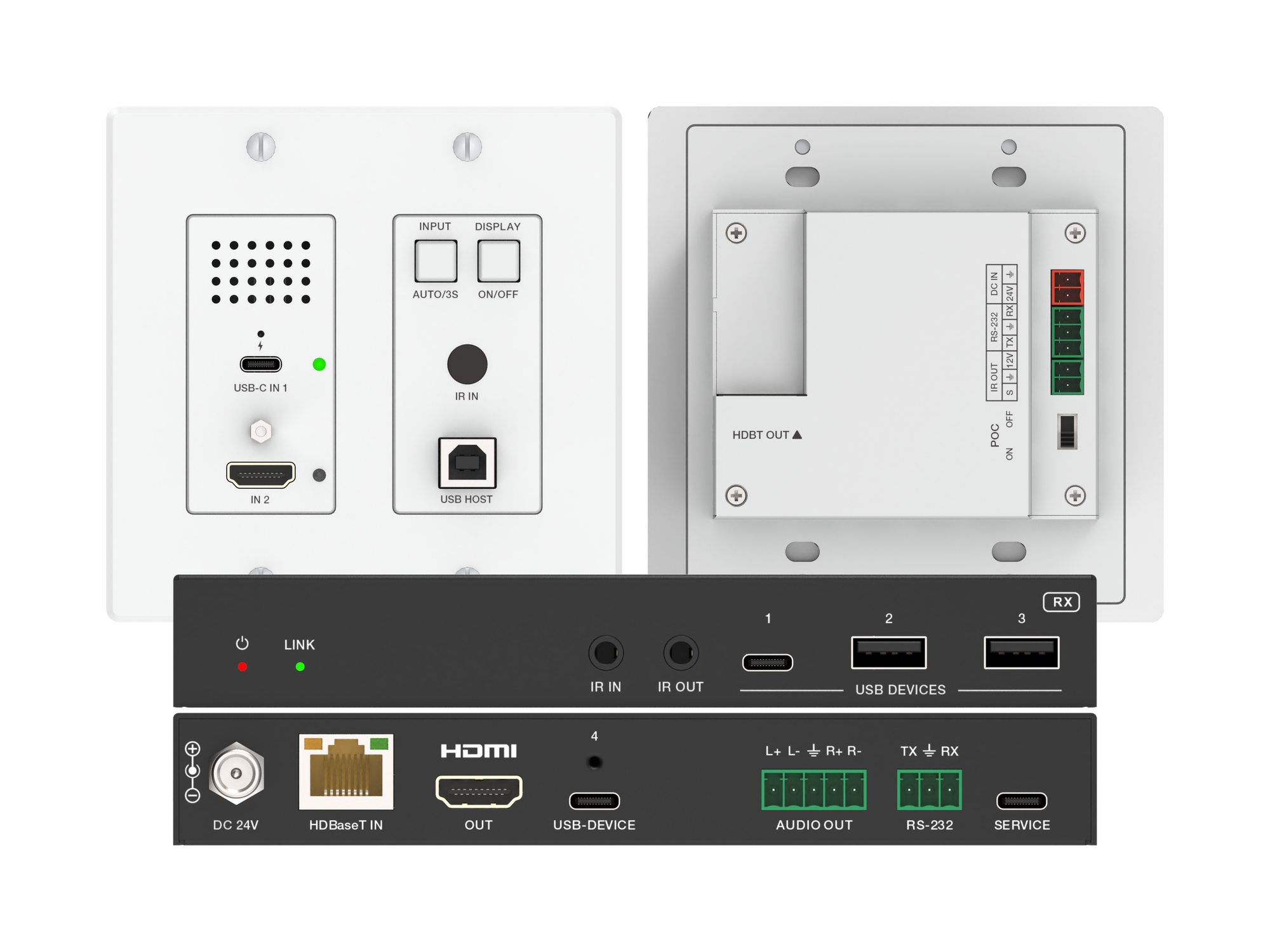
How one 2-gang wall-plate carries laptop video, USB camera and mic, and 60W charging to a distant display over a single CAT6/6A run.
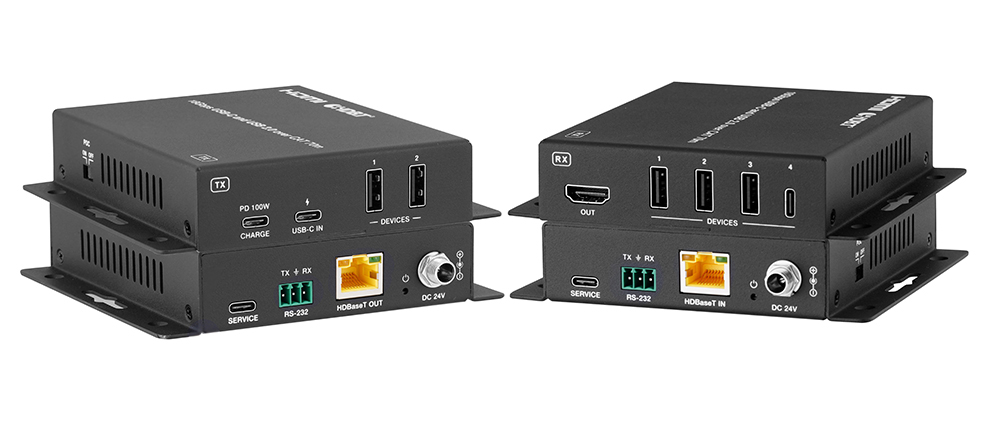
A BYOD room gets designed around the display, the room camera, and the network — and then the actual connection between the laptop and all of it is…
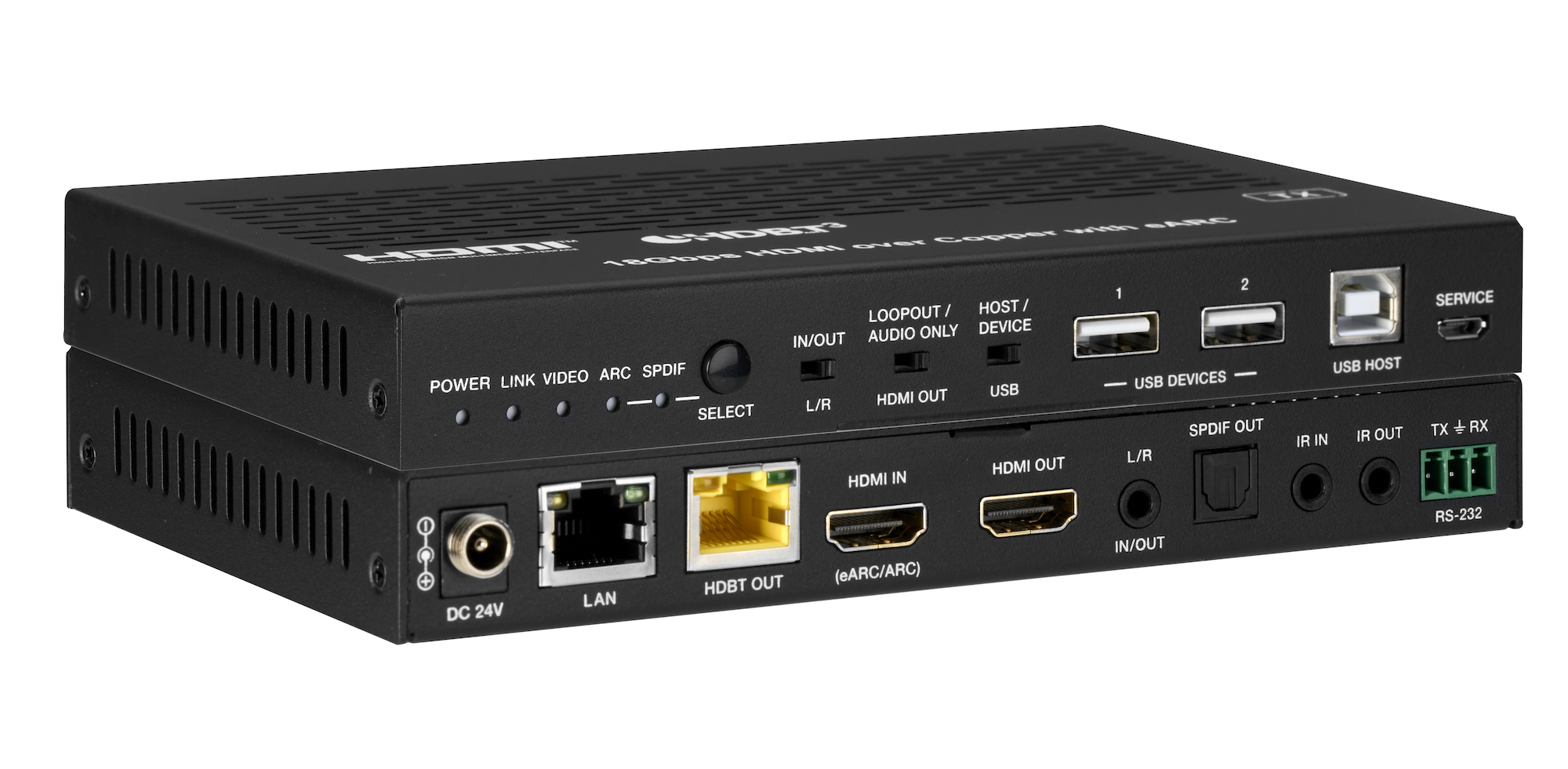
How the EXT-HDBT3ARC-TX carries 4K60 video out to the display and brings eARC audio back down the same CAT6A cable, with USB 2.0, Gigabit Ethernet…
KanexPro sells direct to dealers, resellers, installers and integrators, and through distribution. Whichever way you buy, the same engineers answer the phone.
The trade store: your own account, live stock, reordering, and a first look at new products.
Go to the trade store →Distribution and authorised resellers across the US and beyond.
See where to buy →Design help on extenders, matrix and AV over IP before you spec it.
Ask an engineer →