SP-HD1X44K 1x4 HDMI Splitter: 4K, HDR, EDID and Power
The SP-HD1X44K sends one HDMI source to four displays at up to 4K2K@60Hz 4:2:0 with HDR10, HDR10+ and Dolby Vision, HDCP 1.4 and STD/TV EDID modes.


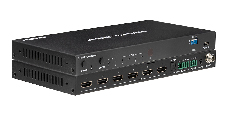 SP-HDMI2X4-8K
48Gbps 8K 2-In 4-Out HDMI Switching Splitter with Independent Downscaling & Audio…
Select 1 of 2 HDMI Sources and Send It to 4 Screens, with Auto-Scaling Video & Balanced/Digital…
Product page →
SP-HDMI2X4-8K
48Gbps 8K 2-In 4-Out HDMI Switching Splitter with Independent Downscaling & Audio…
Select 1 of 2 HDMI Sources and Send It to 4 Screens, with Auto-Scaling Video & Balanced/Digital…
Product page →
The SP-HDMI2X4-8K is a 2×1 switcher and a 1×4 splitter in one unit. You pick one of two HDMI 2.1 sources, and all four outputs show that source at the same time. You can't route a different source to each output. What each output does on its own is scaling and HDR handling: every output can downscale 8K to 4K or 2K and convert HDR to SDR, so each display gets a signal it can accept.
Applies to: SP-HDMI2X4-8K
It selects one of two HDMI 2.1 sources, either automatically or manually, and sends it to four HDMI outputs at once. One box does the work of a separate switcher, splitter, downscaler and audio extractor. It is HDMI 2.1 and HDCP 2.3 compliant, has 48 Gbps video bandwidth, and supports up to 8K@60Hz 4:2:0 12-bit, 8K@30Hz 4:4:4 12-bit and 4K@120Hz 4:4:4 12-bit. HDR10, HDR10+, Dolby Vision and HLG pass through, along with ALLM and VRR.
No. All four outputs always show the input that is currently selected. If one display has to show input 1 while another shows input 2, this unit can't do it. You need a true matrix switcher for that job.
Each output handles scaling and HDR on its own:
So one HDR 8K source can feed an 8K display at full resolution, a 4K display downscaled, and an older SDR display converted to SDR, all at once.
No. Audio is broken out to a shared pair of audio outputs, not one per HDMI output. There is one optical (S/PDIF) output and one L/R analog output on a 5-pin 3.5mm Phoenix connector. The optical output carries up to LPCM/Dolby/DTS 5.1CH. The L/R output carries LPCM 2CH, balanced or unbalanced, with adjustable gain set by the set analog gain command. All four HDMI outputs still pass the full HDMI audio formats, including Dolby TrueHD, Dolby Atmos, DTS-HD Master Audio and DSD.
You can switch inputs automatically or manually. Control works from the front panel buttons, the IR remote, RS-232 or API commands. RS-232 uses a 3-pin 3.5mm Phoenix connector. The IR CTL port is a 3.5mm stereo mini-jack. To send API commands, connect the RS-232 port or the SERVICE USB Type-C port to a PC and use a serial terminal. API commands cover input selection, EDID, audio and the per-output downscale setting above. EDID management offers 16 presets, 2 user-defined slots and a pass-through mode.
Yes. The built-in HDMI signal generator has 15 resolutions and 13 test patterns. Start it with set generator x y, where x is the resolution code (for example 01 = 8K30, 09 = 4K60, 13 = 1080p60) and y is the pattern code (for example 01 = Color bar, 07 = White, 13 = Black). get generator shows the current setting.
| Inputs / video outputs | 2x HDMI Type A / 4x HDMI Type A |
| Video bandwidth | 48 Gbps |
| Video resolution | Up to 8K@60Hz 4:2:0 12-bit, 8K@30Hz 4:4:4 12-bit, 4K@120Hz 4:4:4 12-bit |
| HDMI / HDCP | HDMI 2.1 / HDCP 2.3 |
| Audio de-embedding (Optical) | Up to LPCM/Dolby/DTS 5.1CH |
| Audio de-embedding (L/R) | LPCM 2CH |
| Analog output level (max) | 8.2 dBu (2Vrms) balanced • 2.2 dBu (1Vrms) unbalanced |
| Control | RS-232 [3pin-3.5mm Phoenix] • IR CTL [3.5mm stereo mini-jack] • SERVICE [USB Type C] |
| Power supply / consumption | DC 12V/1A / 6.24 W (Max) |
The article doesn't cover the TAA compliance question because the product facts don't say anything about TAA. Sales will need to answer that one. I also left out cable distance: the spec table gives 3 m / 9.8 ft without naming a resolution.
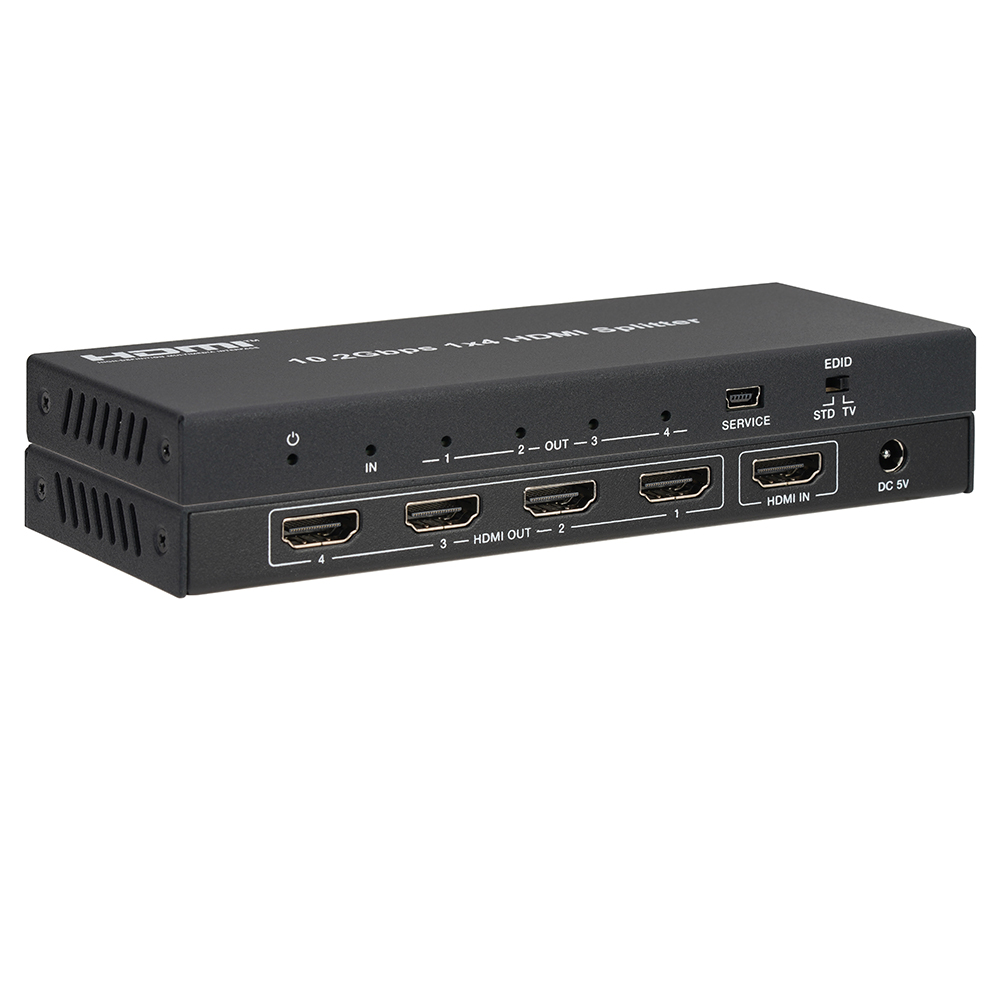
The SP-HD1X44K sends one HDMI source to four displays at up to 4K2K@60Hz 4:2:0 with HDR10, HDR10+ and Dolby Vision, HDCP 1.4 and STD/TV EDID modes.
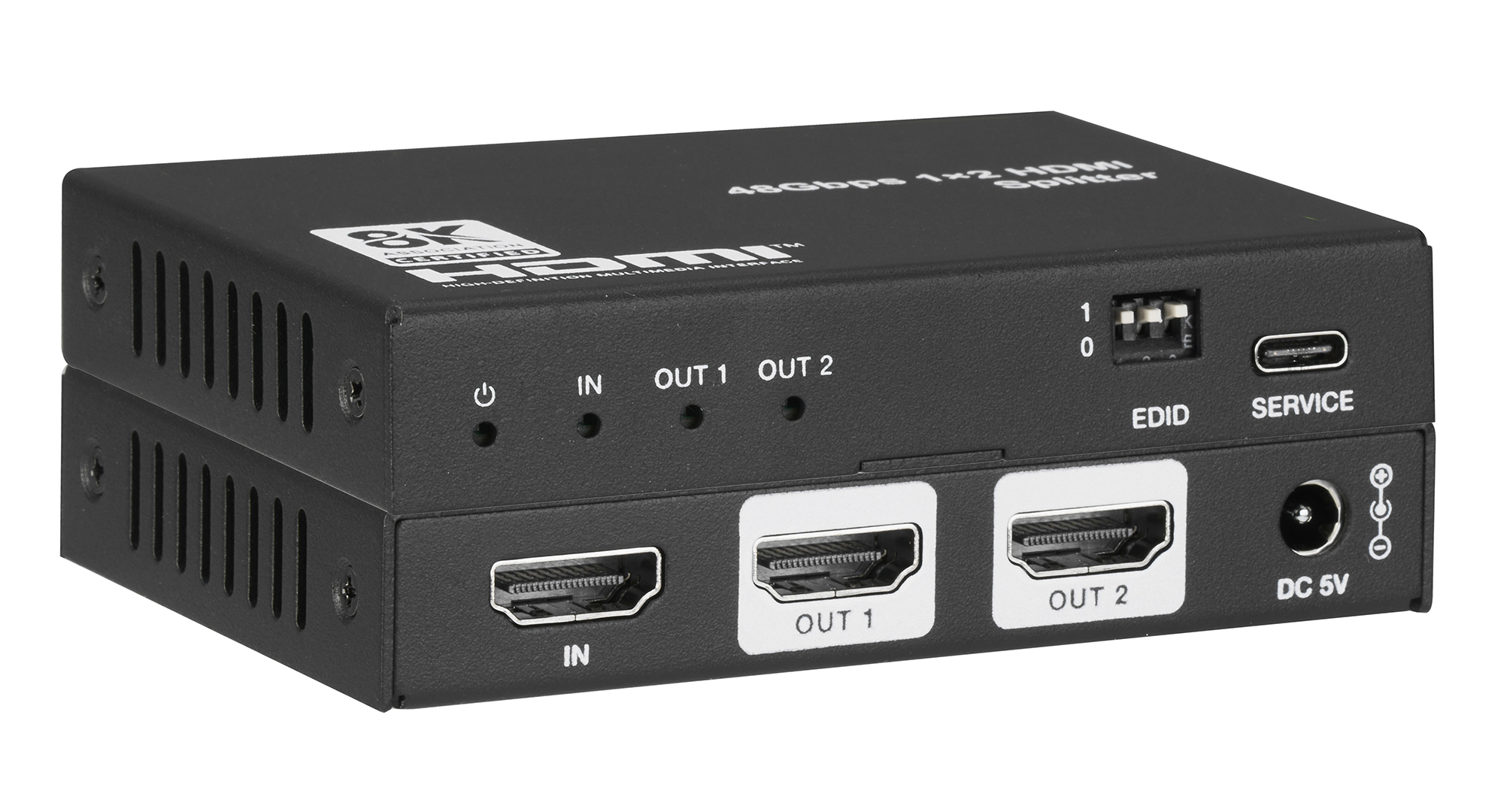
SP-HD1X28K splits one HDMI 2.1 source to two displays at up to 8K60 4:2:0 or 4K120 4:4:4, downscaling and converting HDR to SDR per output.
KanexPro sells direct to dealers, resellers, installers and integrators, and through distribution. Whichever way you buy, the same engineers answer the phone.
The trade store: your own account, live stock, reordering, and a first look at new products.
Go to the trade store →Distribution and authorised resellers across the US and beyond.
See where to buy →Design help on extenders, matrix and AV over IP before you spec it.
Ask an engineer →