SP-HD1X24K CEC Pass-Through and Output Assignment
CEC on the SP-HD1X24K passes from the input to HDMI Output 1 only. Put the display the source must power on or off on Output 1; Output 2 gets no CEC.


 SP-HD1X48K
8K 1×4 HDMI 2.1 Splitter with Auto Downscaling
48Gbps, HDCP 2.3, HDR-to-SDR Converting, Dolby Atmos/DTS:X, EDID DIP
Product page →
The SP-HD1X48K is a 1×4 HDMI 2.1 splitter that sends one source to four displays, and each display does not have to be the same kind. Each output reads its own display's capabilities. It then lowers the resolution and converts HDR to SDR when that display needs it, so an 8K screen and a 1080p screen can share one source without separate scalers. It is for any job where one HDMI 2.1 source feeds a mix of 8K, 4K and 1080p screens.
Applies to: SP-HD1X48K 8K 1×4 HDMI 2.1 Splitter with Auto Downscaling
It takes one HDMI source on HDMI IN and sends it to four HDMI outputs at up to 48Gbps FRL (18Gbps TMDS). It supports up to 8K@60Hz 4:2:0 12-bit and 4K@120Hz 4:4:4 12-bit. It is HDMI 2.1 and HDCP 2.3 compliant. It passes HDR, HDR10, HDR10+, Dolby Vision and HLG, plus the HDMI 2.1 features VRR, ALLM, QMS, QFT and SBTM. The splitter needs no network setup and has no network port. It works with HDMI connections and the supplied 5V power supply.
Each output reads the EDID of its own display. It then sets the resolution and converts HDR to SDR separately from the other three outputs. With an 8K HDR source connected:
HDR-to-SDR conversion on one output does not affect the others. HDR displays still get HDR, and SDR displays get the converted signal.
Yes. Downscaling does not work for 8K signals that use DSC (Display Stream Compression), or for resolutions the splitter does not support. If a 4K or 1080p display goes blank when the source sends 8K, first check whether the source is using DSC. Then check that display's EDID and power-cycle all devices. A DVI display works at 1080p and shows the picture, but it gets no audio.
Yes. The splitter supports 4K@120Hz 4:4:4 12-bit and passes VRR, ALLM, QMS and QFT. A console's gaming features therefore reach the HDMI 2.1 displays on the outputs.
Audio passes through on HDMI. Supported formats include LPCM 7.1CH, Dolby Digital/Plus/EX, Dolby TrueHD, Dolby Atmos, DTS, DTS-EX, DTS-96/24, DTS High Res, DTS-HD Master Audio, DTS:X and DSD. The SP-HD1X48K cannot de-embed audio. For an audio breakout, use the SP-1X2A8K.
Use the eight-mode EDID DIP switch on the unit:
If one output stays dark or a display shows no signal, set the switch to 111 and power-cycle the system.
No. There is no RS-232, Telnet or network control. The splitter works on its own: each output scales automatically, and you set the EDID with the DIP switch. The USB Type-C SERVICE port is for firmware updates only.
Use Ultra High Speed HDMI cables, and keep each cable to 9.8 ft (3m) or less for 8K signals. The included 5V/2A multinational power supply accepts AC 100–240V 50/60Hz, and the unit draws 5.5W at most. Connect the supply through a surge protector. The Power LED lights red when the unit has power. The IN LED lights green when it detects an active source. Each OUT LED lights green when its output is active.
| HDMI Compliance | HDMI 2.1 |
| HDCP Compliance | HDCP 2.3 |
| Video Bandwidth | 48Gbps FRL and 18Gbps TMDS |
| Video Resolution | Up to 8K@60Hz 4:2:0 12bit, 4K@120Hz 4:4:4 12bit |
| HDR | HDR, HDR10, HDR10+, Dolby Vision, HLG |
| Input / Output | 1 × HDMI IN [Type A, 19-pin female] / 4 × HDMI OUT [Type A, 19-pin female] |
| Control | 1 × SERVICE [USB Type-C, Update port] |
| Power Consumption | 5.5W (Max) |
| Dimensions | 145mm (W) × 68mm (D) × 17mm (H) |
| Weight | 263g |

CEC on the SP-HD1X24K passes from the input to HDMI Output 1 only. Put the display the source must power on or off on Output 1; Output 2 gets no CEC.
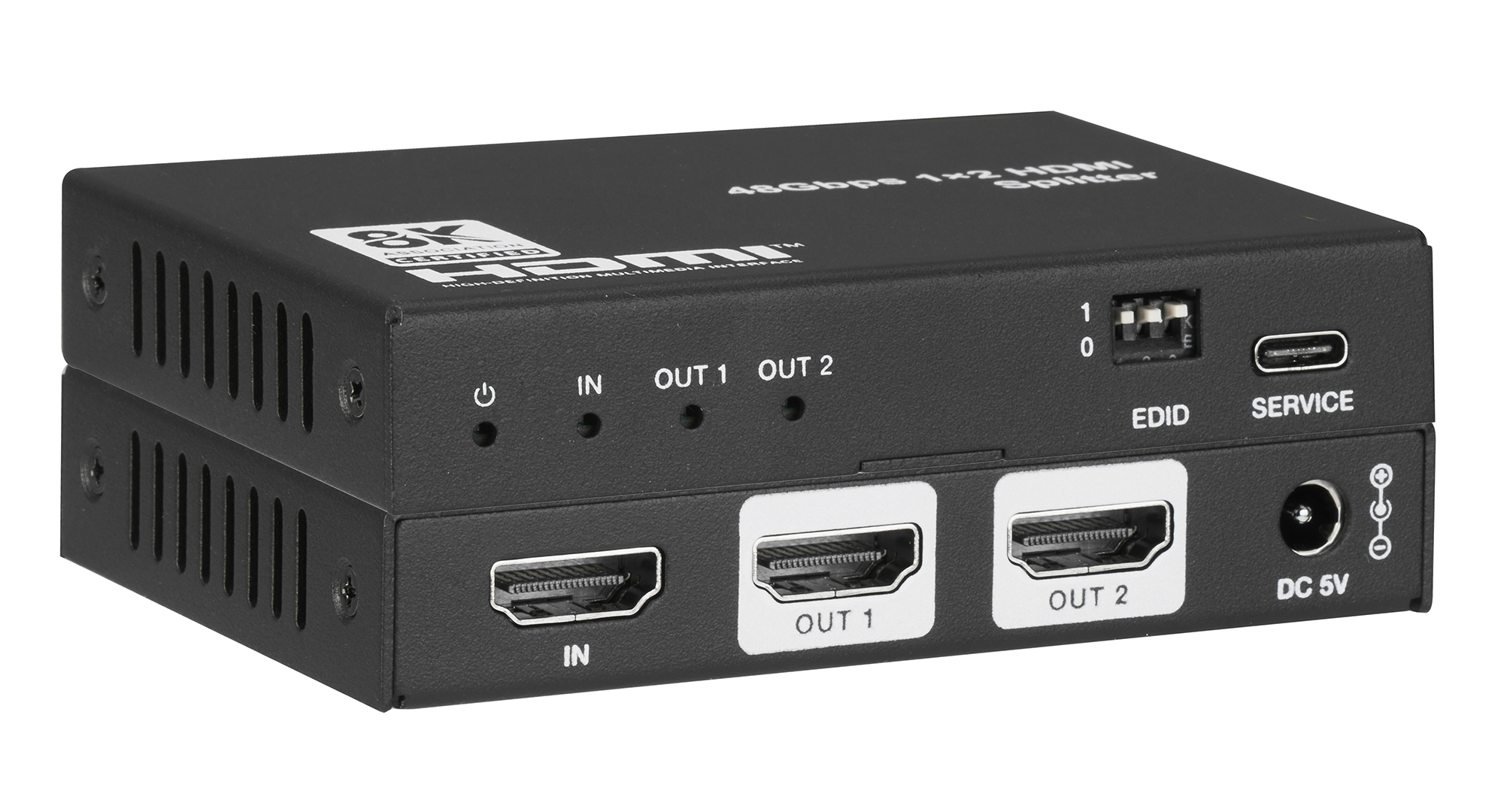
With a 4K HDR source, a 4K HDR TV gets the signal unchanged and a 1080p TV gets downscaled 1080p SDR. Each output follows its own display's EDID.
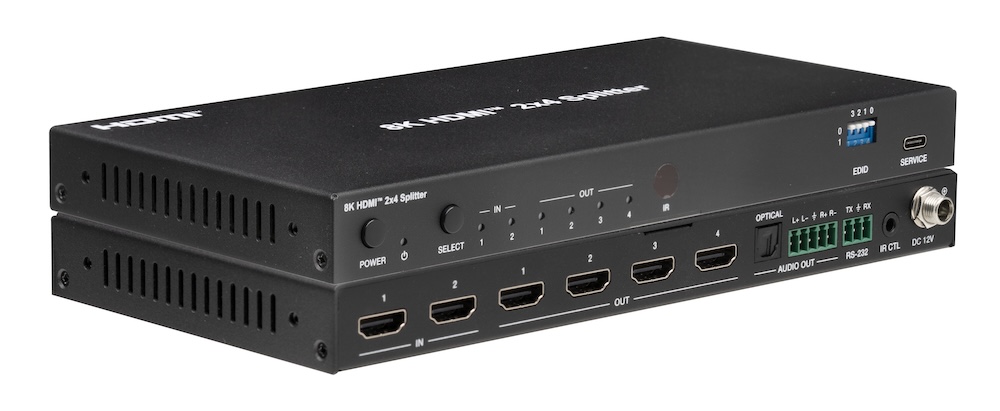
All four outputs carry the same selected source, but each one independently downscales 8K to 4K or 2K and converts HDR to SDR for its own display.
KanexPro sells direct to dealers, resellers, installers and integrators, and through distribution. Whichever way you buy, the same engineers answer the phone.
The trade store: your own account, live stock, reordering, and a first look at new products.
Go to the trade store →Distribution and authorised resellers across the US and beyond.
See where to buy →Design help on extenders, matrix and AV over IP before you spec it.
Ask an engineer →