SP-HDMI2X4-8K: What You Can Control on Each Output
All four outputs carry the same selected source, but each one independently downscales 8K to 4K or 2K and converts HDR to SDR for its own display.


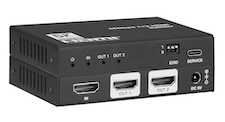 SP-HD1X28K
8K 1×2 HDMI 2.1 Splitter with Auto Downscaling
48Gbps, HDCP 2.3, HDR?SDR Converting, Dolby Atmos/DTS:X, EDID DIP
Product page →
Yes, the SP-HD1X28K can feed a 4K HDR display and an older 1080p SDR display from one source at the same time. The splitter reads the EDID of each connected display and sets each output on its own. A display that can show the source gets it unchanged. A less capable display gets a downscaled signal converted to SDR. At the default EDID DIP setting, 111, the source formats its output for the display on OUT 1.
Applies to: SP-HD1X28K 8K 1×2 HDMI 2.1 Splitter with Auto Downscaling
With a 4K HDR source, a 4K HDR TV on OUT 1 receives the 4K HDR signal unchanged. A 1080p TV on OUT 2 receives a 1080p SDR signal that has been downscaled and converted. The two outputs are handled separately, so the conversion on OUT 2 does not change the HDR signal on OUT 1. The splitter downscales 8K to 4K, or 8K/4K to 1080p, on all outputs. HDR-to-SDR conversion also works on all outputs. If the source sends Dolby Vision, the output feeding the SDR display gets SDR.
Start at the factory default, 111, which copies the EDID of the display on OUT 1. The source then formats its output for that display, and the splitter adapts the other output from there. Connect the display you want the source to format for to OUT 1. If you want the source to see a fixed EDID instead, the three-position DIP switch offers these modes:
The documentation only describes choosing the EDID with the DIP switch, from the eight modes above. It does not describe loading a custom EDID. The USB-C SERVICE port is listed only for firmware updates, and the splitter needs no control system. The supported video resolutions are listed as up to 8K@60Hz 4:2:0 12bit and 4K@120Hz 4:4:4 12bit, and the documentation names no non-standard timings. Before you specify the splitter for a non-standard resolution, ask KanexPro support to confirm it.
Downscaling does not work with an 8K DSC input, so first check what format the source is sending. Next, make sure the splitter is reading the display's EDID correctly by returning the DIP switch to 111. Then power-cycle both the splitter and the displays.
Each OUT LED lights green when its output is active. Use Ultra High Speed HDMI cables. For 8K, keep each cable to 3m or less.
If an output is still dark, check that the display on it supports the resolution being sent. Then try a different EDID DIP setting and power-cycle the splitter.
A display running in DVI mode will not play audio when it receives downscaled 1080p. Make sure the display on that output supports HDMI audio at the downscaled resolution. The splitter passes LPCM 7.1CH, Dolby TrueHD, Dolby Atmos, DTS-HD Master Audio and DTS:X.
| HDMI / HDCP Compliance | HDMI 2.1 / HDCP 2.3 |
| Video Bandwidth | 48Gbps FRL and 18Gbps TMDS |
| Video Resolution | Up to 8K@60Hz 4:2:0 12bit, 4K@120Hz 4:4:4 12bit |
| HDR | HDR, HDR10, HDR10+, Dolby Vision, HLG |
| Input / Output | 1 × HDMI IN / 2 × HDMI OUT [Type A, 19-pin female] |
| Control | 1 × SERVICE [USB Type-C, Update port] |
| Power Supply | Input: AC 100–240V 50/60Hz, Output: DC 5V/2A (CE/FCC/UL certified) |
| Power Consumption | 4.3W (Max) |
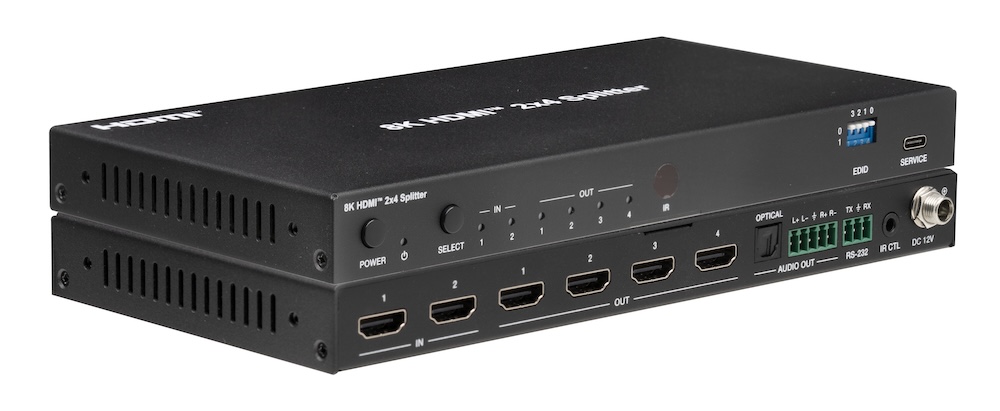
All four outputs carry the same selected source, but each one independently downscales 8K to 4K or 2K and converts HDR to SDR for its own display.
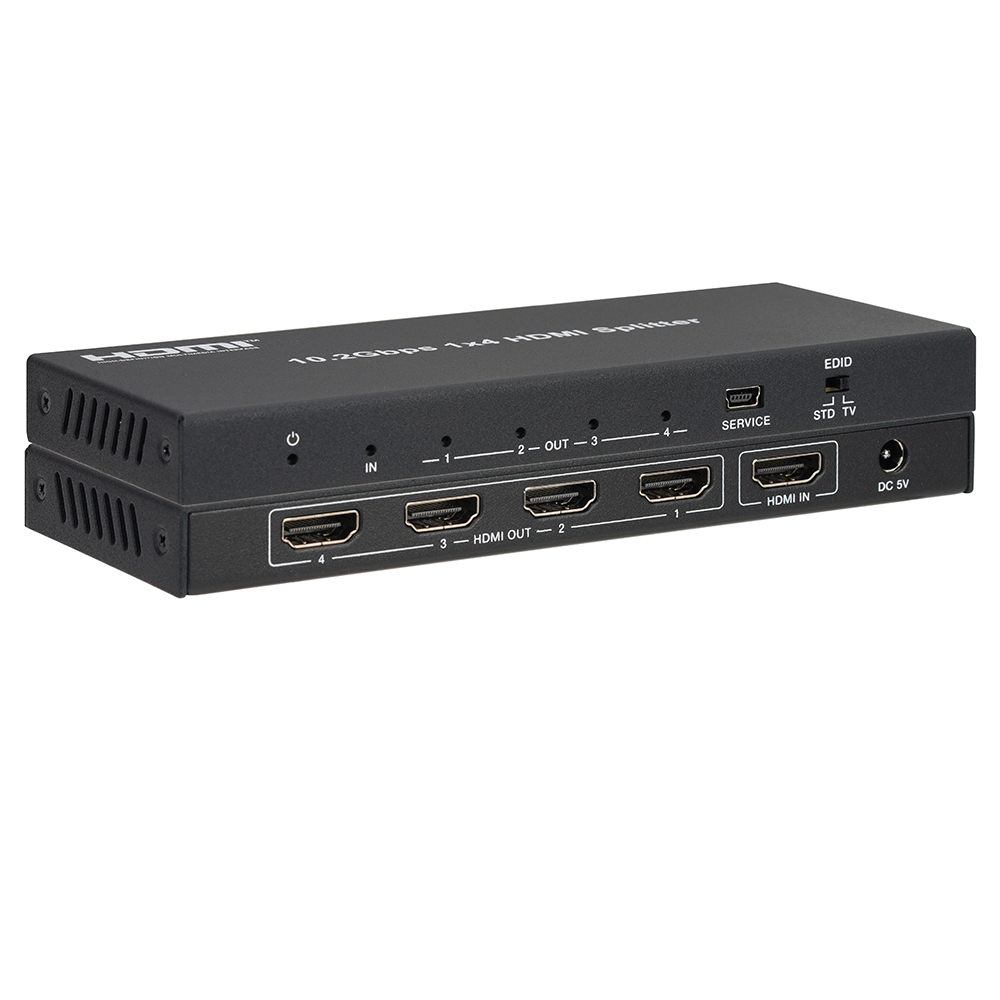
The SP-HD1X44K sends one HDMI source to four displays at up to 4K2K@60Hz 4:2:0 with HDR10, HDR10+ and Dolby Vision, HDCP 1.4 and STD/TV EDID modes.
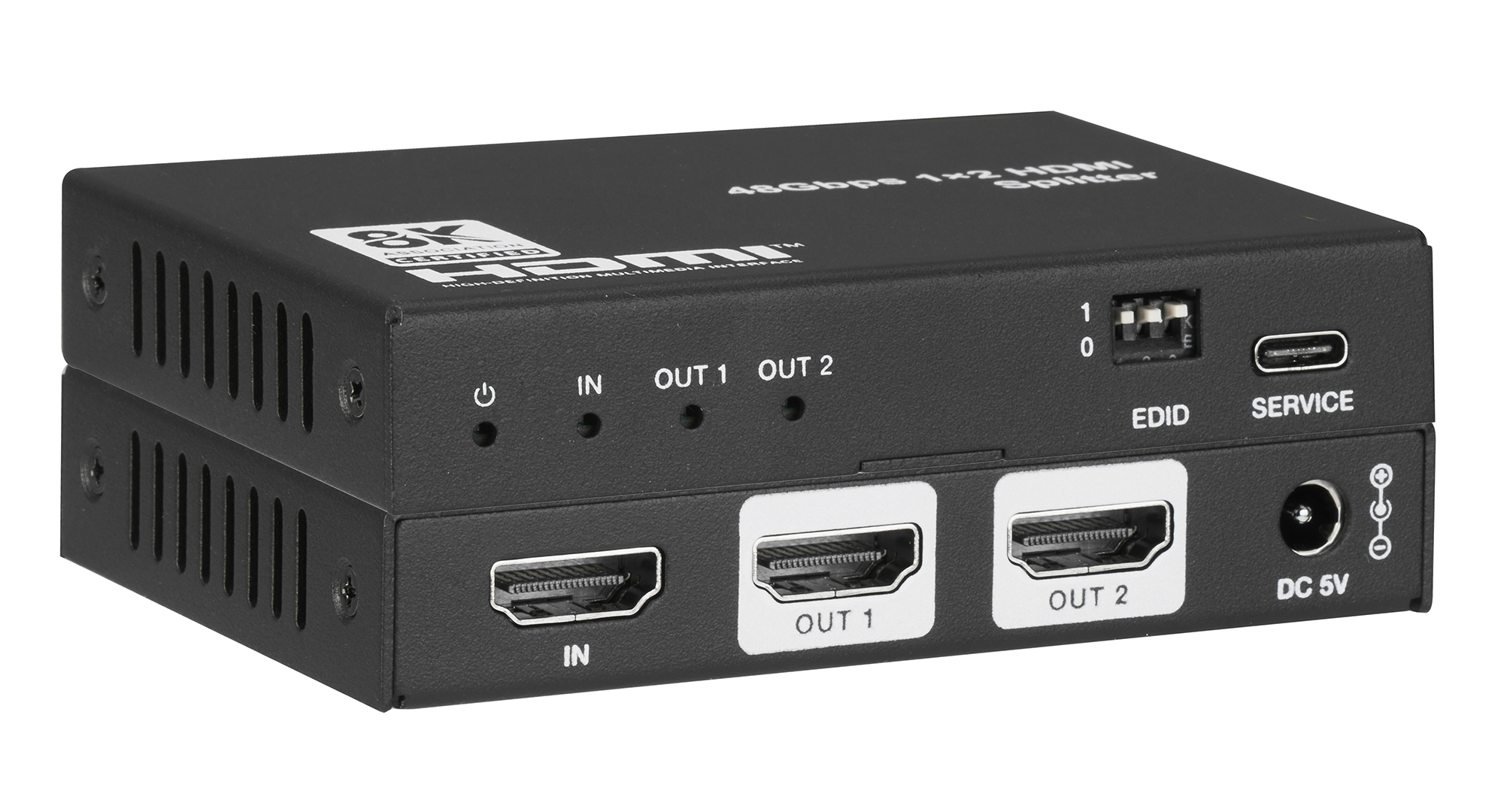
SP-HD1X28K splits one HDMI 2.1 source to two displays at up to 8K60 4:2:0 or 4K120 4:4:4, downscaling and converting HDR to SDR per output.
KanexPro sells direct to dealers, resellers, installers and integrators, and through distribution. Whichever way you buy, the same engineers answer the phone.
The trade store: your own account, live stock, reordering, and a first look at new products.
Go to the trade store →Distribution and authorised resellers across the US and beyond.
See where to buy →Design help on extenders, matrix and AV over IP before you spec it.
Ask an engineer →