SP-HD1X48K: One 8K Source to 8K, 4K and 1080p Displays
The SP-HD1X48K splits one HDMI 2.1 source to four displays. Each output scales and converts HDR to SDR to suit its own 8K, 4K or 1080p screen.


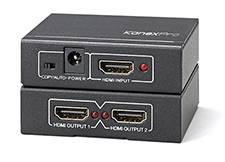 SP-HD1X24K
4K@30Hz 1×2 HDMI Splitter with EDID Selector
4K@30Hz, HDCP, CEC Pass-Through, Deep Color, EDID Copy/Auto Modes
Product page →
On the SP-HD1X24K, CEC passes through from the HDMI input to HDMI Output 1 only. Output 2 shows the same picture and audio but gets no CEC. Connect the display that should power on and off with the source to Output 1.
Applies to: SP-HD1X24K, the 1×2 HDMI splitter with EDID selector.
Output 1. The specification lists CEC as pass-through enabled, and that pass-through runs from the input port to HDMI Output 1. CEC commands from the source, such as power on and power off, reach the display on Output 1. Output 2 has no CEC path to the source.
It shows the same picture as Output 1, with audio, because both outputs carry the one HDMI input. It does not receive CEC commands from the source, so a display on Output 2 will not turn on or off when the source does. That display has to be switched on and off another way. If only one display in the room needs to follow the source, connect it to Output 1.
No. CEC goes to Output 1 in either mode. The EDID selector on the front panel has two settings:
The two features use different outputs. Copy mode takes its EDID from Output 2, while CEC goes only to Output 1. If the two displays are not the same model, Copy mode sets the source's format from the Output 2 display, not the display that CEC controls. Auto mode uses the EDIDs of both displays.
Use the LEDs. On the front panel, the red Input LED lights when an HDMI signal is plugged in. On the rear panel, the Output 1 LED lights when a display is connected to HDMI Output 1, and the Output 2 LED lights when a display is connected to HDMI Output 2. To confirm that the display you want to control is on Output 1, unplug its HDMI cable and check that the Output 1 LED goes out.
No. The SP-HD1X24K is an HDMI 1.4 device with 2.97 Gbps of video bandwidth, and its maximum resolution is 4K × 2K@30Hz. It does not pass 4K@60Hz, HDR or Dolby Vision. For those, use the SP-HD1X44K. The splitter supports HDCP 1.x, so the source and both displays must be HDCP compatible.
| CEC | Pass-through enabled |
| EDID modes | Copy and Auto |
| Maximum Resolution | 4K × 2K@30Hz |
| Output Video | HDMI 1.4 with full HD 1080p, 1920×1200, 720p, 3D and 4K×2K + HDCP |
| Video Bandwidth | 2.97 Gbps |
| Input DDC Signal | 5 volts p-p (TTL) |

The SP-HD1X48K splits one HDMI 2.1 source to four displays. Each output scales and converts HDR to SDR to suit its own 8K, 4K or 1080p screen.
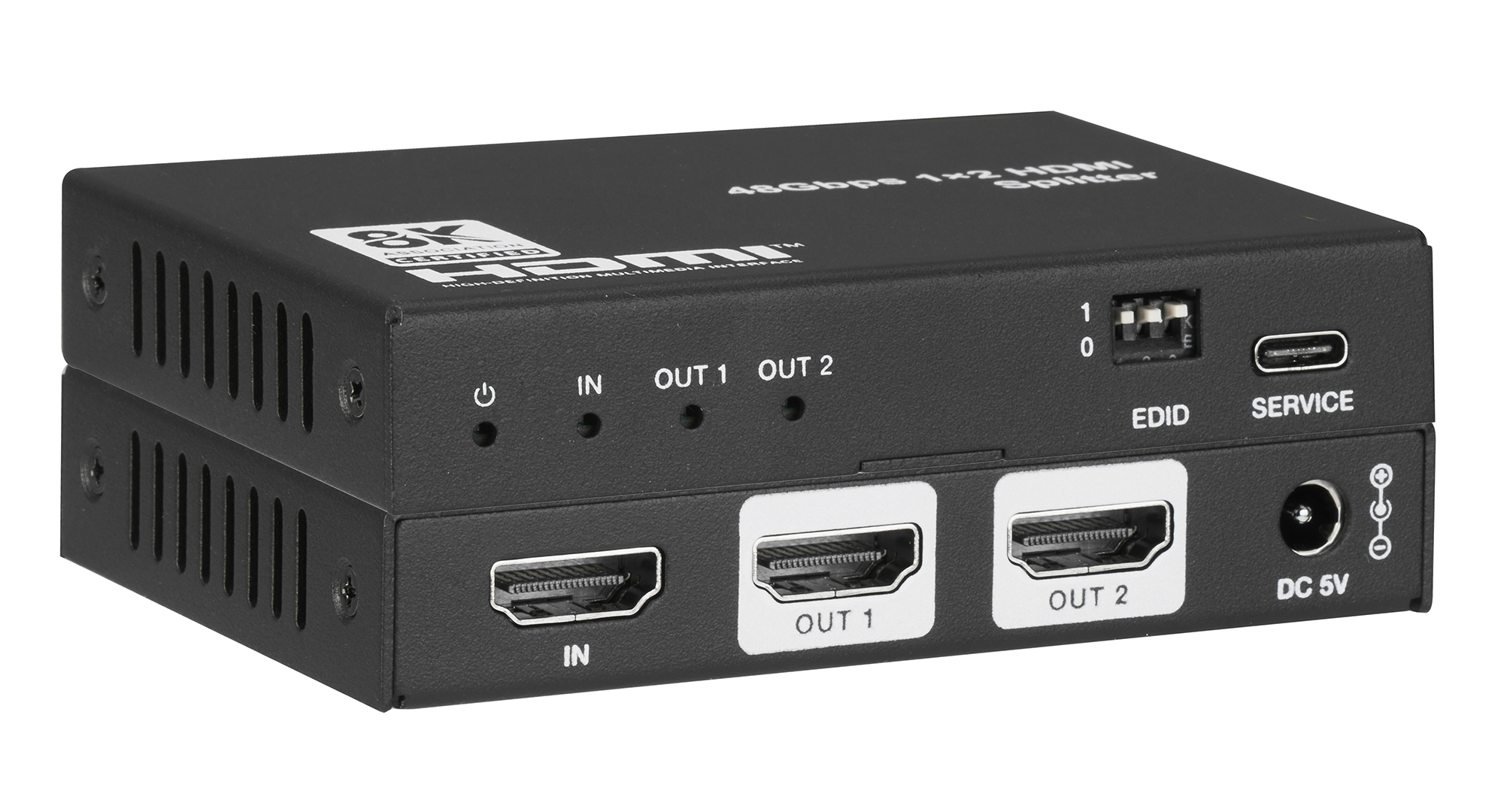
With a 4K HDR source, a 4K HDR TV gets the signal unchanged and a 1080p TV gets downscaled 1080p SDR. Each output follows its own display's EDID.
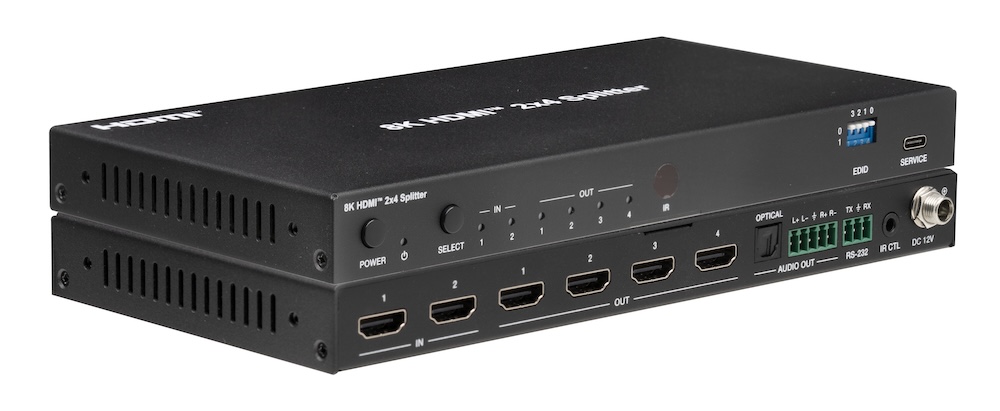
All four outputs carry the same selected source, but each one independently downscales 8K to 4K or 2K and converts HDR to SDR for its own display.
KanexPro sells direct to dealers, resellers, installers and integrators, and through distribution. Whichever way you buy, the same engineers answer the phone.
The trade store: your own account, live stock, reordering, and a first look at new products.
Go to the trade store →Distribution and authorised resellers across the US and beyond.
See where to buy →Design help on extenders, matrix and AV over IP before you spec it.
Ask an engineer →