Keep AV over IP Video Off the IT LAN: Spec a Dual-Port Controller
Don't run AV over IP video on the building network. Put endpoints on their own switch and use a controller with a separate port for IT control.


An HDMI matrix does one job brilliantly: any source to any screen. The trouble starts on a busy night, when the person routing it is a bartender or a receptionist, not the installer. They route a cable box that is switched off to the main screen. They cannot find the remote for the box that is on. The game is on the wrong TV, and nobody knows which input is which.
Our view is that the control screen should make those mistakes hard to make. Two things do most of the work: showing which sources actually have a picture, and putting each source's and each screen's remote right next to it.
The MMX-16X16AUD and MMX-8X8AUD product pages now have a Demo button. It opens a simulated matrix in RelayAV, KanexPro's control app, with no sign-in and nothing to install: a sports bar on the 16x16 and a conference floor on the 8x8.

Every input shows a green dot when its source has a picture, and every output shows one when a screen is connected. With With a picture on, the list hides the sources that have nothing to show, so the person routing only sees what will actually work. Routing is a drag: an input onto a screen, or onto the Outputs heading for every screen at once.
Each source has its own remote beside it, for the cable box's guide, a streaming player's playback, or power, sent over HDMI CEC. Each screen has its own remote and an On / Off button. No drawer of remotes, and no guessing which one belongs to which box.

Game day, Music night, Closing; Meeting, Presentation, Video call. A preset puts every screen back in one tap. The one in use stays lit, and if someone changes a screen afterwards it shows that, so the next person knows the room has moved on.
On both matrices, each HDMI output has its own audio out carrying the sound of whatever that screen shows, so a zone amplifier plays what its zone is watching. Turn on ARC for an output, and that output's coax carries the TV's own sound back instead.
Each demo has Amy, the built-in Product Expert. Ask her how to wire the audio zones, how far an HDMI run can go, or how the matrix fits your venue. If you ask her to change something, she offers a button, and nothing happens until you press it.
Send your client the product page, or hand them your phone across the bar. If something in the demo is missing or confusing, the Feedback button reaches the KanexPro team directly.
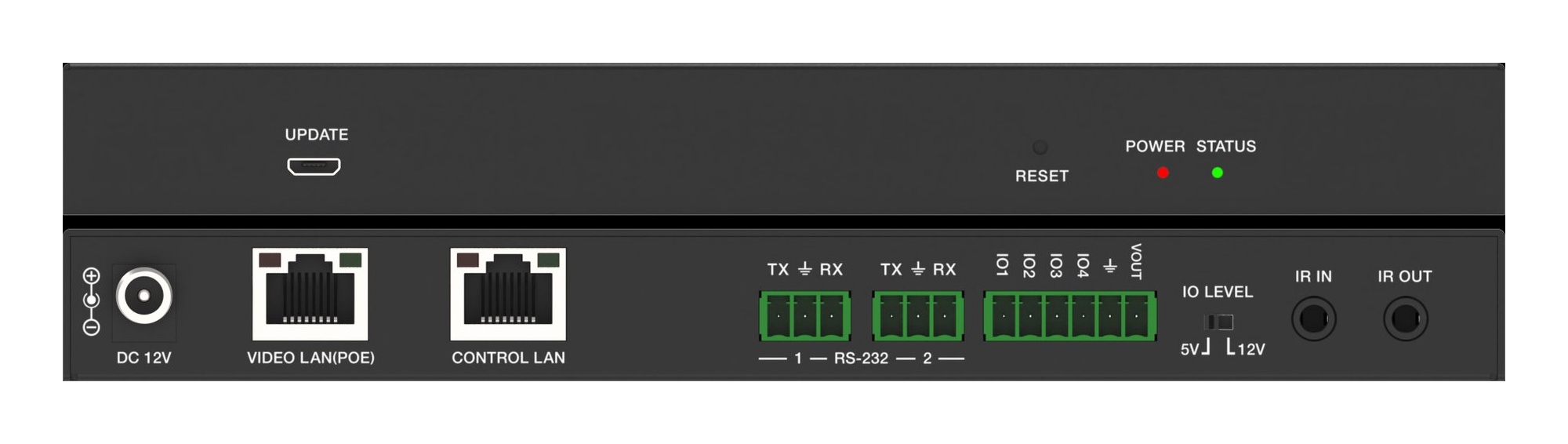
Don't run AV over IP video on the building network. Put endpoints on their own switch and use a controller with a separate port for IT control.
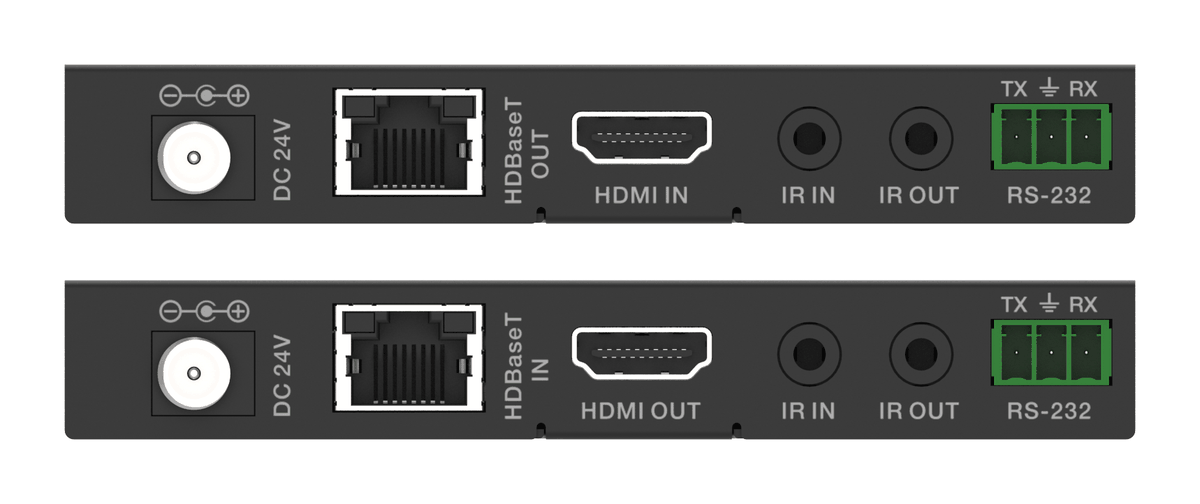
How the EXT-HDBT18G-70M carries 4K60 HDR, IR and RS-232 over one CAT6 with power at one end, and where it fits in rooms, venues and signage.
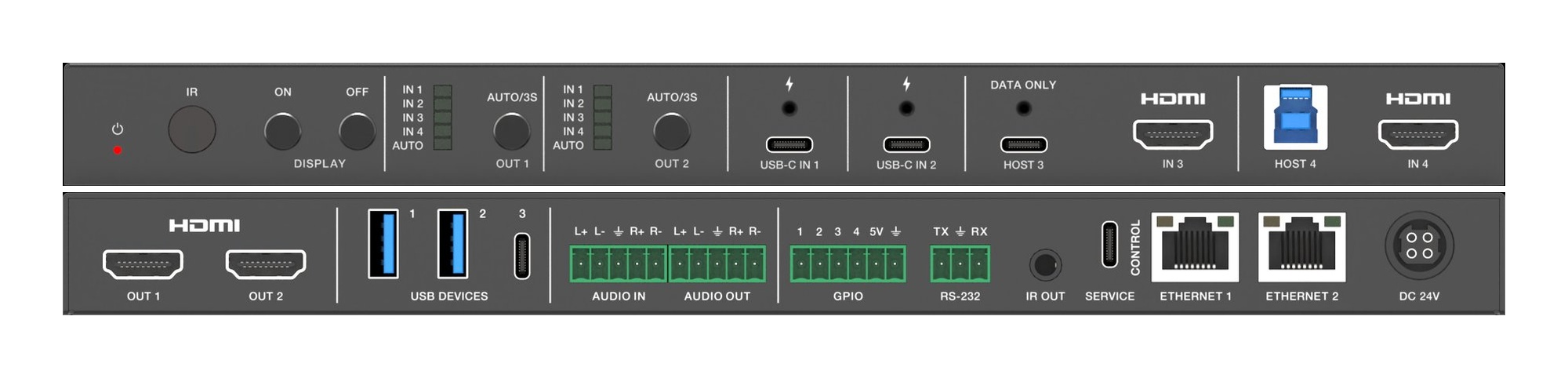
Two displays in a huddle room should show two things. A 4x2 matrix lets each screen pick its own source, so the room stops showing one laptop twice.
KanexPro sells direct to dealers, resellers, installers and integrators, and through distribution. Whichever way you buy, the same engineers answer the phone.
The trade store: your own account, live stock, reordering, and a first look at new products.
Go to the trade store →Distribution and authorised resellers across the US and beyond.
See where to buy →Design help on extenders, matrix and AV over IP before you spec it.
Ask an engineer →