SW-4X1HDAUD: 4K HDMI Switching, Audio Extraction and RS-232
The SW-4X1HDAUD switches four HDMI 2.0a sources to one display at up to 4Kx2K@60Hz, extracts audio to optical and analog, and takes RS-232 control.

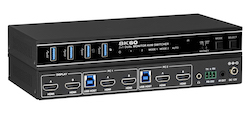 KVM-2X1DUAL8K
2×1 Dual-Display HDMI 2.1 KVM Switch — 8K60, HDCP 2.3
Share Two Monitors, Keyboard & Mouse Between Two PCs with USB 3.0, Hotkey Switching & IR Remote
Product page →
The KanexPro KVM-2X1DUAL8K lets two PCs share two HDMI monitors, one keyboard and mouse, and USB 3.0 peripherals. It can switch both displays at once, or keep each monitor on its own PC while only the keyboard, mouse and USB devices move. It is built for dual-monitor desks used by traders, developers and control room operators. Integrators can switch it from the front panel, with hotkeys, with the IR remote or over RS-232.
Applies to: KVM-2X1DUAL8K, 2×1 dual-display HDMI 2.1 KVM switch.
Each PC connects with two HDMI cables and one USB cable. The PC's two HDMI outputs go to the HDMI A and HDMI B inputs in its PC 1 or PC 2 group, and its USB port goes to that group's USB Type B host port. Monitor A connects to DISPLAY HDMI A and Monitor B to DISPLAY HDMI B. The switch complies with HDMI 2.1 and HDCP 2.3 and supports up to 8K@60Hz, 4K@120/144Hz and 1080p@240Hz. It passes HDR, HDR10, HDR10+, Dolby Vision and HLG on both outputs.
Switching happens in hardware with no frame buffering, and the specification lists zero video and audio latency. Every input has a built-in EDID emulator, so the resolution is already set when you switch and there is no handshake delay.
In Mode 1 (Single PC Mode), Display A and Display B both switch to the selected PC, and the USB devices follow that PC. Pressing SELECT or using a hotkey moves everything between PC 1 and PC 2.
In Mode 2 (Dual PC Mode), Display A stays on PC 1 and Display B stays on PC 2, so each monitor always shows its own computer. Only the keyboard, mouse and other USB devices switch. An operator can watch both machines at once and work on either one with a single keyboard and mouse.
The front-panel MODE button changes the mode, and the MODE 1/2 LED shows which mode is active. A control system can set the mode with the RS-232 command s output mode z! (z = 1 or 2).
The switch has two USB 3.0 device ports at 5Gbps and two keyboard/mouse hotkey ports. Webcams, printers, scanners and external drives on the shared ports follow whichever PC is active.
The hotkey ports behave differently depending on the HOTKEY switch. With it ON, they run at USB 1.1 and accept only a keyboard and mouse. With it OFF, they work as normal USB 3.0 ports. To switch with hotkeys, plug the keyboard and mouse into the hotkey ports, set HOTKEY to ON, and keep storage devices and webcams on the USB 3.0 device ports.
There are four ways to switch:
The RS-232 port uses the supplied 3-pin Phoenix connector. Commands are ASCII text, and each one ends with an exclamation mark. They include:
Auto-switch changes input whenever an HDMI source connects or disconnects, and the AUTO LED is lit while it is on. If a PC often sleeps and wakes, it can trigger a switch each time. To stop this, send s auto switch 0! to turn auto-switch off.
HDMI audio passes through in these formats: LPCM, DD/DD+/EX, TrueHD, Atmos, DTS/DTS-EX/DTS-96/24/DTS High Res/DTS-HD MA/DTS:X and DSD. There is also a 3.5mm analog L/R output that carries PCM 2.0 stereo, for powered speakers or a headset amplifier at the desk.
KanexPro recommends Premium High Speed HDMI cable. The manual's recommended-cable table gives separate maximum lengths for 4K60 4:4:4 and 1080p 4:4:4, so check it before running cable longer than the cables supplied.
The box includes:
| HDMI / HDCP | HDMI 2.1, HDCP 2.3 |
| Video | Up to 8K@60Hz, 4K@120/144Hz, 1080p@240Hz |
| HDR | HDR, HDR10, HDR10+, Dolby Vision, HLG |
| Latency | Zero (video and audio) |
| USB Device | 2× USB Type A 3.0 (5Gbps) + 2× USB Type A keyboard/mouse (hotkey) ports |
| Power Consumption | 5.18W typical, 0.6W standby |
| Regulatory | CE, FCC, UL |
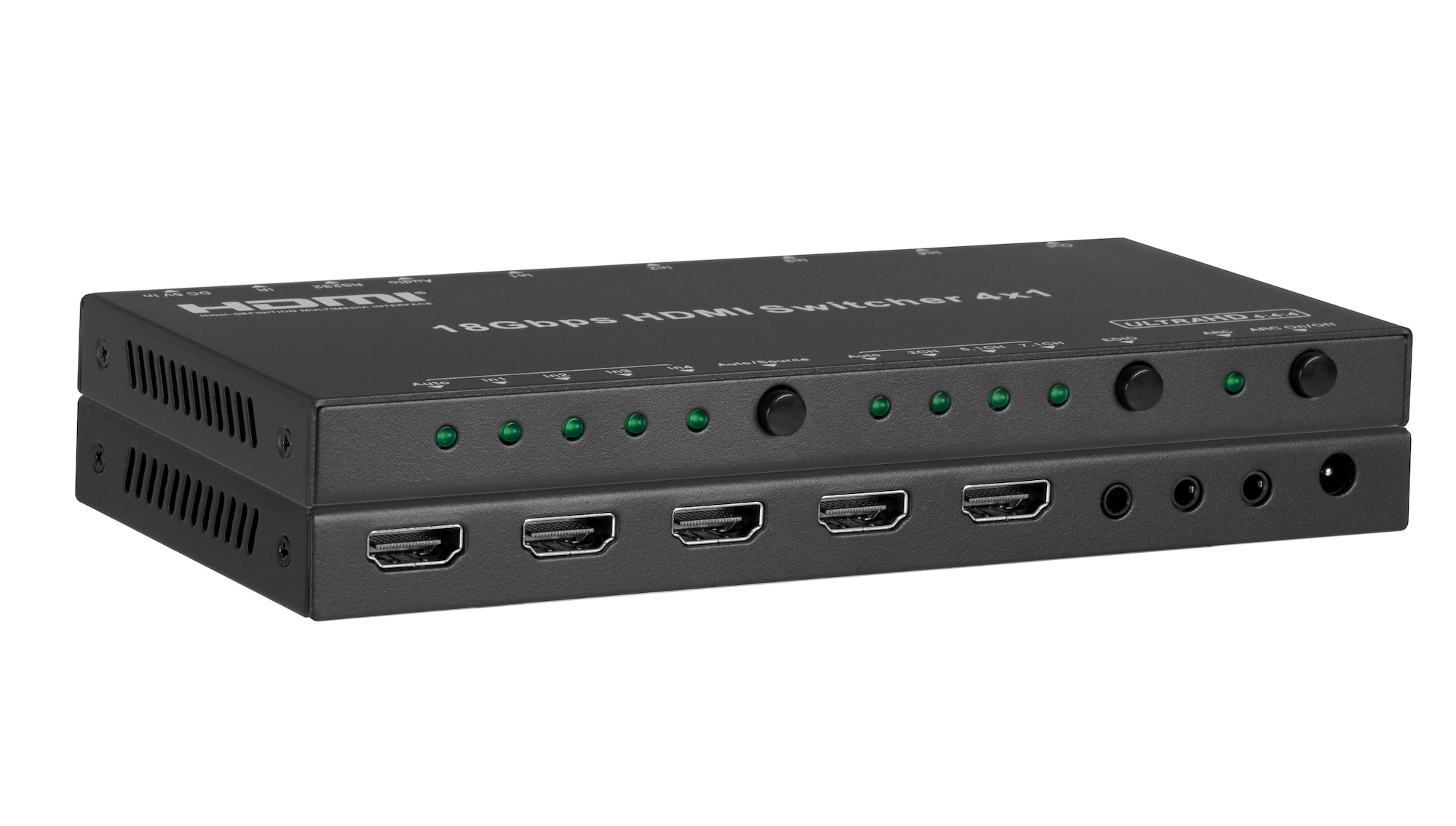
The SW-4X1HDAUD switches four HDMI 2.0a sources to one display at up to 4Kx2K@60Hz, extracts audio to optical and analog, and takes RS-232 control.
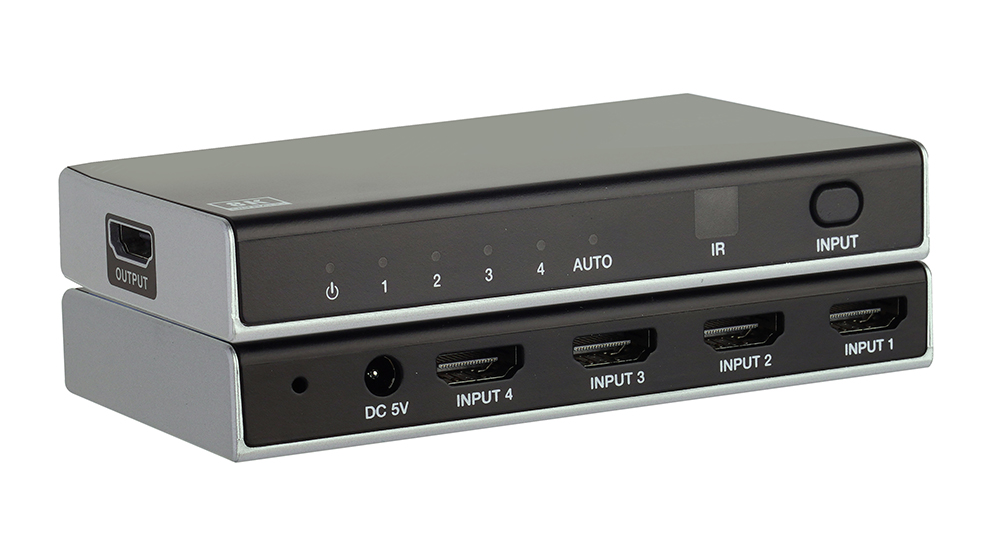
The SW-4X18K switches four HDMI 2.1 sources to one display at up to 8K@60Hz 4:4:4 or 4K@120Hz 4:4:4, by front button, IR remote or auto-switch.
KanexPro sells direct to dealers, resellers, installers and integrators, and through distribution. Whichever way you buy, the same engineers answer the phone.
The trade store: your own account, live stock, reordering, and a first look at new products.
Go to the trade store →Distribution and authorised resellers across the US and beyond.
See where to buy →Design help on extenders, matrix and AV over IP before you spec it.
Ask an engineer →