KVM-2X1DUAL8K: Dual-Display KVM Modes, USB and Control
The KVM-2X1DUAL8K switches two HDMI 2.1 monitors, keyboard, mouse and USB 3.0 devices between two PCs, or locks one monitor to each PC in Mode 2.

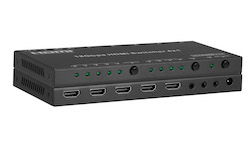 SW-4X1HDAUD
4×1 4K HDMI Switcher with ARC, Audio Extraction, and RS-232
18Gbps, HDCP 2.2, Dolby TrueHD/DTS-HD 7.1, Smart EDID, Auto-Switch
Product page →
The SW-4X1HDAUD routes four HDMI sources to one display at up to 4Kx2K@60Hz (YCbCr 4:4:4), and de-embeds the audio to optical S/PDIF and analog L/R in the same unit, with Audio Return Channel (ARC) from the TV. Inputs can be selected from the front panel, the IR remote, automatic detection or a control system on its RS-232 port, so integrators get source switching and a separate audio feed under one control point without a standalone audio extractor.
Applies to: SW-4X1HDAUD, 4×1 4K HDMI Switcher with ARC, Audio Extraction, and RS-232.
It is an 18Gbps 4×1 switcher, compliant with HDMI 2.0a and DVI 1.0, that combines source switching, audio de-embedding and ARC in a compact metal enclosure drawing 2.5W at most. Video passes at up to 4Kx2K@60Hz (YCbCr 4:4:4), including all HDMI 3D formats. It is HDCP 2.2 and HDCP 1.4 compliant with a repeater function, so protected content from the sources passes through to the display. A typical layout puts four sources on IN 1-4, HDMI OUT to a 4K display, and either or both audio outputs to the audio system.
Yes. The rear panel carries an RS-232 serial control port for a control system, and input selection over RS-232 is one of the four ways to change the source, alongside the front-panel Auto/Source button, the IR remote and automatic switching. When a control system is meant to own the source choice, run the switcher in manual mode: in manual mode it stays on the input you select until the button, the remote or RS-232 changes it. In automatic mode it moves to any source that sends a new signal, which can override the selection the control system made. To turn automatic mode off, hold Auto/Source for more than 2 seconds until the Auto LED goes out.
This article does not reproduce the RS-232 command strings or serial port settings. Request the SW-4X1HDAUD command set from KanexPro support before programming the control system. Input selection is the RS-232 function the product documentation confirms; if the job also calls for EDID or ARC changes from the control system, confirm with support that the command set covers them before you design around it.
The audio output provides optical S/PDIF and analog L/R at the same time, so a soundbar can take the optical output while an amplifier or powered speakers take the analog output. The supplied optical convert header must be connected when the optical output is in use. With ARC turned on, from the ARC On/Off button on the front panel or ARC on the remote, the switcher takes the return audio from the connected TV, such as its built-in apps, and sends it to the optical and analog outputs; the ARC LED lights while ARC is active. The SW-4X1HDAUD supports standard ARC only, not eARC.
Smart EDID management is selectable between Auto, 2CH, 5.1CH and 7.1CH, and the EDID mode tells the sources which audio format to send. Leave it on Auto to pass the display's own EDID, or choose 2CH, 5.1CH or 7.1CH to match the speakers on the audio outputs. If a surround system plays only two channels, press the EDID button on the front panel, or use the remote, until the 5.1CH or 7.1CH LED matches the speaker setup. Audio pass-through covers PCM 2.1/5.1/7.1CH, Dolby 5.1, DTS 5.1, Dolby TrueHD and DTS-HD Master Audio.
| Specification | Value |
|---|---|
| HDMI compliance | HDMI 2.0a, DVI 1.0 |
| HDCP compliance | HDCP 2.2 / HDCP 1.4 |
| Video bandwidth | 18Gbps |
| Video resolution | Up to 4Kx2K@60Hz, all HDMI 3D formats |
| Input | 4 × HDMI Female ports, 1 × IR Receive port, 1 × RS-232 port |
| Output | 1 × HDMI Female port, 1 × L/R Analog & Optical audio port |
| Power supply | DC 5V/1A |
| Power consumption | 2.5W (Max) |
| Dimensions | 180mm (D) × 85mm (W) × 11.6mm (H) |
| Operating temperature | 0°C – 40°C / 32°F – 104°F |
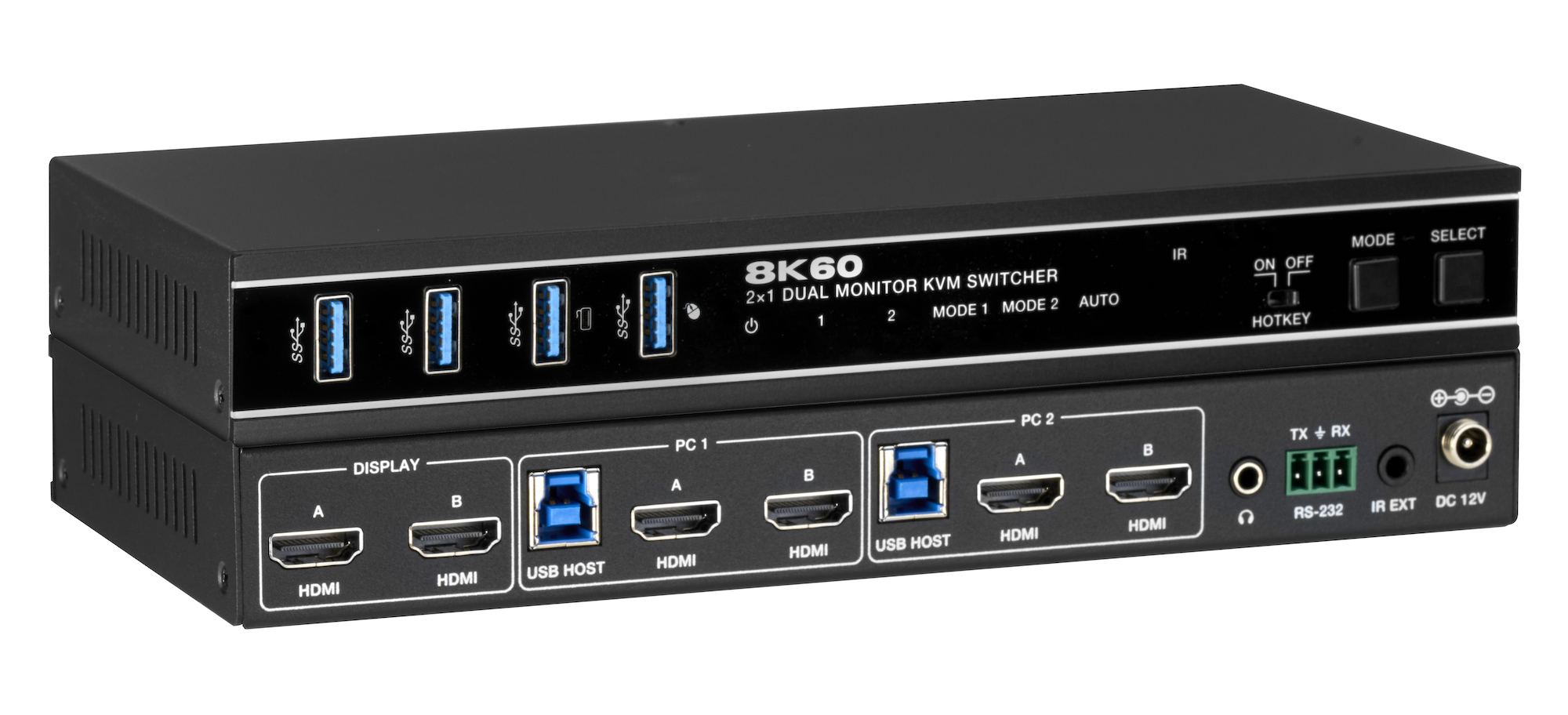
The KVM-2X1DUAL8K switches two HDMI 2.1 monitors, keyboard, mouse and USB 3.0 devices between two PCs, or locks one monitor to each PC in Mode 2.
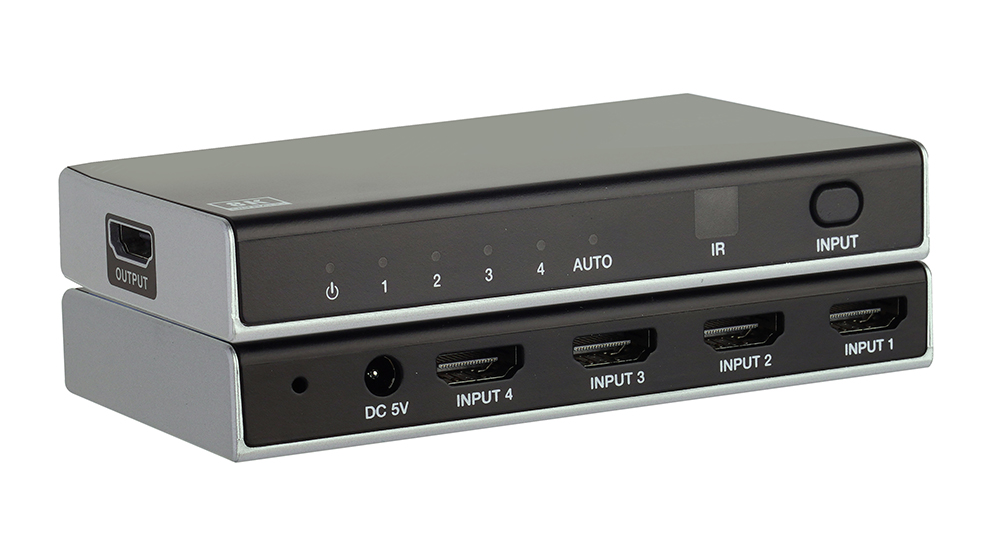
The SW-4X18K switches four HDMI 2.1 sources to one display at up to 8K@60Hz 4:4:4 or 4K@120Hz 4:4:4, by front button, IR remote or auto-switch.
KanexPro sells direct to dealers, resellers, installers and integrators, and through distribution. Whichever way you buy, the same engineers answer the phone.
The trade store: your own account, live stock, reordering, and a first look at new products.
Go to the trade store →Distribution and authorised resellers across the US and beyond.
See where to buy →Design help on extenders, matrix and AV over IP before you spec it.
Ask an engineer →