Features & Configuration: CEC Display Management
Overview Consumer Electronics Control (CEC) allows the FLEX Matrix to send power and input commands to connected HDMI displays without requiring a…


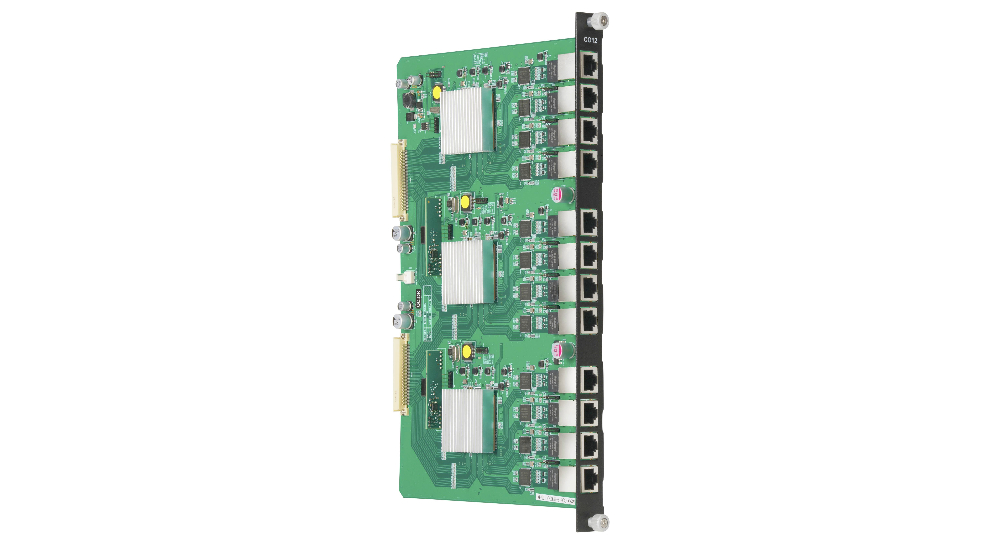
Overview Consumer Electronics Control (CEC) allows the FLEX Matrix to send power and input commands to connected HDMI displays without requiring a…
Overview The KanexPro FLEX Matrix is purpose-built for high-density display environments — sports bars, hospitality venues, command centers, and…
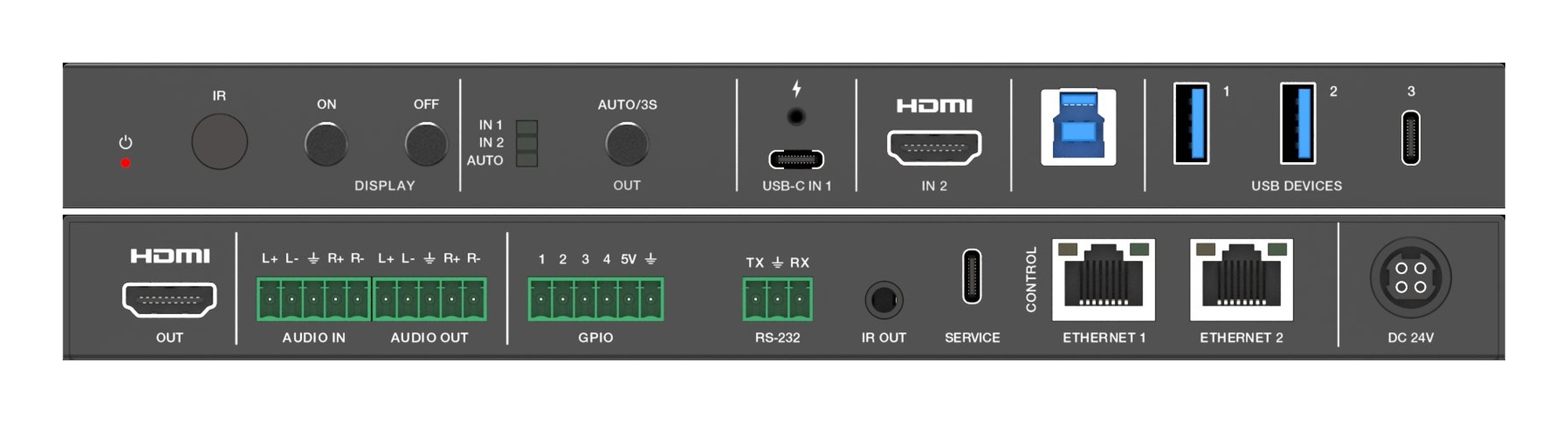
Overview KanexPro Huddle Room Switchers are compact BYOD presentation devices for small conference rooms. They accept USB-C and HDMI laptop inputs…

Not in Dante Controller: check the LINK LED and subnet. Silent: check subscription, sample rate, gain. Dropouts: raise latency, disable EEE, set QoS.
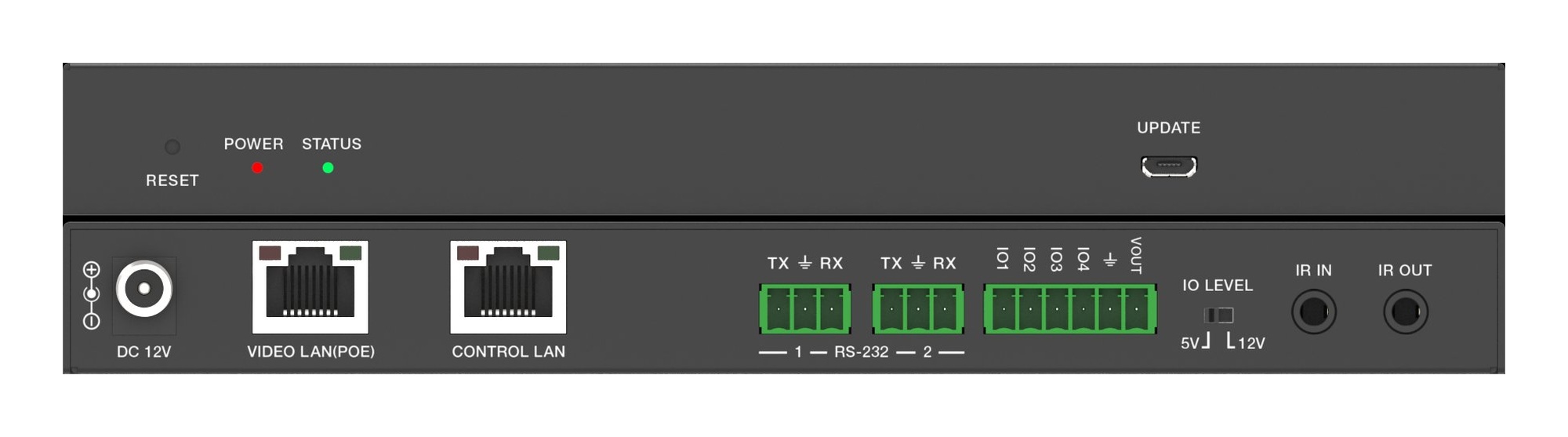
JPEG2000, H.265 and SDVoE differ in network and latency; the AVO-IPCTL-JP2K takes 762 encoder and 762 decoder IDs and walls up to 9×9.
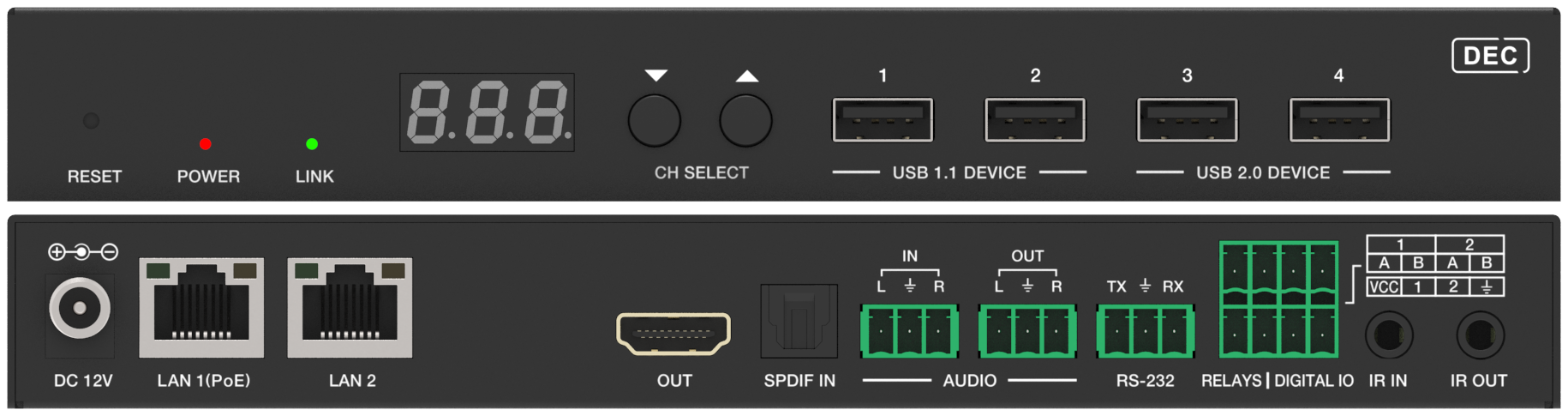
The KanexPro H.265 range: AVO-IP265-4K for 4K60, separate 1080p60 encoders and decoders, and a KVM pair for operator control, over a 1G network.
AV over IP needs a managed switch: IGMP snooping and a querier on the AV VLAN, flow control off, the right port speed and jumbo frames where required.
AV over IP carries HDMI video and audio over a managed Ethernet switch: encoders at the sources, decoders at the displays, routing in software.
Overview If a KanexPro AV over IP decoder is showing no signal, a black screen, or a frozen image, work through the steps below in order. Most issues…
Overview The KanexPro JPEG2000 AV over IP family delivers visually lossless 4K60 video distribution over standard 1G Ethernet. Using the ISO/IEC…
Overview Video wall mode distributes a single source image across multiple displays arranged in a grid, with each decoder rendering its assigned…
H.265 AV over IP suits digital signage: each encoder multicasts one content channel to any number of decoders over a managed 1G switch.
KanexPro sells direct to dealers, resellers, installers and integrators, and through distribution. Whichever way you buy, the same engineers answer the phone.
The trade store: your own account, live stock, reordering, and a first look at new products.
Go to the trade store →Distribution and authorised resellers across the US and beyond.
See where to buy →Design help on extenders, matrix and AV over IP before you spec it.
Ask an engineer →