Application Notes: Huddle Room Deployment
Overview This guide covers deploying KanexPro COL-HUD switchers in small BYOD conference rooms — typically 2–8 people with one or two displays…

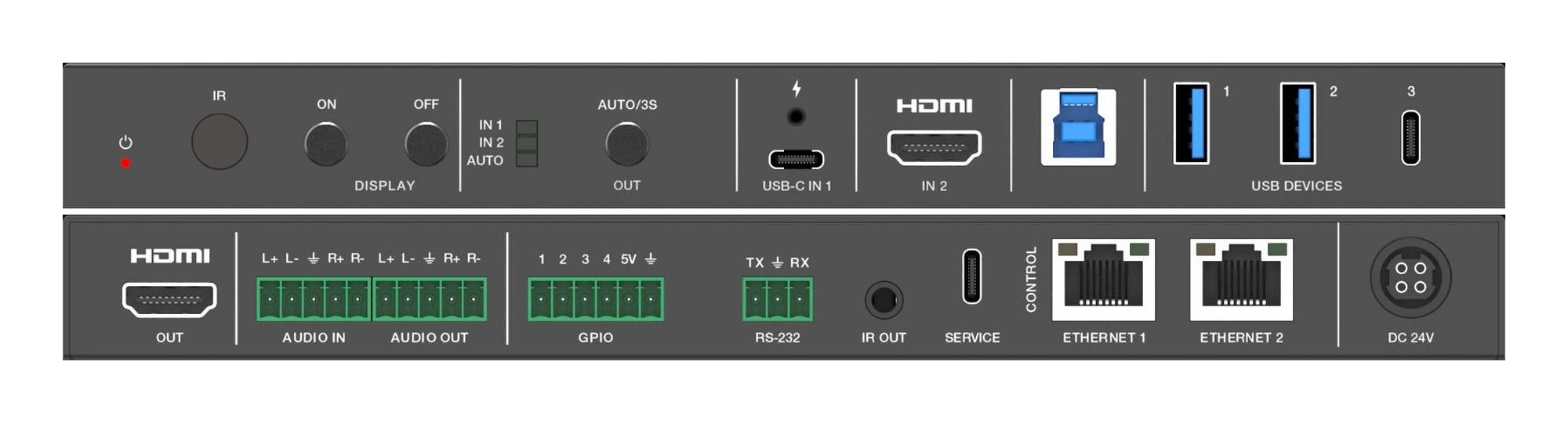
Overview This guide covers deploying KanexPro COL-HUD switchers in small BYOD conference rooms — typically 2–8 people with one or two displays…
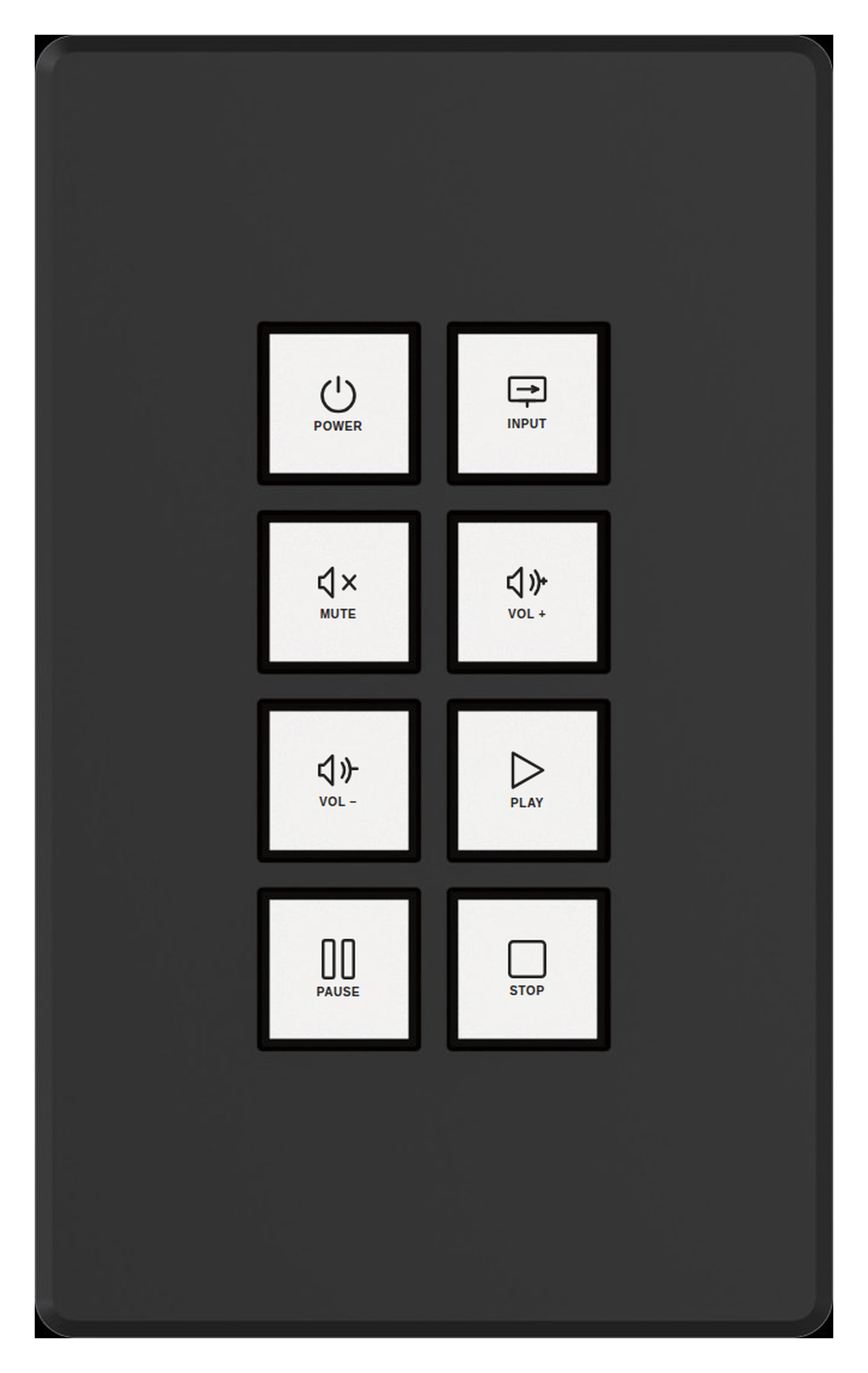
Overview The FLEX chassis is fully managed via a web-based GUI accessible over the local network. It also supports RS-232 control, TCP/IP control…
Overview This guide covers deploying KanexPro Presentation switchers in medium-to-large conference rooms where multiple BYOD and legacy sources need…
Dante USB & USB-C Audio Interfaces AUD-DTE-USB · AUD-DTE-USBC — Bidirectional computer audio to Dante The AUD-DTE-USB and AUD-DTE-USBC bridge a…
Full SKU guide — find the right Dante device for your application KanexPro offers a complete Dante audio line under the AUD-DTE- prefix. All products…
Overview The FLEX chassis supports Quad View mode — displaying up to four independent sources simultaneously on a single display output in a divided…
Overview KanexPro Video Wall Controllers distribute a single source image across multiple displays in a tiled layout. Three models are available…
Overview KanexPro control extenders and expanders add additional I/O ports to the control system — either as a standalone IP-based controller for…
Overview This guide covers a typical full-room AV control deployment using KanexPro Controls products — combining a central processor, wall keypads…
Overview If a KanexPro control device (processor, expander, keypad, or touch panel) is not responding to commands or not appearing on the network…
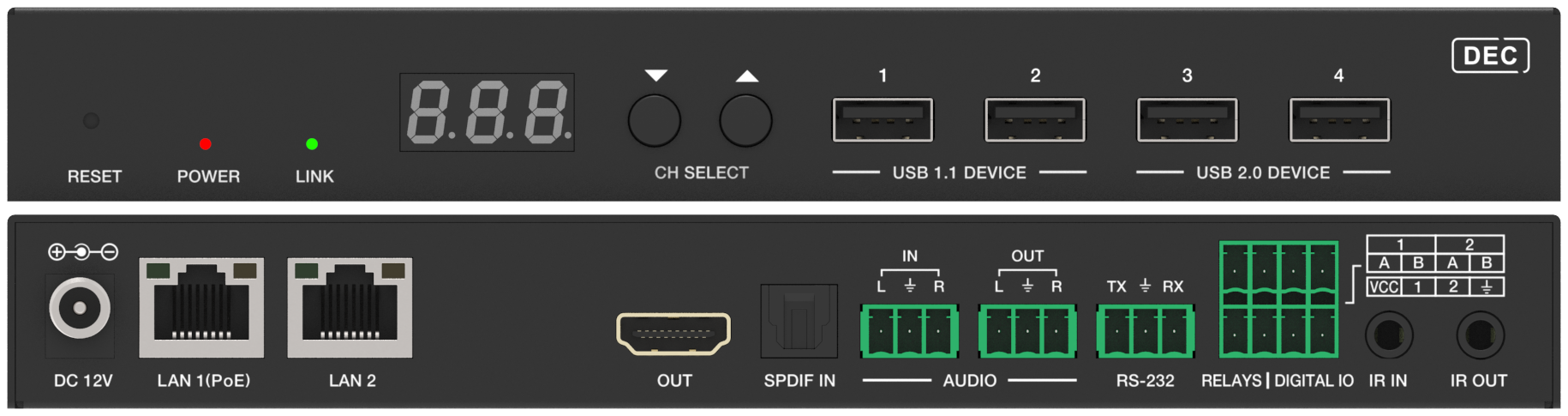
Matrix for small rooms without IT support; matrix or SDVoE for broadcast and latency-critical work; AV over IP for large or growing systems.
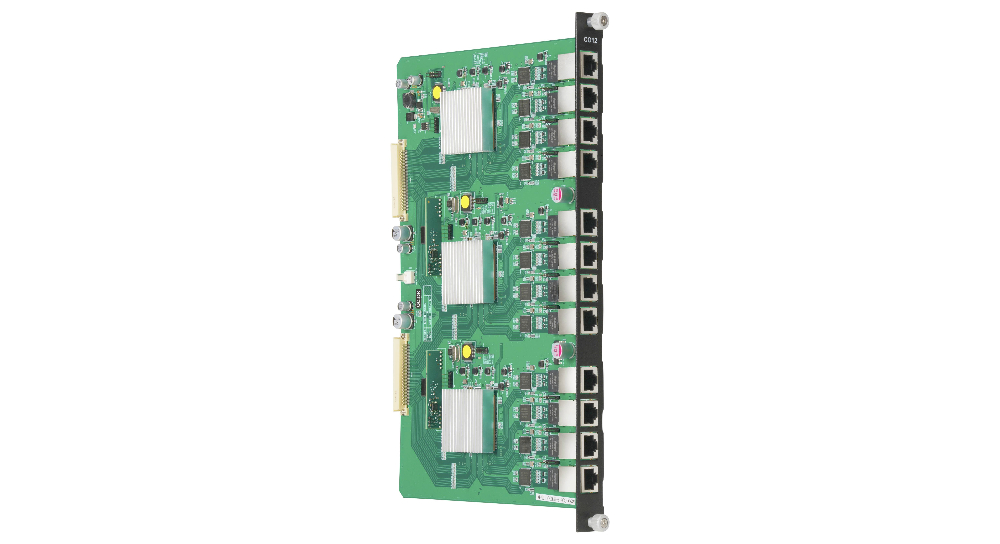
Overview This guide covers physical installation of the FLEX chassis, card installation sequence, power-up procedure, and cabling best practices…
KanexPro sells direct to dealers, resellers, installers and integrators, and through distribution. Whichever way you buy, the same engineers answer the phone.
The trade store: your own account, live stock, reordering, and a first look at new products.
Go to the trade store →Distribution and authorised resellers across the US and beyond.
See where to buy →Design help on extenders, matrix and AV over IP before you spec it.
Ask an engineer →