Application Notes: Dante in Corporate AV Installations
Boardrooms, conference rooms, campuses, lobbies — real-world deployment scenarios Corporate AV is among the most practical deployment target for…


KanexPro AV over IP Controllers provide centralized matrix-style routing control for JPEG2000, H.265, and SDVoE encoder/decoder systems. They enable source-to-display routing via a web GUI, REST API, TCP/IP, or RS-232 — and integrate with third-party control systems including Crestron, AMX, Savant, and Control4.
| SKU | Compatible With | Description |
|---|---|---|
| AVO-IPCTL-JP2K | JPEG2000 | Matrix control, REST API, RS-232, 9×9 video wall |
| AVO-IPCTL-265 | H.265 4K | Matrix control, REST API, RS-232 |
| AVO-IPCTL-265HD | H.265 HD | Matrix control, REST API, RS-232 |
| AVO-IPCTL-SDV | SDVoE | Matrix control, REST API, RS-232 |
The web GUI displays a matrix grid where rows represent sources (encoders) and columns represent destinations (decoders). Click any intersection to route that source to that display. Changes take effect immediately.
All routing functions are available via HTTP REST API. The API uses JSON and requires no authentication by default (configure access control in the web GUI if needed).
http://<controller-ip>/api/v1
POST /route
{ "encoder": "ENC_01", "decoder": "DEC_03" }GET /devices
Returns a list of all discovered encoders and decoders with their IP addresses, names, and current routing status.
GET /routes
Returns all current encoder-to-decoder assignments.
POST /videowall
{ "layout": "3x3", "decoders": ["DEC_01","DEC_02","DEC_03","DEC_04","DEC_05","DEC_06","DEC_07","DEC_08","DEC_09"], "bezel": {"h": 3.5, "v": 5.0} }The controller accepts RS-232 commands via the rear panel DB9 connector. Baud rate: 115200, 8N1.
| Command | Function | Example |
|---|---|---|
| ROUTE | Route encoder to decoder | ROUTE ENC_01 DEC_03\r |
| STATUS | Get routing status | STATUS\r |
| WALL | Set video wall layout | WALL 3x3\r |
| PRESET SAVE | Save current routing as preset | PRESET SAVE 1\r |
| PRESET LOAD | Load saved preset | PRESET LOAD 1\r |

Boardrooms, conference rooms, campuses, lobbies — real-world deployment scenarios Corporate AV is among the most practical deployment target for…
Setup Guide Configuring Your Network Switch for Dante Required switch settings for all KanexPro AUD-DTE- Dante products Dante requires a managed…
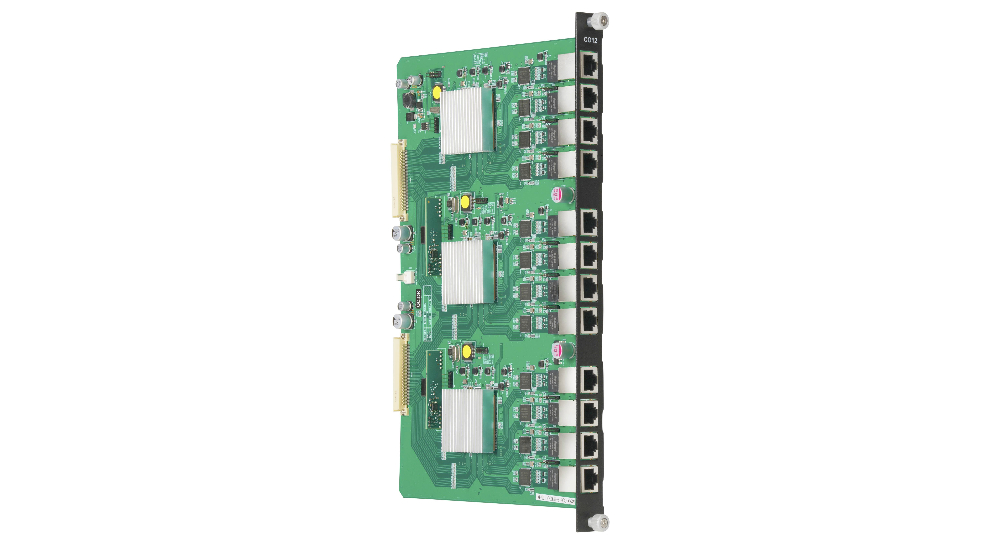
No Signal on an Output Verify the output card is fully seated in the chassis slot — remove and re-seat if uncertain. Confirm the source is active and…
KanexPro sells through distribution and a dealer network. Whichever way you buy, the same engineers answer the phone.
Our distribution and reseller partners across the US and beyond.
See partners →Dealer pricing, stock and reordering on your own account.
Go to the trade store →Design help on extenders, matrix and AV over IP before you spec it.
(888) 975-1368 →